Best Compact Mechanical Keyboards for Small Desk Setups in 2026
Disclosure: This post contains affiliate links. We may earn a commission at no extra cost to you.
If you’re working with a small desk setup, you already know how much every inch matters. A bulky keyboard can take up way too much real estate, leaving little room for your mouse, notebook, or that cup of coffee you definitely need. That’s where compact mechanical keyboards come in, and in 2026, the options are better than ever. Whether you’re a remote worker trying to keep things tidy, a student sharing a cramped dorm desk, or just someone who likes a cleaner workspace, there’s a compact mechanical keyboard out there that fits your life perfectly. These smaller boards (think 60%, 65%, and 75% layouts) pack a serious punch without hogging your desk. In this guide, we’re covering some of the most exciting, practical, and surprisingly capable compact mechanical keyboards available right now. From budget-friendly picks to premium boards with satisfying tactile feedback, you’ll find something worth considering no matter what kind of typist you are. Let’s dig in.
Disclosure: As an Amazon Associate we earn from qualifying purchases. Prices and availability shown are accurate as of the date of publication and may change.
Quick comparison
How to choose
Switch Type and Feel
Mechanical switches vary widely in tactile bump, actuation force, and sound, so matching the switch to your typing or gaming style matters more than brand. Linear switches (like red variants) are smooth and quiet, while tactile switches offer a bump you can feel without a loud click. If you are unsure or want to experiment over time, look for hot-swappable boards that let you pull and replace switches without soldering.
Profile Height and Keycaps
Low-profile keyboards sit noticeably closer to the desk, which can reduce wrist strain for some users and pair better with thin desk setups or laptop-style workflows. Standard-height boards with MDA or similar keycap profiles feel different under the fingers and may suit typists who prefer a pronounced key dish. Consider whether you want to swap keycaps later, since non-standard profiles can make finding aftermarket sets harder.
Connectivity Options
Some boards in this category are wired only, while others support Bluetooth, 2.4GHz wireless, or all three modes. If you move the keyboard between a desktop and a laptop or need a clutter-free cable setup, tri-mode or Bluetooth connectivity is worth prioritizing. Battery capacity varies significantly across wireless options, so check whether the board will need frequent charging given how you plan to use it.
Mounting Style and Sound
Gasket-mounted and top-mounted keyboards absorb keystroke impact differently, which directly shapes the sound and typing feel you experience all day. Gasket mounting tends to produce a softer, more cushioned sound signature, while top-mount designs are generally firmer and crisper. If desk acoustics or a quiet office environment matter to you, factor in both the mounting style and whether the switches are pre-lubed or marketed as silent.
Extra Features vs. Simplicity
Features like OLED or smart display screens, volume knobs, and per-key RGB add convenience but also increase cost and complexity. A knob is genuinely useful for quick volume or media control without leaving your home row, while a display screen is more of a novelty for most users. Weigh the full feature set against what you will realistically use daily so you are not paying for extras that sit unused on a small desk.
The picks
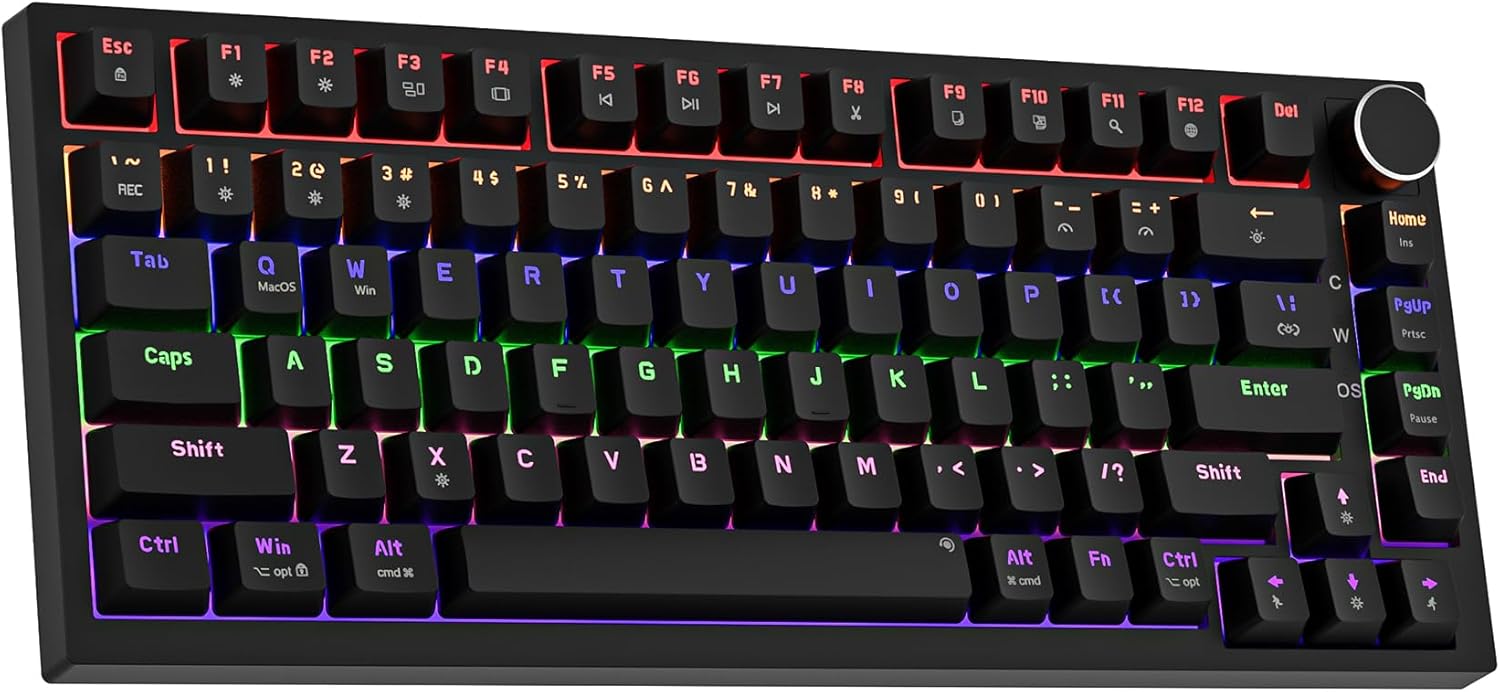
Newmen GM326 Mechanical Keyboard,75% Percent Gaming Keyboard,Wired Keyboard | Mechanical Keyboard,75% Percent Gaming Keyboard,Wired,Backlit,Hot Swappable,Compact,Mini,Black,PC Keyboards,Knob,Red Switch
Budget-focused students or casual users wanting a functional compact keyboard without spending much.
Hot swap support for 3-pin switches lets users swap out switches without soldering, a feature not always found at this price tier.
This is the least expensive pick here, and the rainbow LED system and build quality reflect that budget positioning.
Budget
- Hot swappable 3-pin switch support
- Detachable USB-C cable
- 20 backlight modes with 6 colors
- Budget build quality
- No wireless option
The most affordable entry on this list with hot swap included, ideal for beginners who want to experiment with switches.
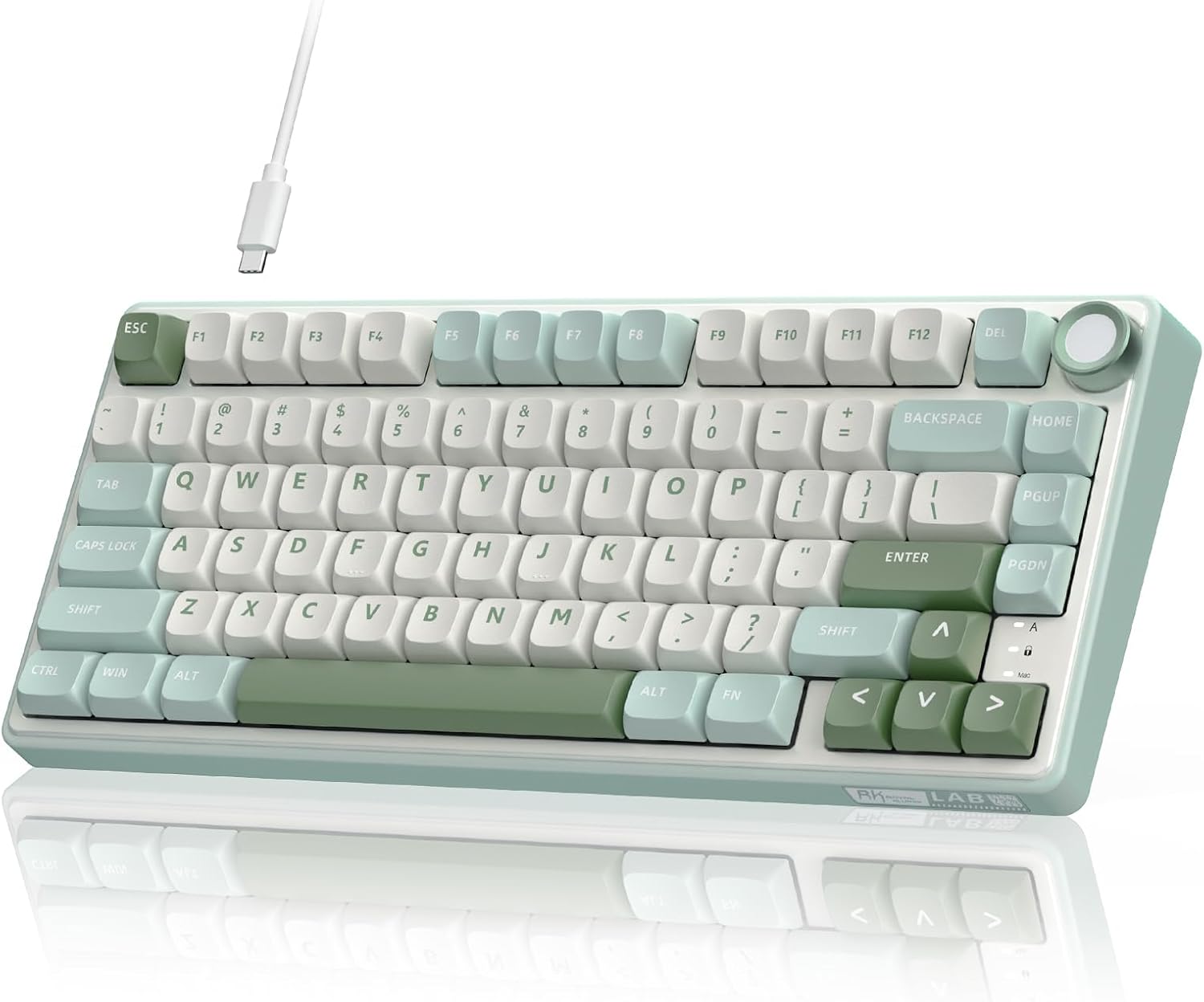
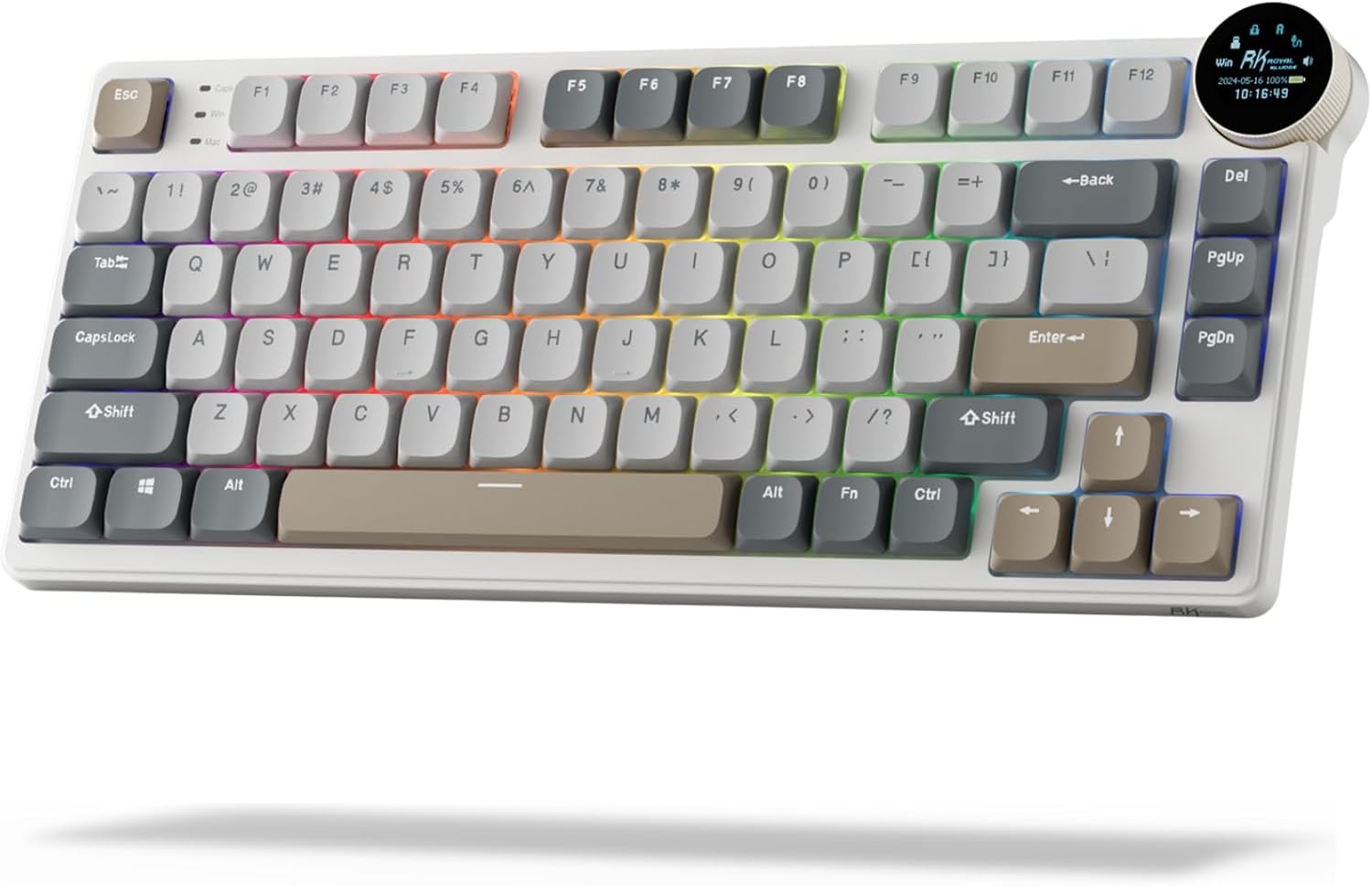
Buy on AmazonRK ROYAL KLUDGE R75 Mechanical Keyboard Wired with Volume Knob, 75% Keyboard Gasket Mounted, RGB Backlit, Creamy Keyboard with MDA Profile, PBT Keycaps, Hot Swappable Pre-lubed Tactile Switch
Desk-conscious typists and gamers who want a premium feel without wireless complexity.
Gasket mount construction with IXPE switch dampener, dual foam layers, and silicone pad delivers exceptional sound dampening rare at this price point.
Wired only, so cable management remains a concern on small, tidy desk setups.
Mid-range
- Gasket mount with multiple dampening layers
- CNC aluminum volume knob
- Hot swappable pre-lubed switches
- Wired only
- No wireless flexibility
A sound-dampened, customizable 75% workhorse for those who prefer a wired connection and tactile typing satisfaction.
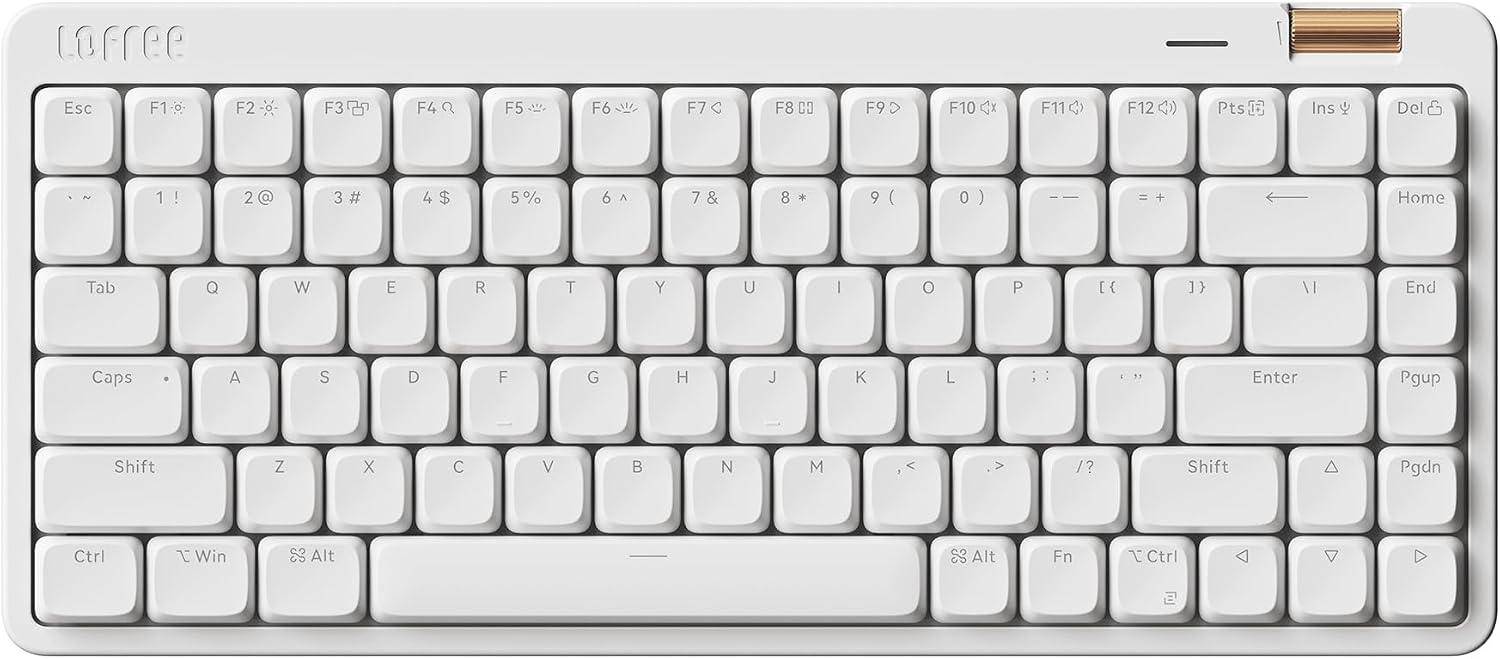
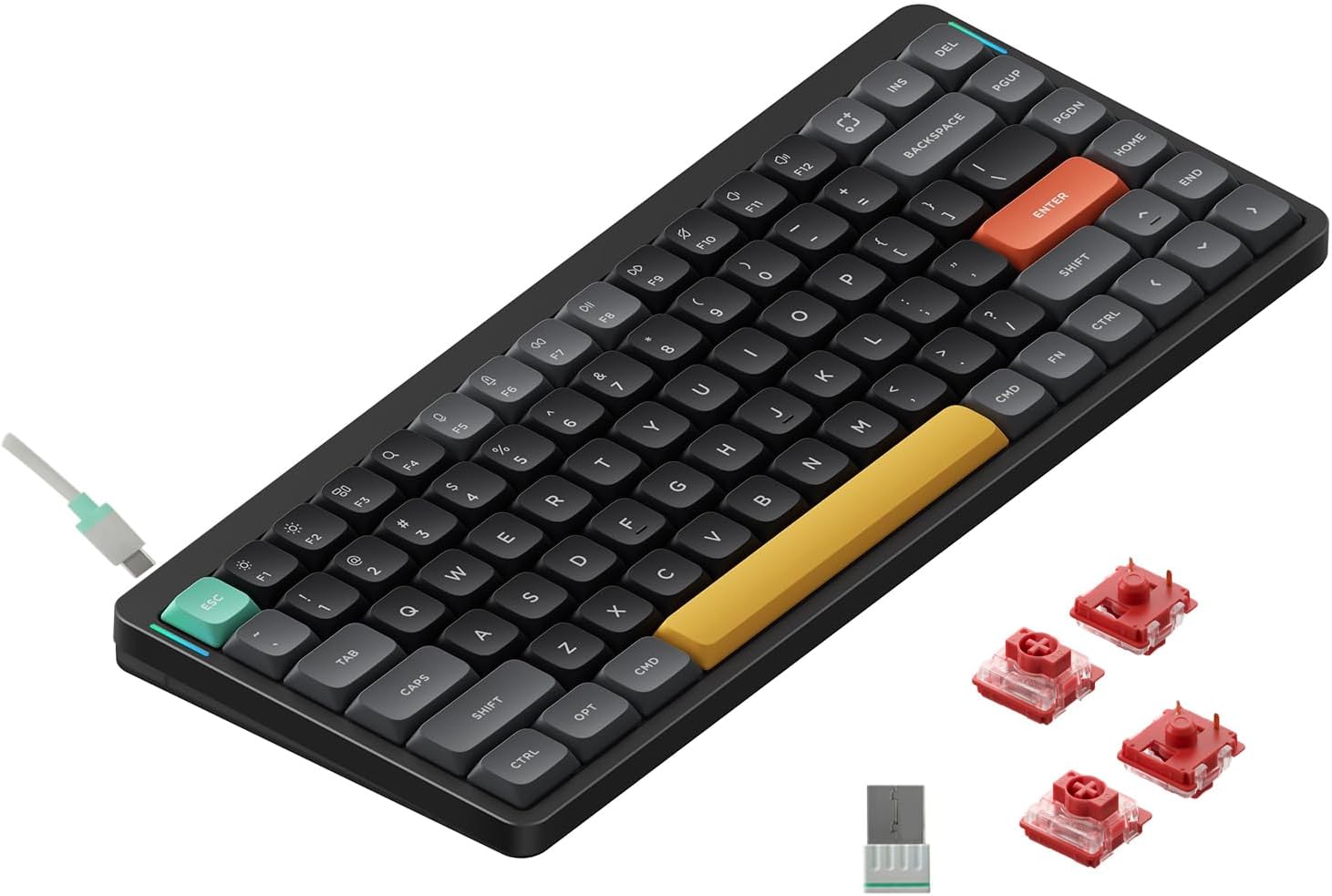
Buy on AmazonFlow Lite 84 Keys Low Profile Mechanical Keyboard, 75% Swappable Rechargeable Wireless Keyboard with 2.4G Receiver, Bluetooth and Wired Connection for Windows, Mac/Specter Linear Switches (Off-White)
Laptop users and writers who prioritize wrist comfort and slim profiles across multiple devices.
Low-profile Specter Full POM linear switches combined with a lower front height are specifically engineered to reduce wrist strain during long typing sessions.
This is the priciest pick on this list, and the body is ABS plastic rather than aluminum.
Premium
- Genuine low-profile wrist-friendly design
- Tri-mode connectivity (2.4G, Bluetooth, wired)
- Rechargeable wireless with 84-key compact layout
- ABS body instead of aluminum
- Most expensive on this list
The most ergonomic low-profile option here, though you pay a premium for a plastic chassis.
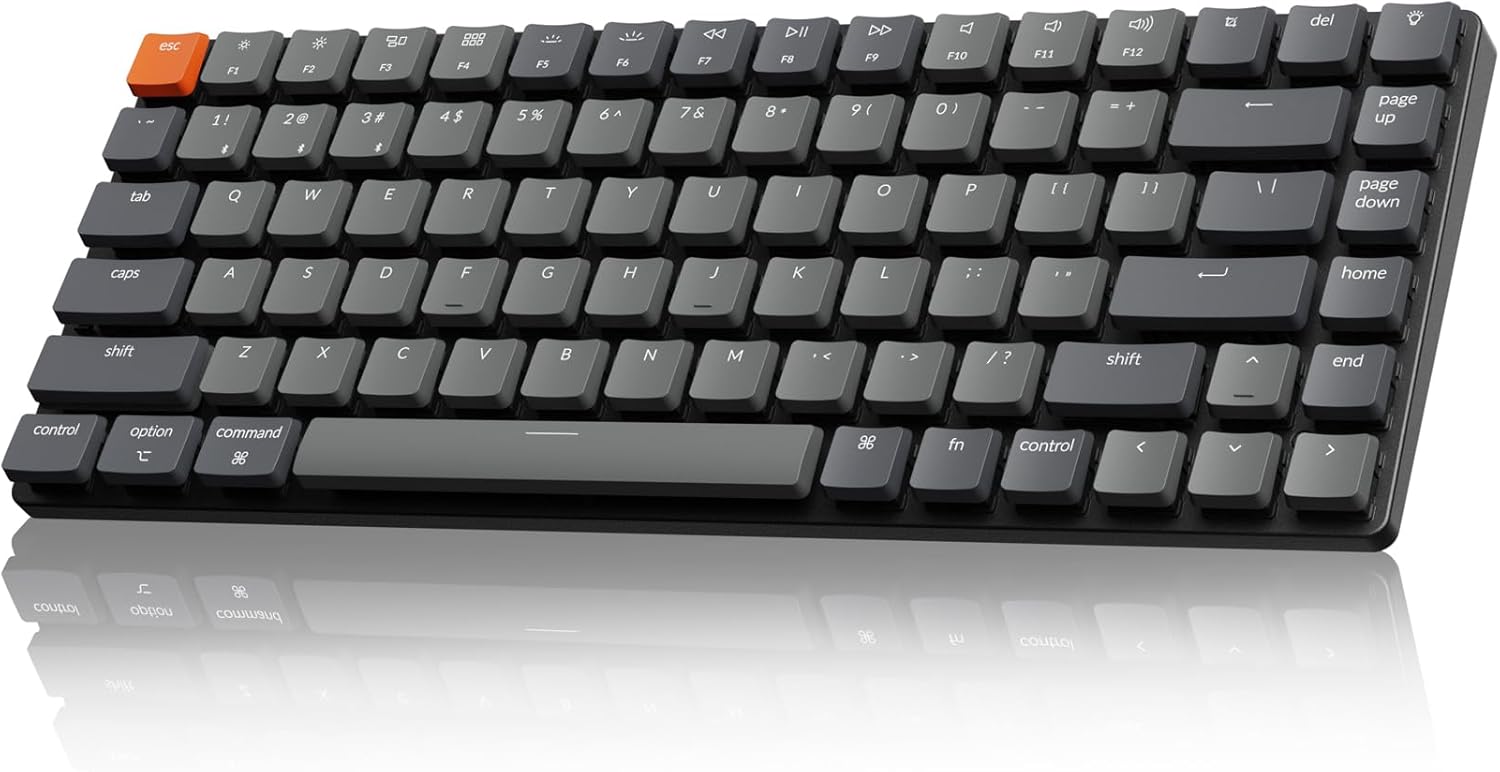
Buy on AmazonKeychron K3 Version 2 QMK 75% Wireless Low-Profile Mechanical Keyboard | Bluetooth 5.1 for 3 devices, USB-C wired, Keychron Launcher, White LED backlight, Brown switches, Compatible with Mac Windows
Mac power users and multi-device professionals who need reliable wireless switching.
Broadcom Bluetooth 5.1 chipset enables stable pairing across three devices simultaneously, with a dedicated Mac layout and full QMK firmware support.
White LED backlight only, so there is no RGB color customization available.
Mid-range
- Bluetooth 5.1 three-device pairing
- QMK firmware support
- Mac layout with Windows compatibility
- White LED only, no RGB
The top pick for Mac users who juggle multiple devices and want open-source firmware flexibility.
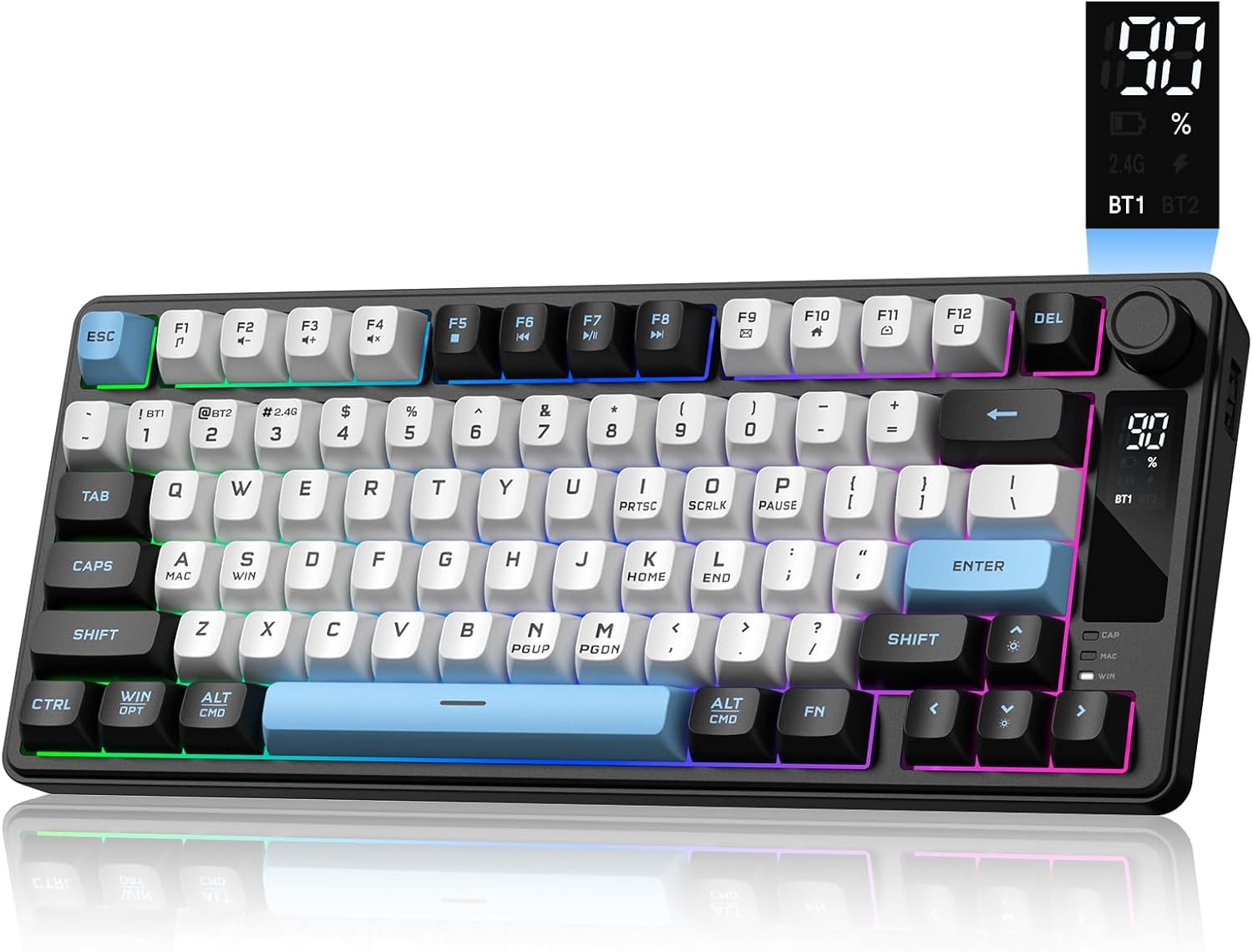
Buy on AmazonRK ROYAL KLUDGE N80 Low Profile Mechanical Keyboard w/Smart Display Screen | 75% Top Mount 3-Modes Wireless Mechanical Keyboard with Knob, Software Support, Massive Battery, Custom Switch, Retro Grey
Tech enthusiasts and gamers who want a feature-packed wireless keyboard with a unique smart display.
The integrated smart display screen shows custom GIFs, date, connection mode, battery status, and layout in real time, a genuinely distinctive feature for desk setups.
Low-profile switches mean shorter travel, which some tactile typists may find less satisfying than standard-height switches.
Mid-range
- Smart display screen with custom GIF support
- Tri-mode wireless connectivity
- Large battery with knob control
- Low-profile travel may not suit all typists
A standout choice for anyone who wants maximum at-a-glance information and wireless versatility on a compact keyboard.
Buy on AmazonNuPhy Air75 V2 Portable 75% low profile Mechanical Keyboard,Wireless Keyboard,Supports Bluetooth/2.4G/USB-C RGB Bluetooth Keyboards,Compatible with Windows/Mac OS/Linux Systems-Gateron Cowberry Switch
Design-conscious users who want a visually striking keyboard compatible with Windows, Mac, and Linux.
High-quality aluminum frame combined with a translucent bottom shell exposes the internal structure for a unique aesthetic that stands out on any desk.
Competitively priced but sits toward the higher end of the set, which may be hard to justify over rivals with more padding or display features.
Mid-range
- Aluminum frame with translucent bottom shell
- Tri-mode wireless (Bluetooth, 2.4G, USB-C)
- Compatible with Windows, Mac, and Linux
- Fewer premium dampening features than gasket-mount rivals
The most aesthetically distinctive pick here, pairing an aluminum build with a see-through base and broad OS compatibility.
Buy on AmazonDK75 75% Wireless Gaming Keyboard, Creamy Computer Keyboards, Black | Tri-Mode 2.4GHz/USB-C/BT5.0 Silent Membrane Keyboard, RGB Backlit, OLED Screen, Media Knob, Anti-Ghosting, Mac/Windows
Office workers or students in shared spaces who need quiet keys and wireless flexibility on a tight budget.
Silent membrane switches paired with tri-mode connectivity and an OLED screen give a surprisingly rich feature set for a keyboard at this price.
Silent membrane switches do not deliver the tactile or auditory feedback that mechanical keyboard enthusiasts typically seek, despite the mechanical-inspired styling.
Budget
- Silent membrane switches for quiet operation
- OLED screen with media knob
- Tri-mode wireless connectivity
- Not a true mechanical keyboard
- Membrane feel disappoints enthusiasts
A quiet, feature-rich option for shared spaces, though purists will note it is not a true mechanical keyboard.
Buy on AmazonFinding the right compact mechanical keyboard can make a real difference in how comfortable and functional your small desk setup feels. Whether you are drawn to a minimalist 60% layout or something with just a bit more key coverage, there is genuinely something on this list for every preference and budget. Take your time browsing the options, and if one of them caught your eye, it might be worth clicking through to learn more. A smaller keyboard can open up a surprising amount of desk space without sacrificing the typing feel you love. Thanks for reading, and happy typing!
Frequently asked questions
What does a 75% layout actually leave out compared to a full-size keyboard, and will I miss those keys?
A 75% layout removes the numpad and the dedicated navigation cluster found on full-size boards, but it keeps function keys, arrow keys, and most shortcut keys crammed into a tighter column on the right side. For writers, coders, and general office users this trade-off works well because the missing keys are rarely touched during typical workflows. Number-heavy tasks like accounting spreadsheets are where the absent numpad tends to get noticed most. All of the keyboards in this lineup use that 75% arrangement, so measuring your available desk space against a board roughly 13 to 14 inches wide will tell you quickly whether the footprint fits your setup.
How difficult is it to swap switches on a hot-swappable mechanical keyboard, and do you need soldering skills?
Hot-swappable sockets let you pull out and replace individual switches using a small switch puller tool, no soldering required at all. The process takes a few minutes per switch once you have the tool, making it practical to experiment with tactile, linear, or clicky switches without buying a whole new board. The RK Royal Kludge R75 and the Newmen GM326 both include hot-swap support, so you can start with the stock switches and upgrade later as your preferences develop. The main thing to watch is socket compatibility: most hot-swap boards accept standard MX-footprint switches, but low-profile boards like the NuPhy Air75 V2 require low-profile switches specifically.
Which of these keyboards are genuinely usable across Mac and Windows without remapping headaches?
The Keychron K3 V2 and the NuPhy Air75 V2 are both built with cross-platform use as a core feature, shipping with dedicated Mac and Windows keycap sets and physical or software-based layout toggles. The Flow Lite 84 also lists Mac and Windows compatibility in its spec sheet. Keyboards that rely purely on Windows-centric layouts can require manual remapping of the Command, Option, and Function key positions when switching operating systems, which adds friction for users who move between machines daily. If you regularly switch between a Mac and a PC, prioritizing a board that includes both keycap sets in the box saves time out of the gate.
How does battery life compare between these wireless options, and which connectivity mode drains the battery fastest?
Battery capacity varies meaningfully across these boards: the RK Royal Kludge N80 advertises a large battery designed for extended use, while slimmer low-profile boards like the NuPhy Air75 V2 and the Keychron K3 V2 trade some capacity for a thinner chassis. RGB backlighting is consistently the largest battery drain regardless of the board, and turning it off or dimming it can extend runtime significantly on any wireless model. The 2.4GHz wireless mode used by the Flow Lite 84 and the NuPhy Air75 V2 can draw more power than Bluetooth, though it often delivers lower latency in return. For a small desk setup where a USB cable is always nearby, using wired mode when the battery runs low is a practical fallback that all of the multi-mode boards here support.
Are low-profile mechanical keyboards a good fit for people who type for long hours, or are standard-height switches more comfortable?
Low-profile boards like the Keychron K3 V2, the Flow Lite 84, and the NuPhy Air75 V2 sit closer to the desk surface, which can reduce wrist extension and may feel more natural for users who prefer a flatter typing angle or already use a thin laptop keyboard. Standard-height boards such as the RK Royal Kludge R75 give more key travel per stroke, which some typists find satisfying and easier to feel without looking down. Comfort is individual enough that neither profile is universally better, but people transitioning from laptop keyboards often adapt to low-profile boards faster. If you have not typed on mechanical switches before, checking the specified travel distance in the product listing helps set expectations about how different the feel will be from your current keyboard.