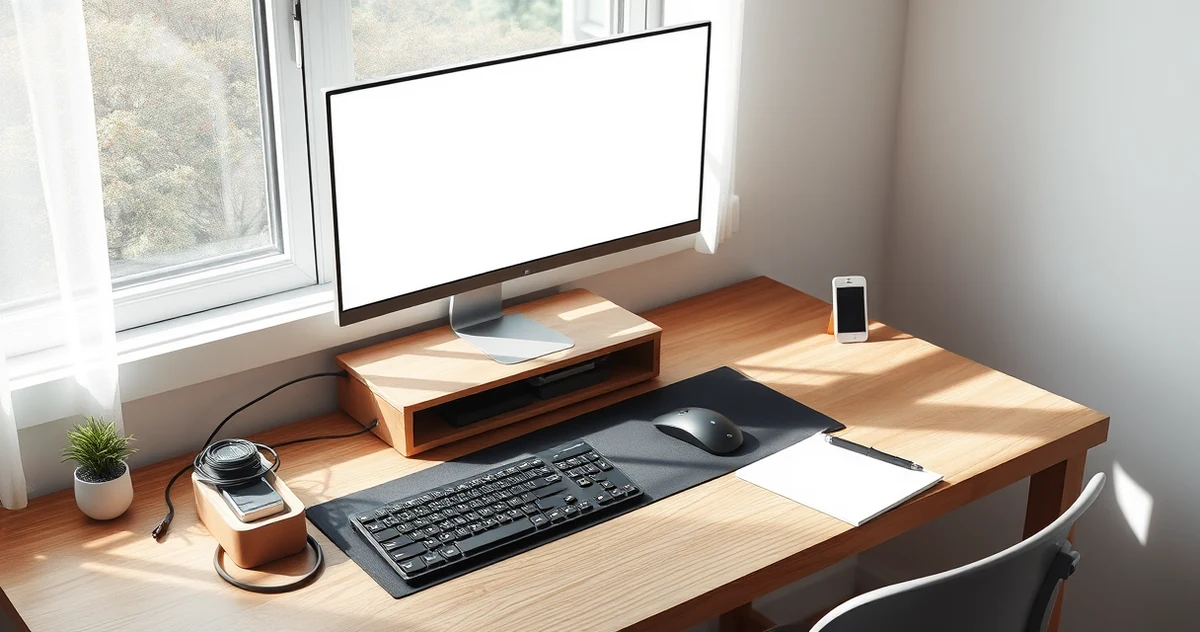
Desk Setup Accessories: Choose the Right Fix for a Cluttered Workspace
Disclosure: This post contains affiliate links. We may earn a commission at no extra cost to you.
A useful desk upgrade solves a specific problem: a low laptop screen, cables underfoot, or small items occupying your working area. You do not need all seven accessories from a shopping list. Start with the task that currently makes your desk awkward to use.
This guide compares the purpose and fitting requirements of existing product listings. It does not claim hands-on testing or promise that an accessory will prevent pain.
Choose by the problem on your desk
| Problem | First step | Possible purchase |
|---|---|---|
| Laptop display sits too low | Check screen and keyboard positions together | Laptop stand with separate keyboard and mouse |
| Cables occupy the floor | Plan a cable route and measure the desk edge | Clamp-on cable tray |
| Pens and small tools cover the desk | Remove unused items first | Small desk organizer |
| Phone occupies working space | Decide whether it needs to stay visible | Phone stand |
| Headphones have no storage spot | Check for a suitable mounting surface | Headphone hanger |
For prolonged laptop work, consider the screen and input devices as a whole. Raising the laptop also raises its built-in keyboard. OSHA’s workstation purchasing guide discusses laptop input limitations and equipment adjustability. Its monitor guidance recommends placing the screen in front of you with the top at or slightly below eye level, allowing for individual viewing needs.
Practical accessories to consider
BESIGN LS03 Laptop Stand
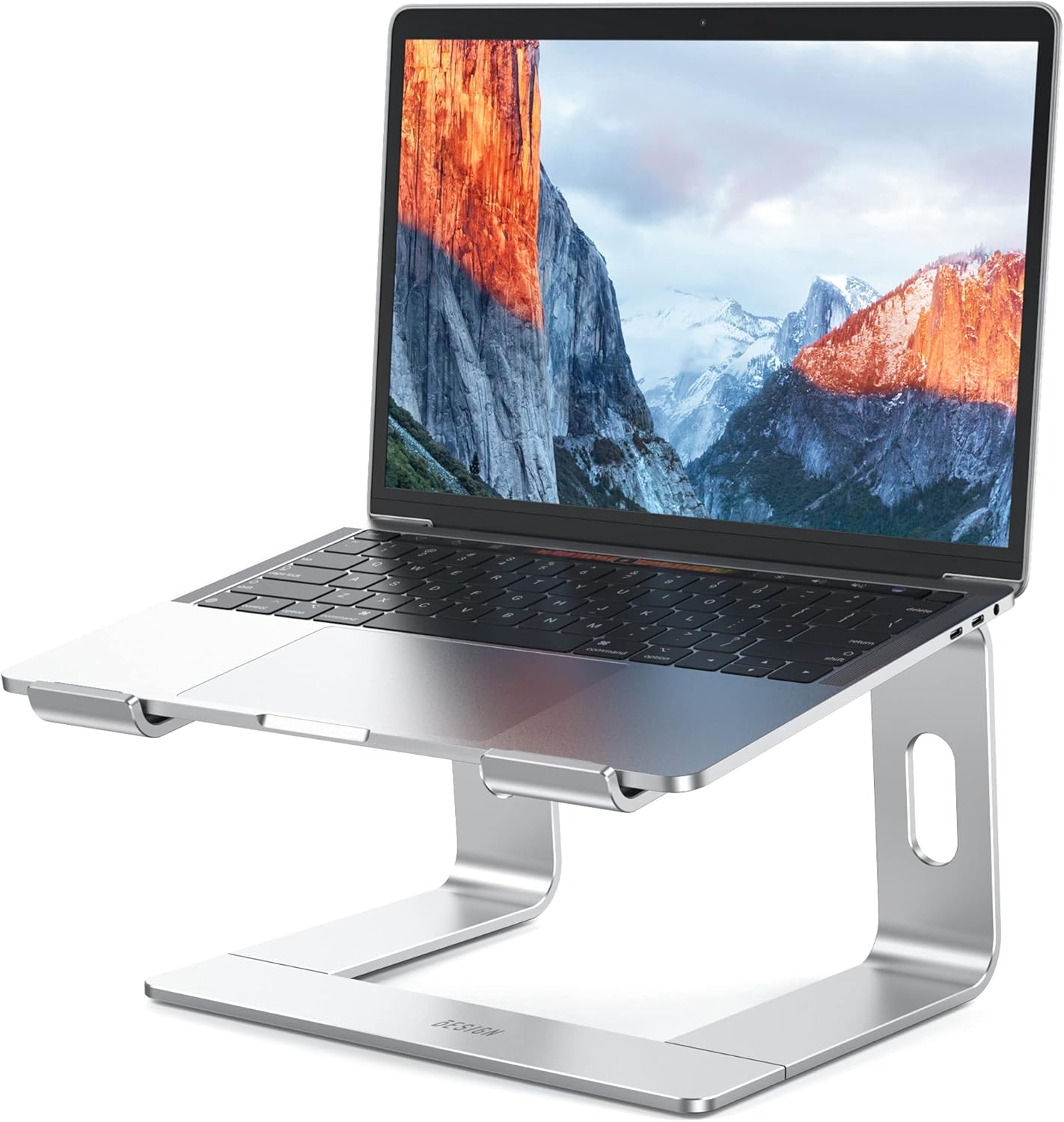
Laptop users who also have a separate keyboard and mouse.
The listing describes a stand for supported laptop sizes; it can separate screen placement from typing position.
Check your laptop dimensions, stand footprint and desired height. A fixed stand is less adjustable than a monitor arm.
SKYDUE Desk Pen Organizer
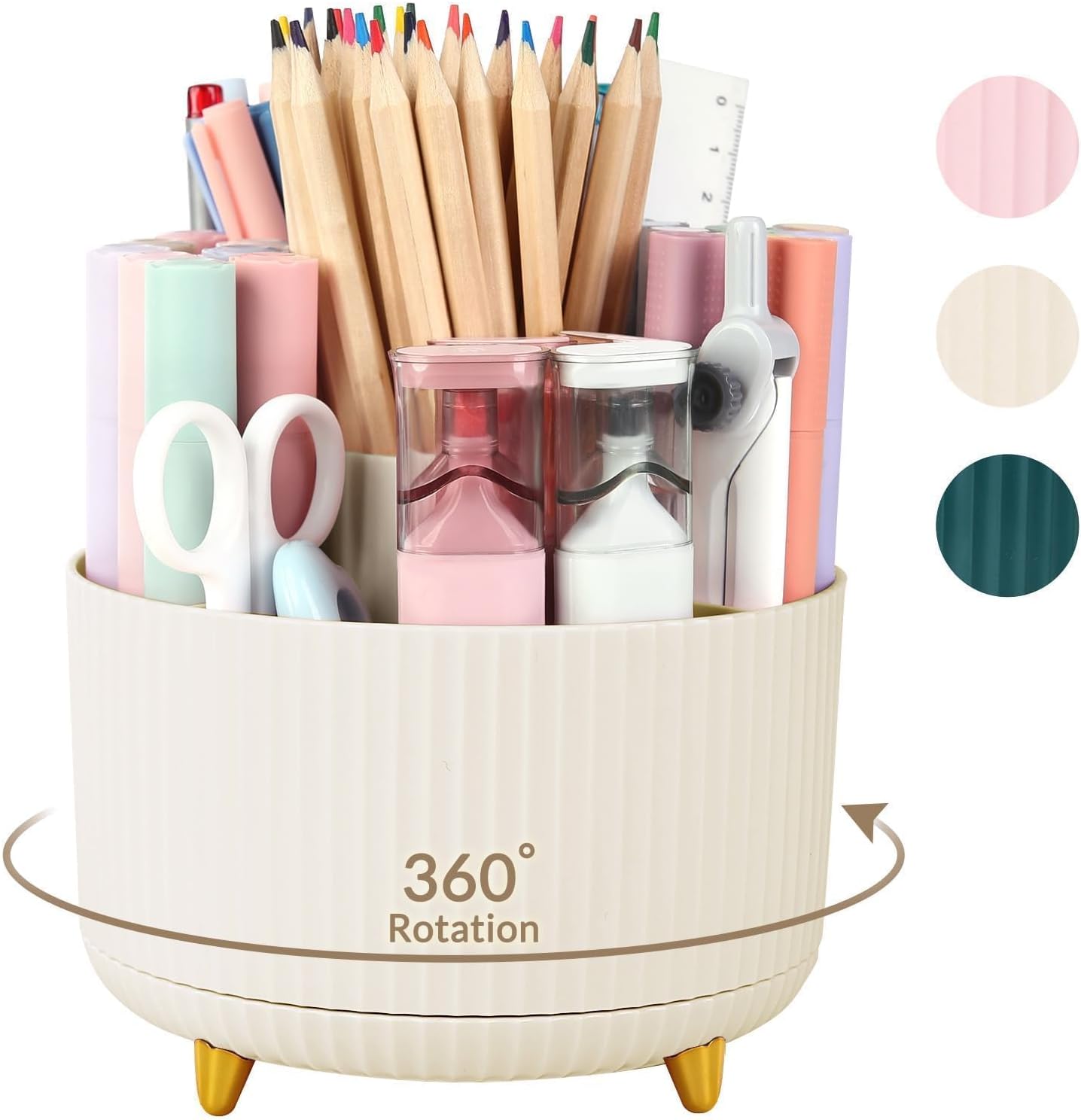
People whose pens and small tools occupy the main working area.
Separate compartments give frequently used items a defined place.
Measure the footprint first; an organizer adds clutter if it holds items you do not use.
Lamicall Acrylic Phone Stand
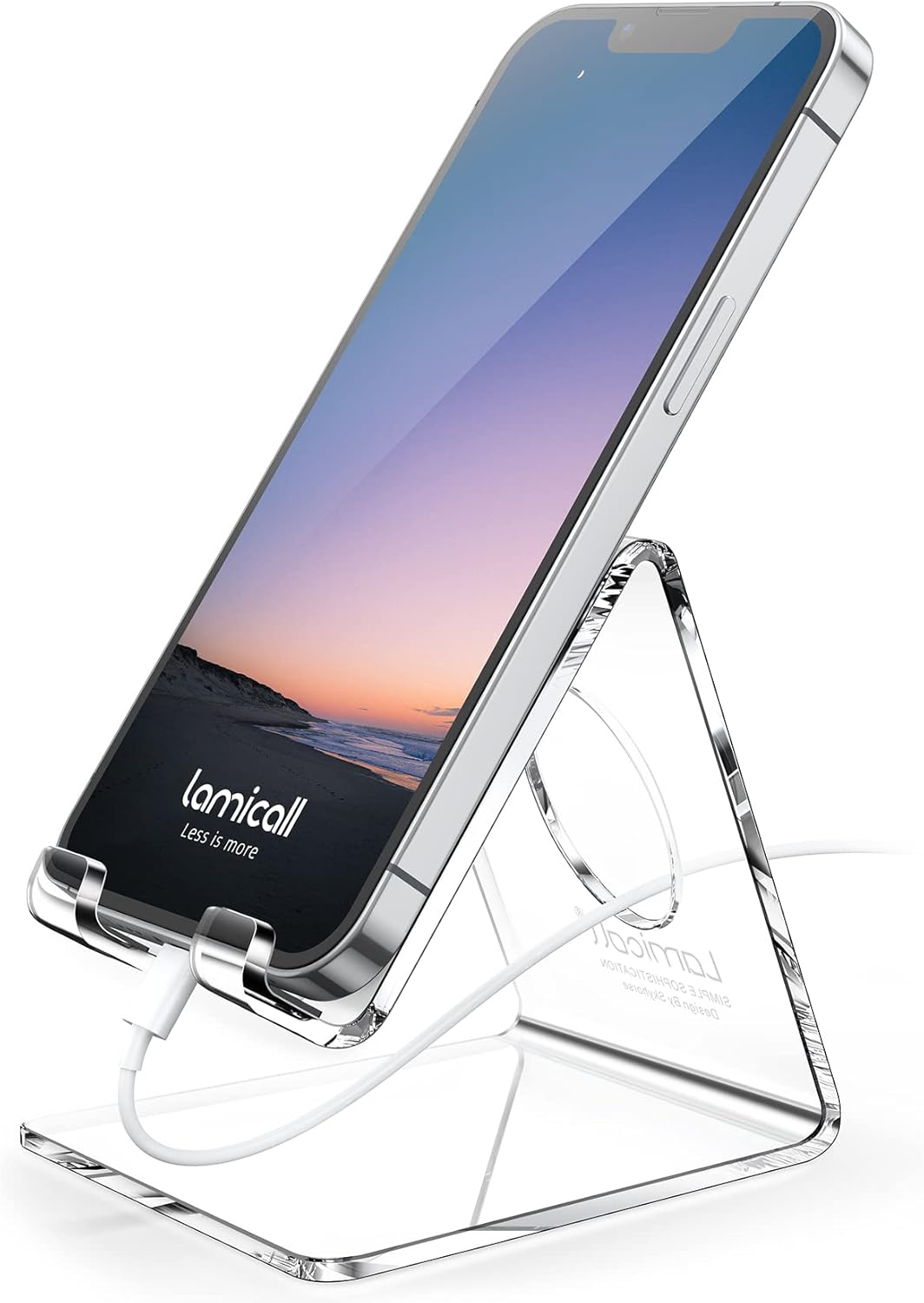
People who need their phone visible during desk work.
A dedicated stand can keep the phone out of the keyboard area.
Check the fit with your phone case. Do not assume it includes charging electronics.
Lamicall Adhesive Headphone Hanger
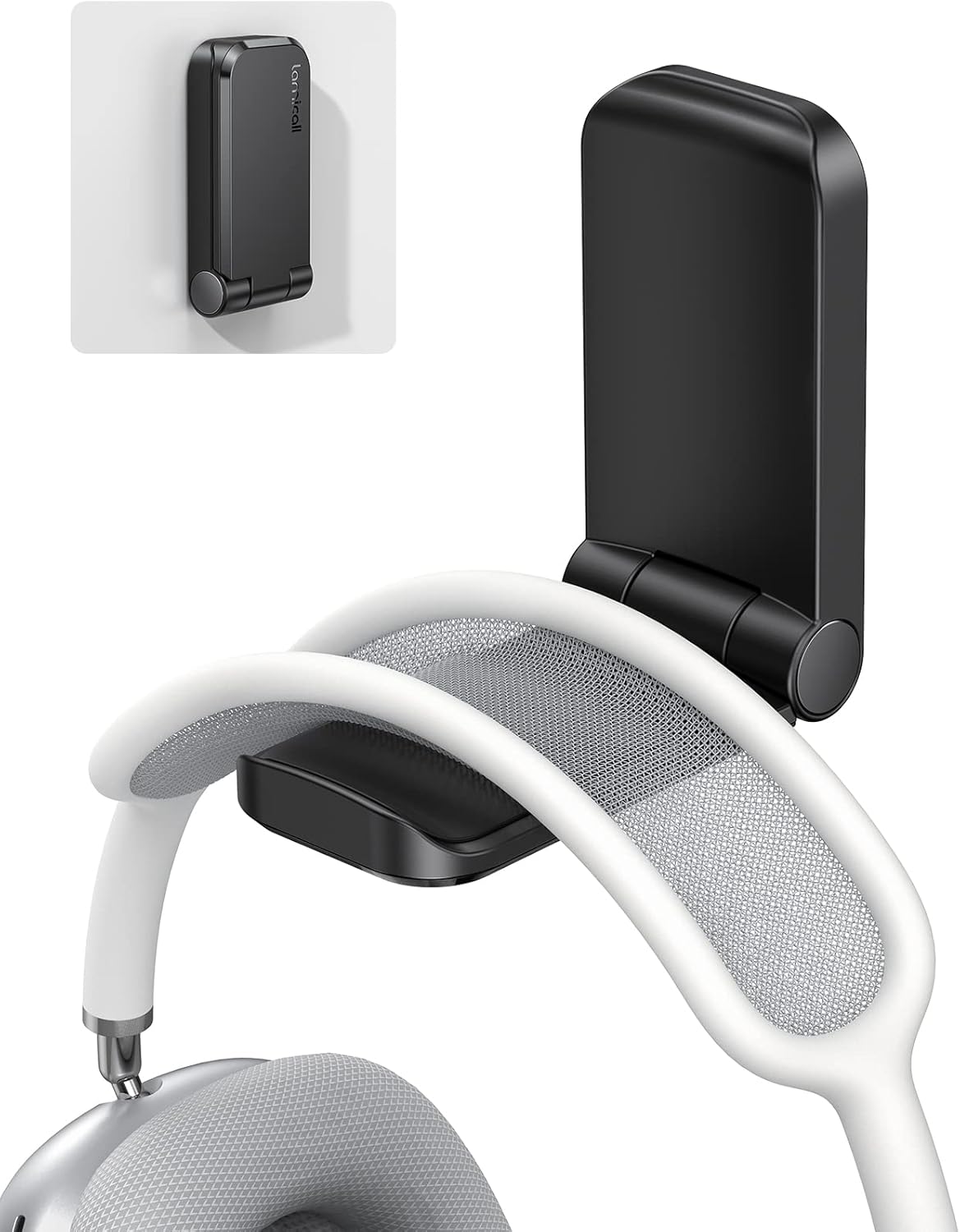
People with a suitable surface beneath or beside the desk.
A hanger provides storage without another stand on the work surface.
Adhesive mounting depends on the surface and load; check mounting instructions and removal risks.
Clamp-on Under-Desk Cable Tray
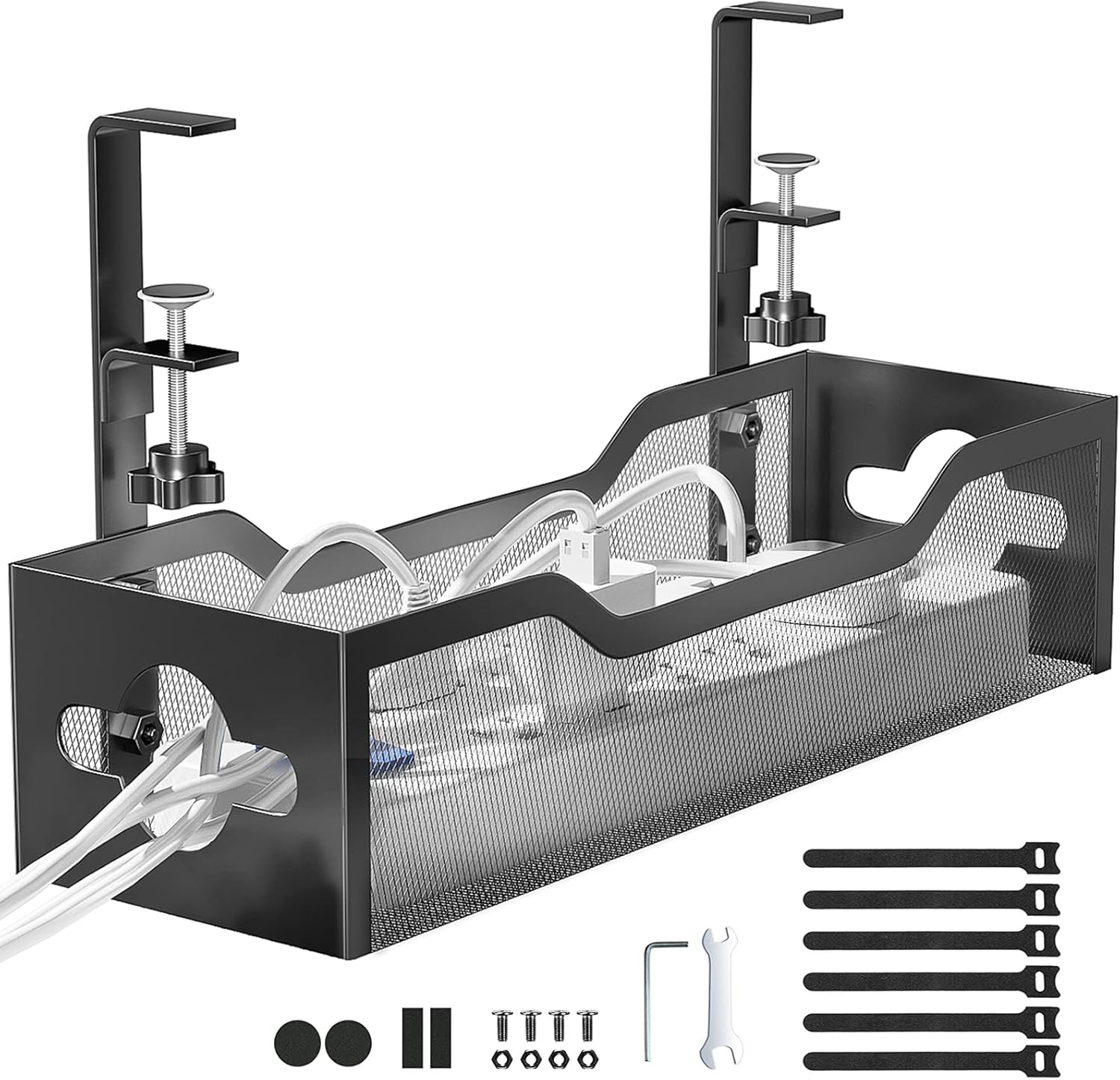
People with a desk edge that can accept the listed clamp.
A tray gives cables and adapters a designated route below the work surface.
Check desk thickness, underside obstructions and load limits. Leave standing-desk cables enough movement.
A sensible order for upgrading
Clear the desk first, then position the screen and input devices, and route the cables last. Buy only what solves a remaining problem. Do not treat decorative organizers, charging strips or soft wrist pads as substitutes for adjusting the workstation.
For a heavier display or a dual-screen setup, compare the mounting and weight requirements in our monitor-arm guide.