Best Desk Setup Ideas for Gaming and PC Workstations (2026 Guide)
Disclosure: This post contains affiliate links. We may earn a commission at no extra cost to you.
Whether you’re grinding ranked matches late into the night or clocking serious hours on creative projects, your desk setup can make a huge difference in how you feel and perform. A well-organized, thoughtfully designed workstation isn’t just about looks. It’s about comfort, focus, and having the right tools within reach when you need them most. In 2026, there are more smart, practical, and genuinely fun options than ever before, from cable management solutions that actually work to monitor arms that free up serious desk space. This guide covers some of the best desk setup ideas for both gamers and PC power users, with a mix of products that solve real problems and a few that just make your space feel that much better to sit in. Whether you’re building your dream setup from scratch or just looking to level up what you already have, you’ll find something useful here. Let’s get into it.
Disclosure: As an Amazon Associate we earn from qualifying purchases. Prices and availability shown are accurate as of the date of publication and may change.
Quick comparison
How to choose
Desk Size and Layout
Measure your available floor and wall space before choosing a desk, since a 47-inch surface suits dual-monitor setups while a 59-inch reversible desk opens more layout flexibility. Consider whether you need a PC showcase stand built into the desk or whether a separate case placement works for your room. A desk that is too shallow can force monitors too close, so check depth alongside width.
RGB Ecosystem Consistency
Many products in this category feature RGB lighting, but the control methods vary widely, from app-based smartphone control to physical buttons and remote controls. Decide early whether you want all your lighting synced through one app or whether independent controls per accessory are acceptable. Mixing incompatible lighting systems can result in a visually inconsistent setup that is difficult to coordinate.
Cable and Clutter Management
Look for built-in cable managers, fabric drawers, or USB hubs that consolidate connections at the desk surface rather than behind the tower. A headset stand with a USB hub can eliminate a separate hub on the desk, while a desk with an integrated cable tray keeps cords off the surface. The more peripherals you run, the more important it becomes to plan cable routing before purchasing individual pieces.
Build Material and Stability
Desk frames and headset stands vary between particleboard, FSC-certified wood, steel, and aluminum, each affecting how much weight the surface can support and how well it resists wobble during active use. For desks, check the stated weight capacity against your monitors, PC, and peripherals combined. For headset stands, aluminum constructions with weighted bases and silicone non-slip pads tend to hold position more reliably than lighter plastic alternatives.
Hub and Charging Compatibility
If you plan to charge or transfer data through your accessories, verify whether the USB ports are USB 2.0 data-only, fast-charging capable, or include a USB-C port alongside standard USB-A. A monitor riser or headset stand with a 15W wireless charging pad adds convenience but requires a compatible phone. Matching the port types on your stand or riser to the cables and devices you actually use prevents the frustration of needing extra adapters.
The picks
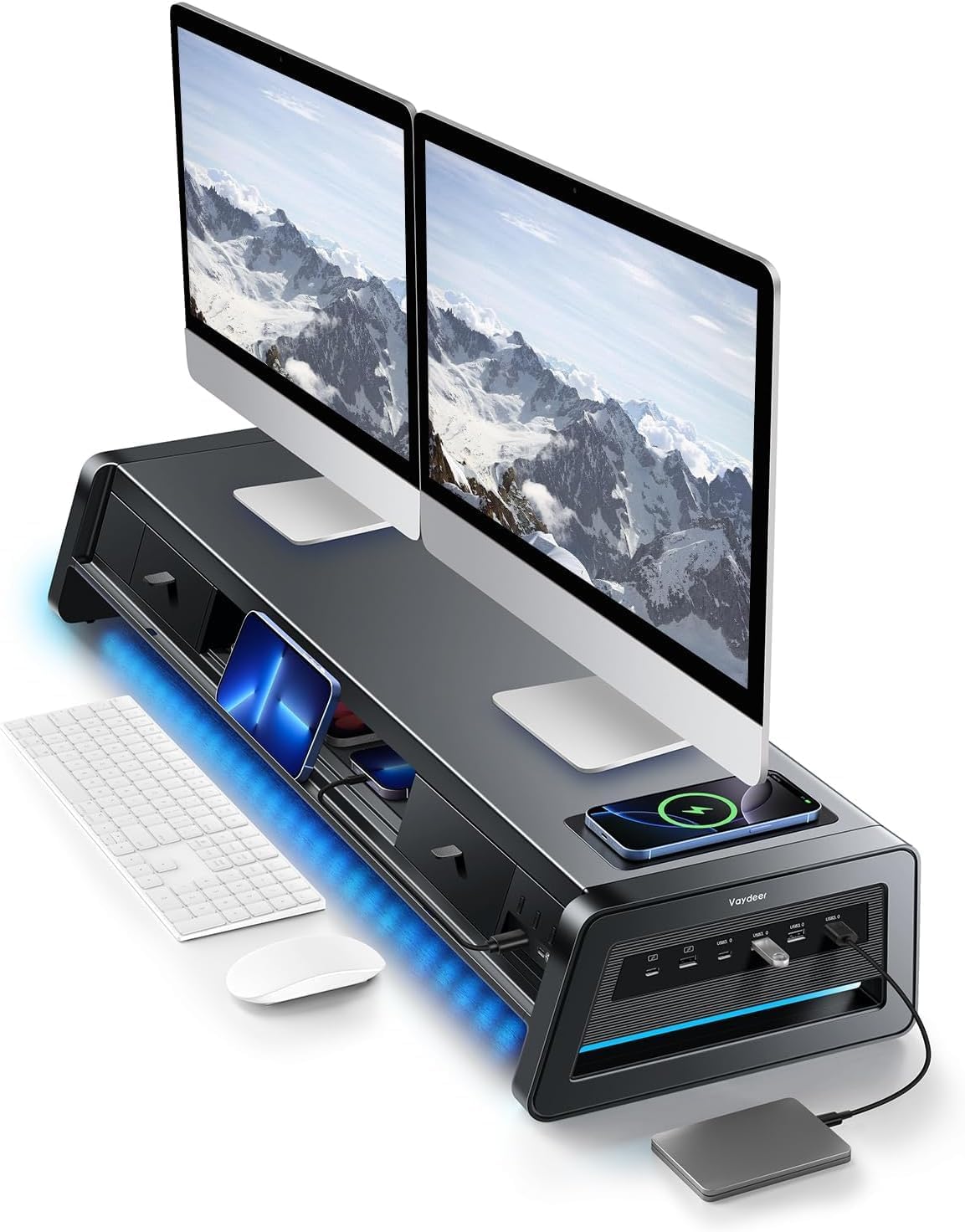
Vaydeer All-in-One Dual Monitor Stand, Metal Desk Organizer, Black
Home office professionals and power users who need a single organized hub for dual monitors, USB connectivity, wireless charging, and storage all in one metal riser.
Delivers 13-in-1 functionality including 4 fast-charging USB ports, 4 data-transfer USB ports, a 15W wireless charging pad, two pull-out drawers, and dual monitor support with a 110 lb total capacity in one metal unit.
This is the most expensive product on this list, and its large 39.3 by 11.14 inch footprint requires a generously sized desk and careful measurement of monitor base positions before purchasing.
Premium
- 15W wireless charging pad built in
- Eight USB ports for charging and data
- Two pull-out drawers for storage
- Most expensive pick on this list
- Large footprint demands a wide desk
The most feature-complete desk organizer here, worth the premium for anyone building a serious dual-monitor workstation or gaming hub.
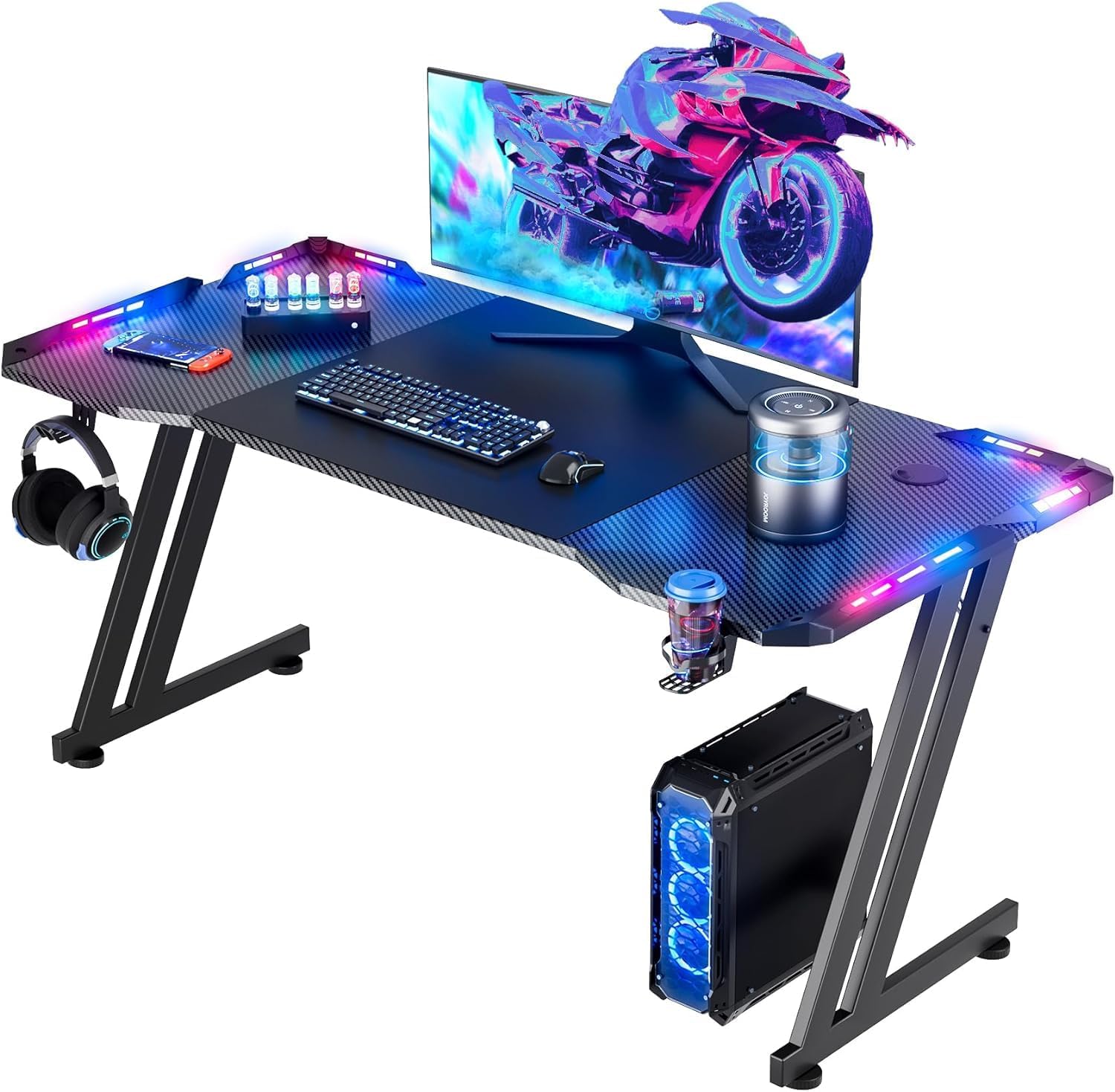
Buy on AmazonHLDIRECT 47 Inch Gaming Desk with App-Controlled RGB LED Lights, Black
Budget-conscious gamers or students who want a spacious, app-controlled RGB desk that can support dual monitors without spending heavily.
The ZZ triangular frame structure supports up to 150 lb dynamic and 200 lb static load, and the 47 by 23.6 inch FSC-certified wood desktop comfortably fits two monitors with room for a monitor arm mount.
At 47 inches wide it is on the smaller end for a dual-monitor gaming desk, which may feel cramped for setups with large screens plus peripherals.
Budget
- App-controlled RGB LED strip
- High weight capacity frame
- FSC-certified desktop material
- 47-inch width may feel tight for large dual-monitor setups
An affordable, sturdy app-controlled RGB gaming desk that covers the basics for a dual-monitor setup without a large footprint.
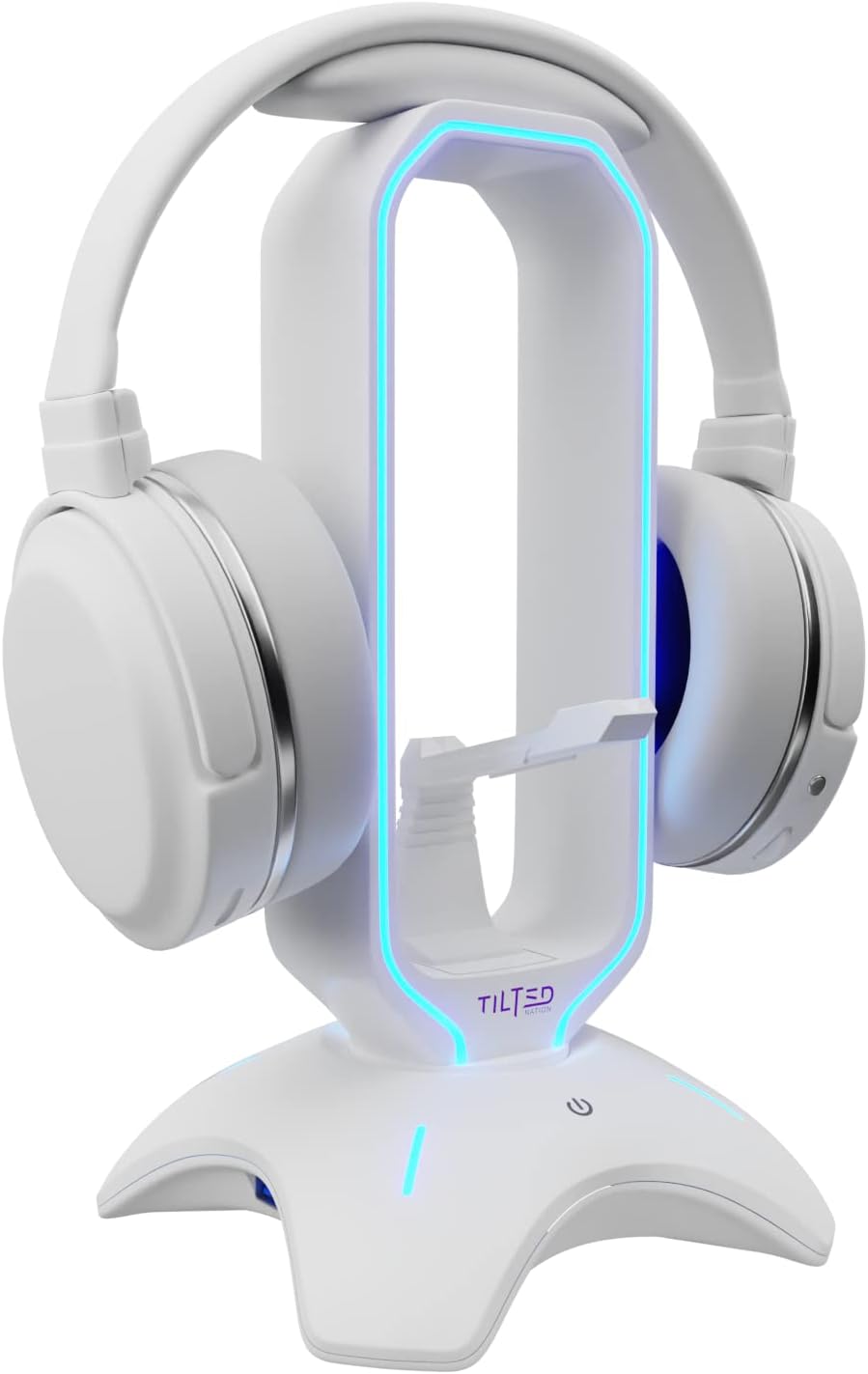
Buy on AmazonGaming Headphone Stand | RGB Headset Stand White | Headset Holder for Desk with Mouse Bungee and USB Hub | The Ultimate Gaming Accessories for Gamers for PS5, Xbox, PC - White
Gamers who want an all-in-one RGB headset stand with cable management and USB connectivity in a white colorway to match a white gaming build.
Combines a mouse bungee, two USB 2.0 ports, and dynamic or static RGB lighting in a single weighted, non-slip stand, reducing desktop clutter without needing separate accessories.
Only USB 2.0 ports are included, which limits data transfer speeds compared to newer USB standards found in competing stands.
Mid-range
- Built-in mouse bungee included
- Dual USB 2.0 hub
- Dynamic and static RGB modes
- USB 2.0 only, no faster ports
A feature-packed white RGB headset stand that consolidates mouse bungee, USB hub, and lighting into one tidy package.
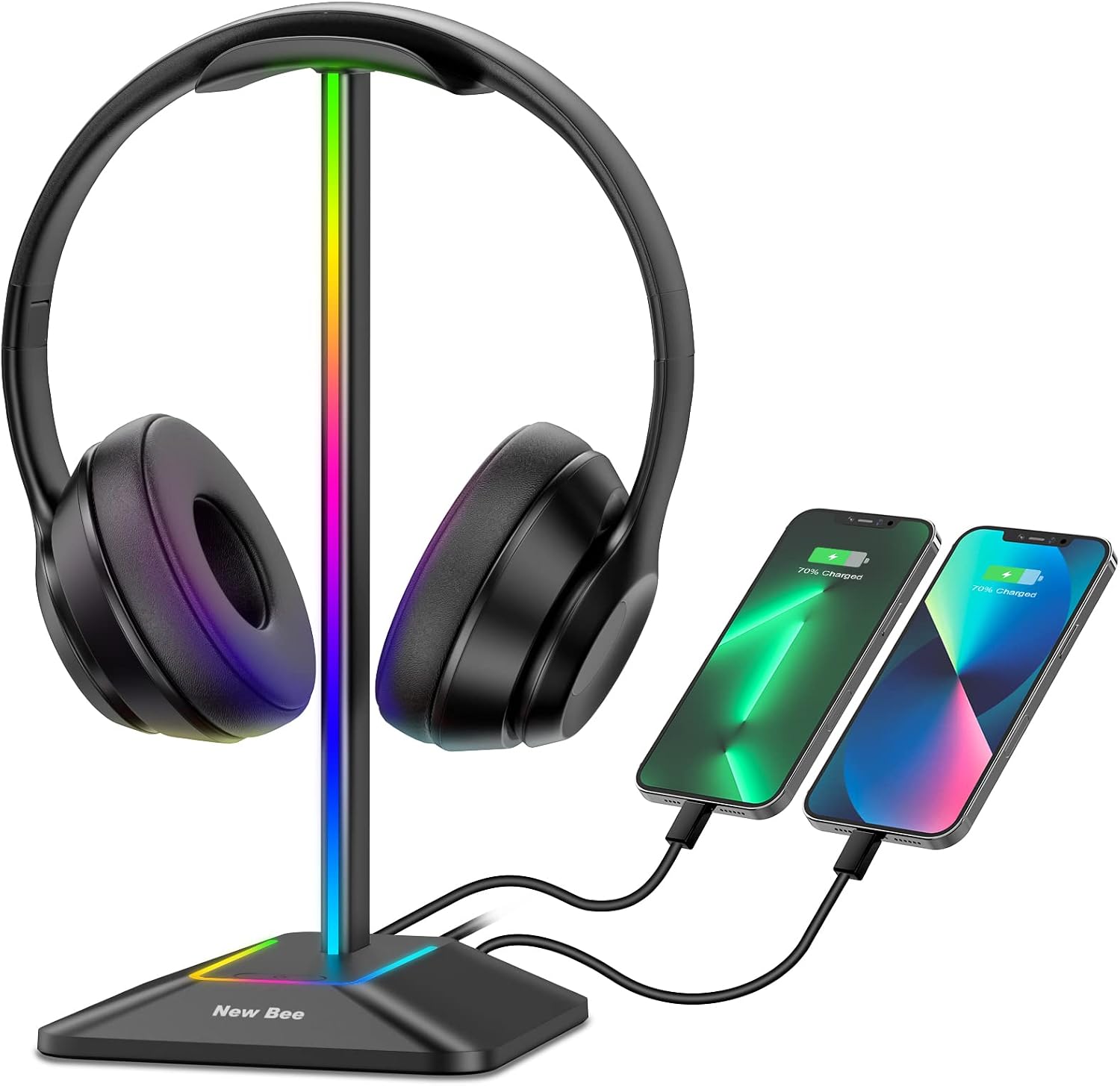
Buy on AmazonNew Bee Headphone Stand with RGB Lighting, Sturdy Aluminum Gaming Headset Holder with USB-C & USB Charging Ports, Stable Desktop Earphone Stand for All Headphones Size, Black
Cost-focused gamers who want a quality aluminum headset stand with RGB and charging ports at the lowest possible outlay.
Crafted from high-quality aluminum with a TPU rubber curved rest that protects the headphone head beam from scratches and deformation, offering genuinely durable construction at its price point.
This is the most affordable pick on this list, and the included USB-C and USB-A ports do not support wireless charging, limiting convenience for some users.
Budget
- Aluminum construction for durability
- USB-C and USB-A charging ports
- 7 RGB lighting modes
- No wireless charging support
The most affordable entry here, delivering aluminum build quality, RGB lighting, and dual charging ports for minimal spend.
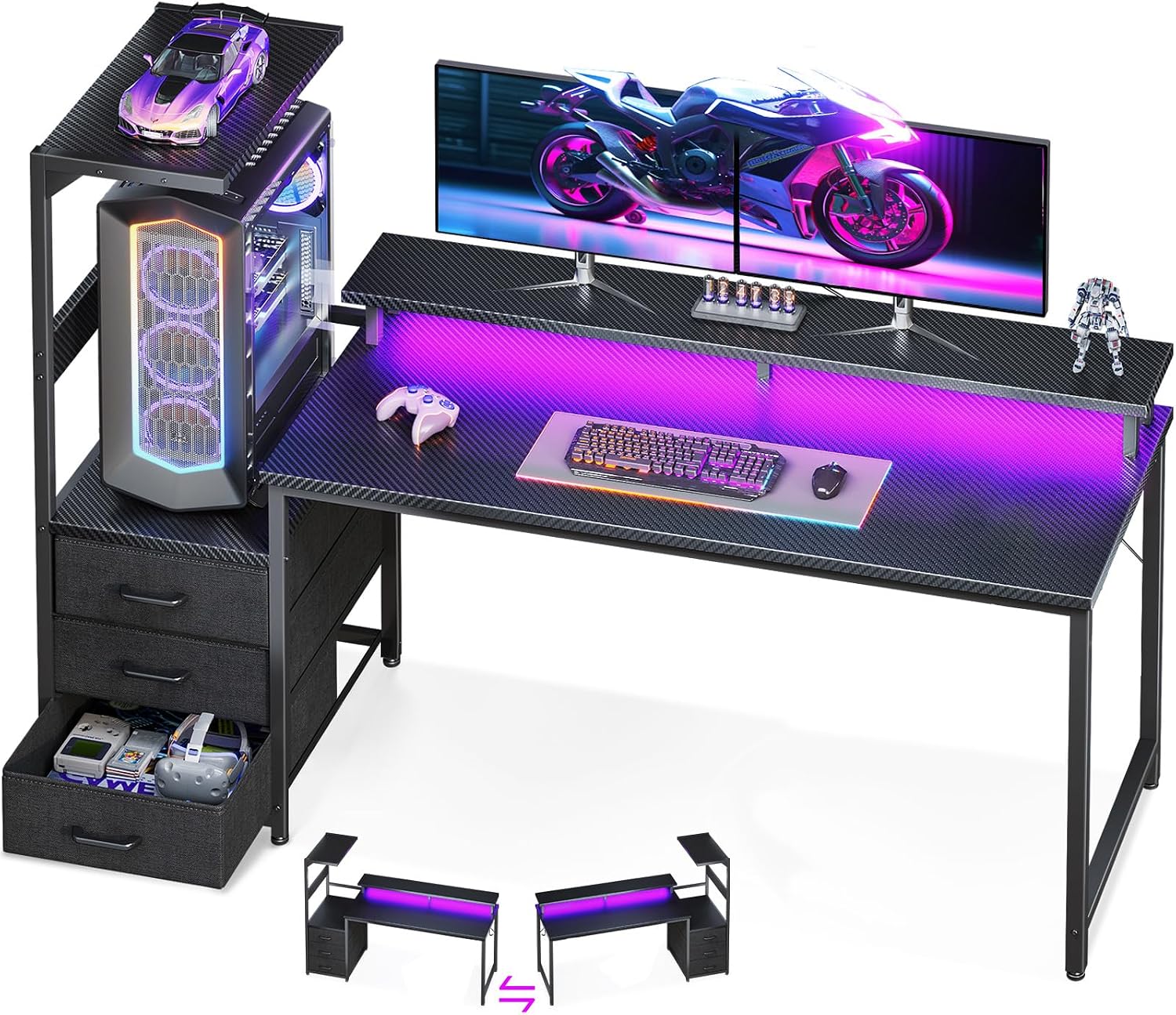
Buy on AmazonAODK Gaming Desk w/PC Showcase Stand, 59" Reversible, RGB LED
Enthusiast builders and streamers who want their panoramic glass PC case displayed on the desk as a focal point alongside RGB lighting and built-in storage.
An exclusive elevated desktop stand lifts the PC chassis to eye level, engineered specifically for large tempered glass cases like the Lian Li O11 and Hyte Y60, turning the rig itself into a desk centerpiece.
The 59-inch desk with integrated PC showcase stand and tri-drawer storage comes at a noticeably higher price than the other desk option in this set, which may be hard to justify for users who do not display a premium glass case.
Premium
- Elevated PC chassis display stand
- Integrated RGB LED monitor shelf
- Three built-in fabric storage drawers
- Higher price than competing desk here
- Benefit is niche if you do not own a panoramic glass case
The go-to choice for content creators and PC showcase enthusiasts who want their build elevated and their desk cinematically organized.
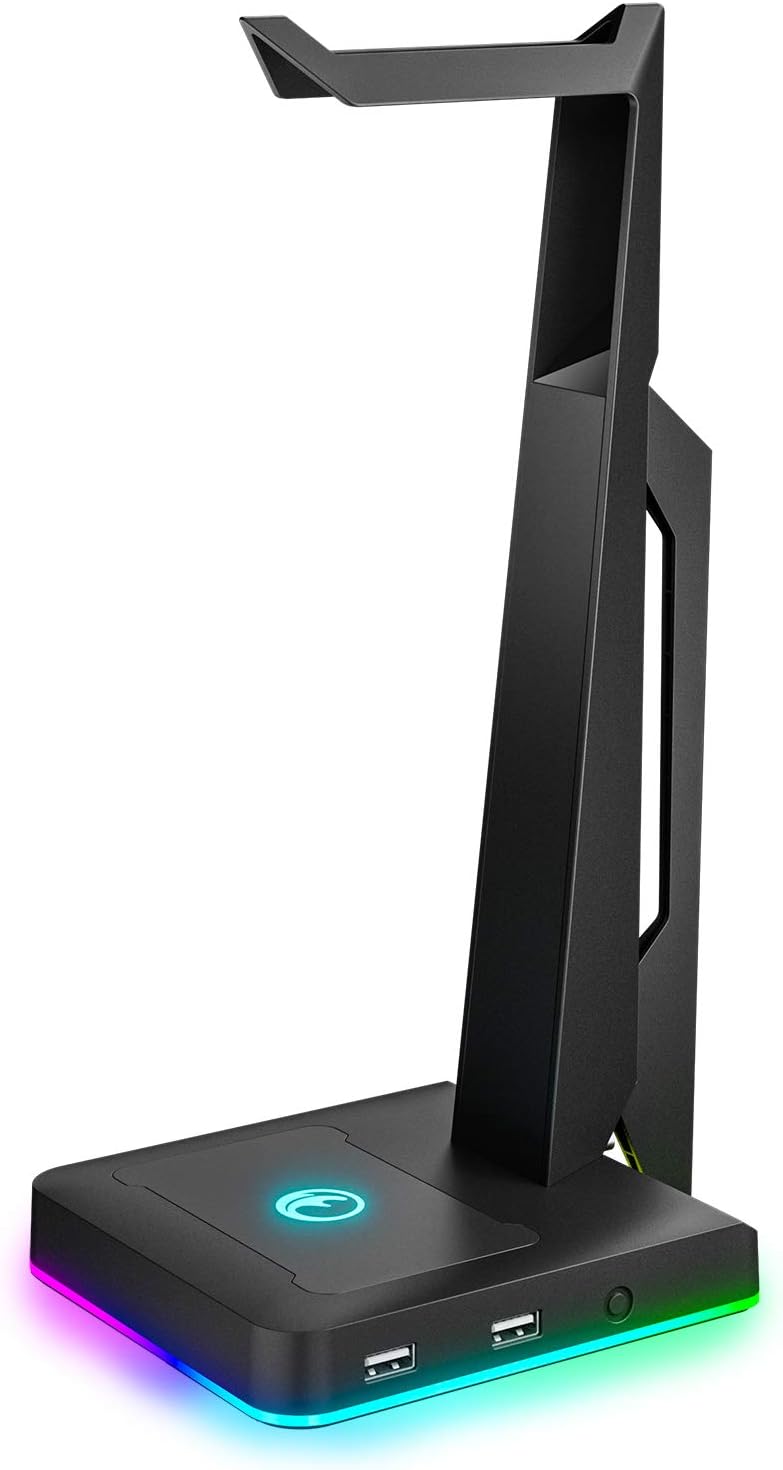
Buy on AmazonRGB Gaming Headset Stand with 2 USB Ports, Game Headphone Mount for PC, Xbox One, PS4, Switch, Earphone Holder Hanger, Great for Gaming Stations, Fancy Desk Gamer Accessories, Black
Gamers looking for a no-fuss, affordable RGB headset stand with USB hub functionality in a classic black finish.
Offers three distinct RGB lighting modes including flowing rainbow and colorful breathing with adjustable brightness and speed, giving meaningful visual variety at a budget-friendly price.
Uses USB 2.0 ports only, the same limitation as pricier options in this set, offering no upgrade in connectivity despite being a core feature of the stand.
Mid-range
- Three dynamic RGB lighting modes
- Dual USB 2.0 hub ports
- Anti-slip weighted base
- USB 2.0 only, no modern port standards
A clean, minimal RGB headset stand with solid USB hub utility that fits neatly into almost any black gaming setup.
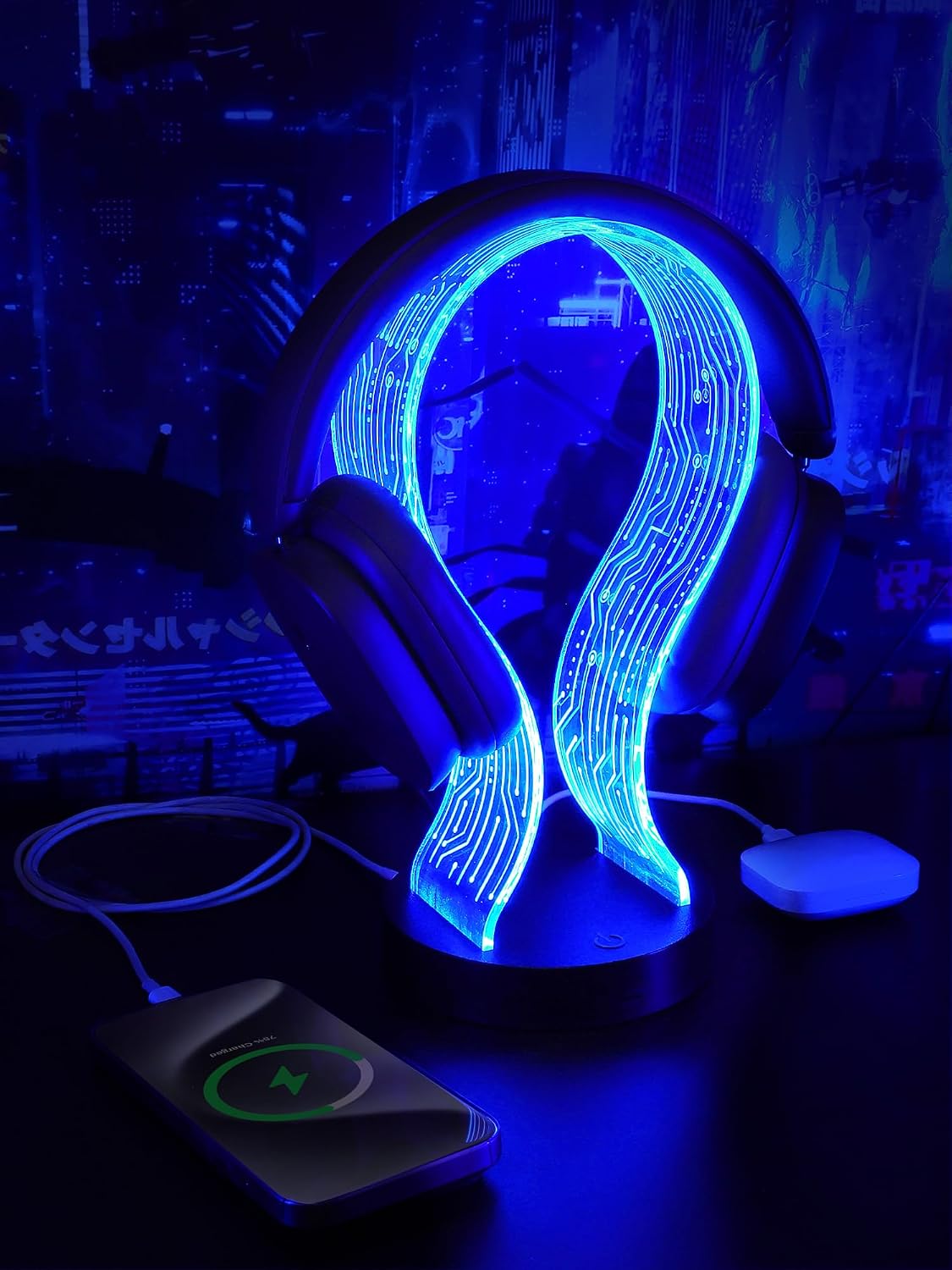
Buy on AmazonCoolGift Mart Light Up Headphone Stand, Gifts for Gamers
Gamers and music lovers who want a highly customizable LED headphone stand that also doubles as a USB charging hub and makes a strong gift impression.
Comes with a remote control that accesses 16 single-color and 4 dynamic flash modes, delivering more lighting customization options than most other headset stands in this set.
The U-shaped snap-together design prioritizes quick assembly and style but the listing does not specify the material construction, leaving durability harder to assess compared to aluminum-bodied alternatives here.
Mid-range
- Remote with 16 color and 4 dynamic modes
- Snaps together in under 10 seconds
- USB-C and USB-A charging ports included
- Material construction not clearly specified in listing
A remote-controlled, highly customizable LED headphone stand that excels as a gift and style piece for any gaming or music desk.
Buy on AmazonBuilding your ideal gaming or PC workstation does not have to happen all at once. Even swapping in one or two of the pieces featured here can make a real difference in how your space looks and feels. Whether you are after better cable management, a monitor arm that frees up desk space, or just a cleaner overall aesthetic, there is something on this list worth considering. Take your time browsing the links, compare what fits your budget and setup, and go with whatever feels right for your space. We hope this guide gave you some fresh ideas to work with. Thanks for reading!
Frequently asked questions
What size gaming desk do I need to fit two monitors comfortably?
A desk surface of at least 47 inches wide is a commonly recommended starting point for a dual monitor setup, and the HLDIRECT 47 inch desk listed here is specifically described by the seller as capable of accommodating two monitors. If you also want to add a monitor arm for more flexibility, confirm that any desk you consider has a frame structure rated for arm mounting, as the HLDIRECT listing mentions this as a supported feature. For wider arrays or ultrawide screens, a 59 inch surface like the AODK desk may give you more breathing room for a keyboard, mouse pad, and accessories alongside your displays. Measure your available wall or room space before ordering, since these desks can be difficult to return once assembled.
How hard is it to set up a headphone stand, and do any require tools or drivers?
Several headphone stands in this roundup are designed for tool-free, plug-and-play setup. The CoolGift Mart stand is described by the seller as snapping together in under 10 seconds with just two parts, while the IFYOO and New Bee stands both advertise plug-and-play USB connectivity with no drivers needed. The main setup step for any of these is running a USB cable to your PC or a power bank, so placement near a free USB port matters. If your desk is already short on USB ports, look for a stand that includes a built-in USB hub, as several options here do, so the stand itself adds ports rather than consuming them.
Which desk or accessory setup works best if you want to display a glass-panel PC case on your desk rather than on the floor?
The AODK 59 inch desk is specifically engineered for this use case according to the seller listing. It includes an elevated desktop stand designed to lift tempered glass cases, such as the Lian Li O11 and Hyte Y60, to eye level so internal components and RGB lighting are visible. The desk also includes three fabric drawers to absorb the cables and accessories that a displayed PC would otherwise leave scattered on the surface. This kind of integrated showcase approach suits streamers or builders who treat the PC itself as part of the room aesthetic, though you should confirm your specific case dimensions are compatible before purchasing.
What is the best way to add USB ports and wireless charging to a dual monitor workstation without buying a separate hub?
An all-in-one monitor riser like the Vaydeer dual monitor stand combines elevation, storage, and connectivity in a single unit. According to the seller, it provides four fast-charging USB ports, four data-transfer USB ports, and a built-in 15W wireless charging pad, all accessible from the top of your desk. The stand is rated by the seller at 110 lb total capacity and measures 39.3 inches wide, so check that your monitor bases and desk depth can accommodate it before ordering. This kind of consolidated approach reduces cable clutter compared to running a separate dock or charging pad alongside an ordinary riser.
Are the RGB lighting effects on these headphone stands and desks controllable, or do they just cycle automatically?
Control options vary across the products listed here, so it is worth matching the control method to your preference. The HLDIRECT gaming desk uses app control for its RGB strip, which allows more customization from your phone. The CoolGift Mart headphone stand includes a physical remote that lets you choose from 16 single-color modes and 4 dynamic flash modes. The New Bee aluminum headset stand uses a simpler 3-second long press to toggle lighting on or off and cycles through 7 modes. If synchronized lighting across your whole setup is important to you, check whether the desk or stand you choose supports any third-party sync standard, as the product listings do not confirm compatibility with software ecosystems like Razer Chroma or ASUS Aura.