
Best Smart Home Devices for a DIY Home Assistant Setup
Disclosure: This post contains affiliate links. We may earn a commission at no extra cost to you.
If you’ve been thinking about building a smarter home on your own terms, Home Assistant is one of the best platforms to start with. It gives you local control, deep customization, and the freedom to mix and match devices from dozens of brands without being locked into a single ecosystem. The only question is: which devices are actually worth adding to your setup? Whether you’re just getting started or looking to expand what you already have, the right hardware can make a huge difference in how smooth and satisfying your smart home feels. In this guide, we’re covering some of the most practical, genuinely useful, and occasionally surprising devices that work beautifully with Home Assistant. From smart plugs and sensors to lighting systems and security gear, there’s something here for every type of DIY enthusiast. Some picks are straightforward essentials, while others might open up automation ideas you hadn’t considered before. Let’s dig into the devices that can help turn your home into something a little more intelligent and a lot more fun to live in.
Disclosure: As an Amazon Associate we earn from qualifying purchases. Prices and availability shown are accurate as of the date of publication and may change.
Quick comparison
How to choose
Protocol Compatibility
The devices in this category span Wi-Fi, Zigbee, Z-Wave, Bluetooth, and Matter, and not every protocol works natively with Home Assistant without extra hardware. Check whether you already own a hub or dongle that speaks the device’s protocol, since adding a Zigbee sensor to a Wi-Fi-only setup will require a separate Zigbee hub or compatible Echo device. Matter-certified devices offer the broadest platform reach, but local control depth in Home Assistant can still vary by implementation.
Hub or Hubless Operation
Some devices connect directly over Wi-Fi and appear in Home Assistant through a cloud integration or local API, while others such as Zigbee sensors require a dedicated hub or a controller with a built-in radio. Factor in whether you want a central hub that unifies multiple protocols or prefer simpler single-device additions. A hub adds upfront cost and one more point of setup, but it can also extend range and allow fully local automations even when your internet is down.
Local vs. Cloud Control
Home Assistant users typically prioritize local control so that automations keep working during internet outages and without relying on a manufacturer’s servers. Check whether the device supports LAN control or runs automations locally on a hub, rather than routing every command through a cloud. Some Wi-Fi switches explicitly advertise local LAN control, which is worth confirming before purchasing if offline reliability matters to you.
Wiring Requirements and Installation Complexity
In-wall switches and relays often require a neutral wire, and not all older homes have one available at the switch box. Confirm your wiring configuration before ordering, and note whether the switch supports single-pole, 3-way, or 4-way setups if you need to control a light from multiple locations. For relay-style devices that fit inside an existing box, check the physical dimensions against your available space, since a tight fit can complicate installation.
Energy Monitoring Features
Some devices in this category include power metering that tracks real-time consumption and logs usage history, while others handle only on and off switching. If you plan to build automations around electricity usage or want to identify high-draw appliances, confirm that monitoring is part of the feature set rather than an assumption based on the device category. Check the appliance wattage against the switch’s rated load capacity, particularly for incandescent or high-draw circuits, to ensure compatibility.
The picks
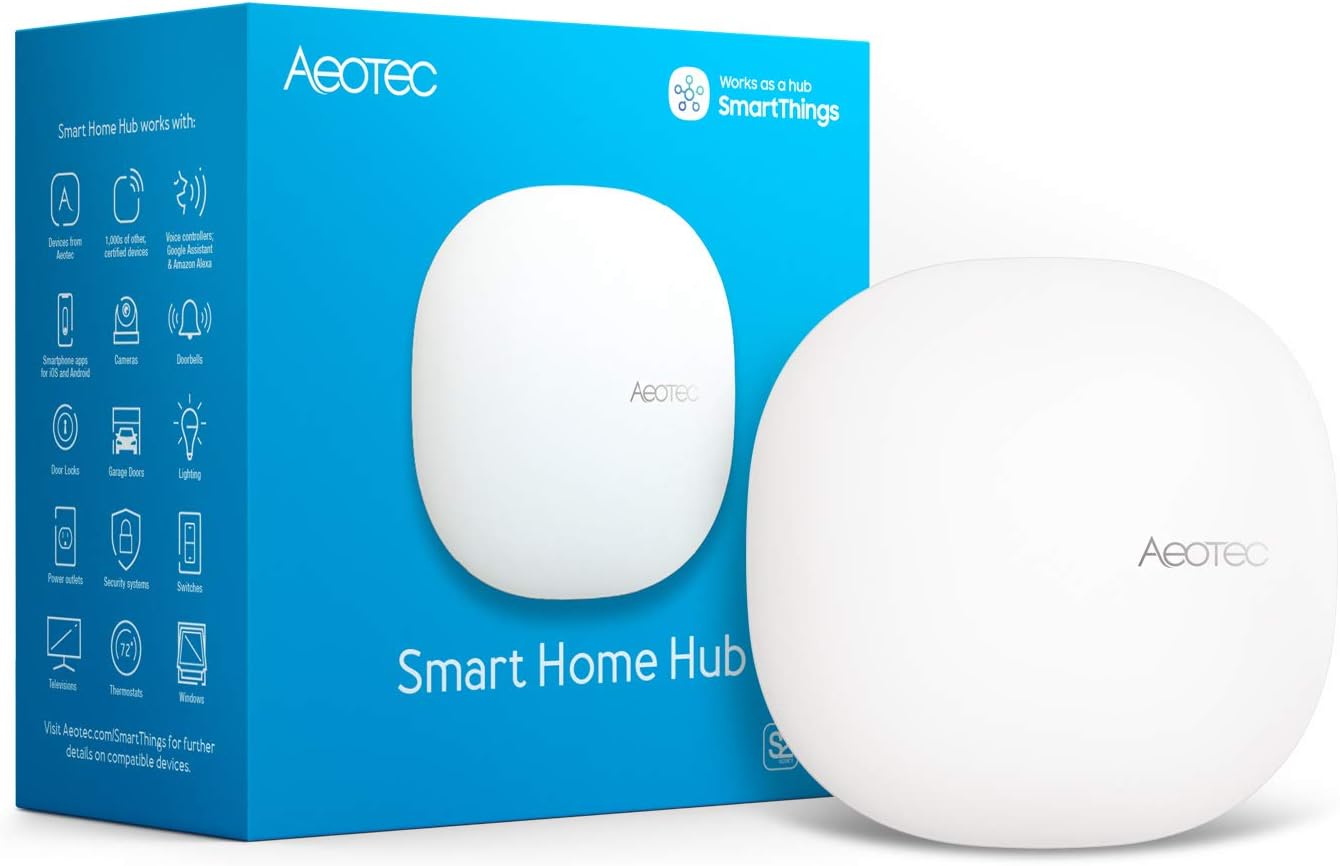
Aeotec Smart Home Hub, Works as a SmartThings Hub, Z-Wave, Zigbee, Matter Gateway, Compatible with Alexa, Google Assistant, WiFi
DIY smart home builders who want a central hub to unify Z-Wave, Zigbee, Wi-Fi, and Matter devices under one platform.
Supports Z-Wave Plus, Zigbee, Matter, and Wi-Fi all in one unit, making it a true multi-protocol gateway capable of connecting thousands of devices from different brands.
The priciest pick on this list, which is a significant investment before adding any connected devices.
Premium
- Z-Wave, Zigbee, Matter, and Wi-Fi in one hub
- Supports local automations for speed and reliability
- Works with Ethernet and Wi-Fi for flexible placement
- Most expensive product in this set
- Designed for North America only
The multi-protocol hub that anchors a serious Home Assistant compatible smart home setup, justified only if you plan to mix device types across protocols.
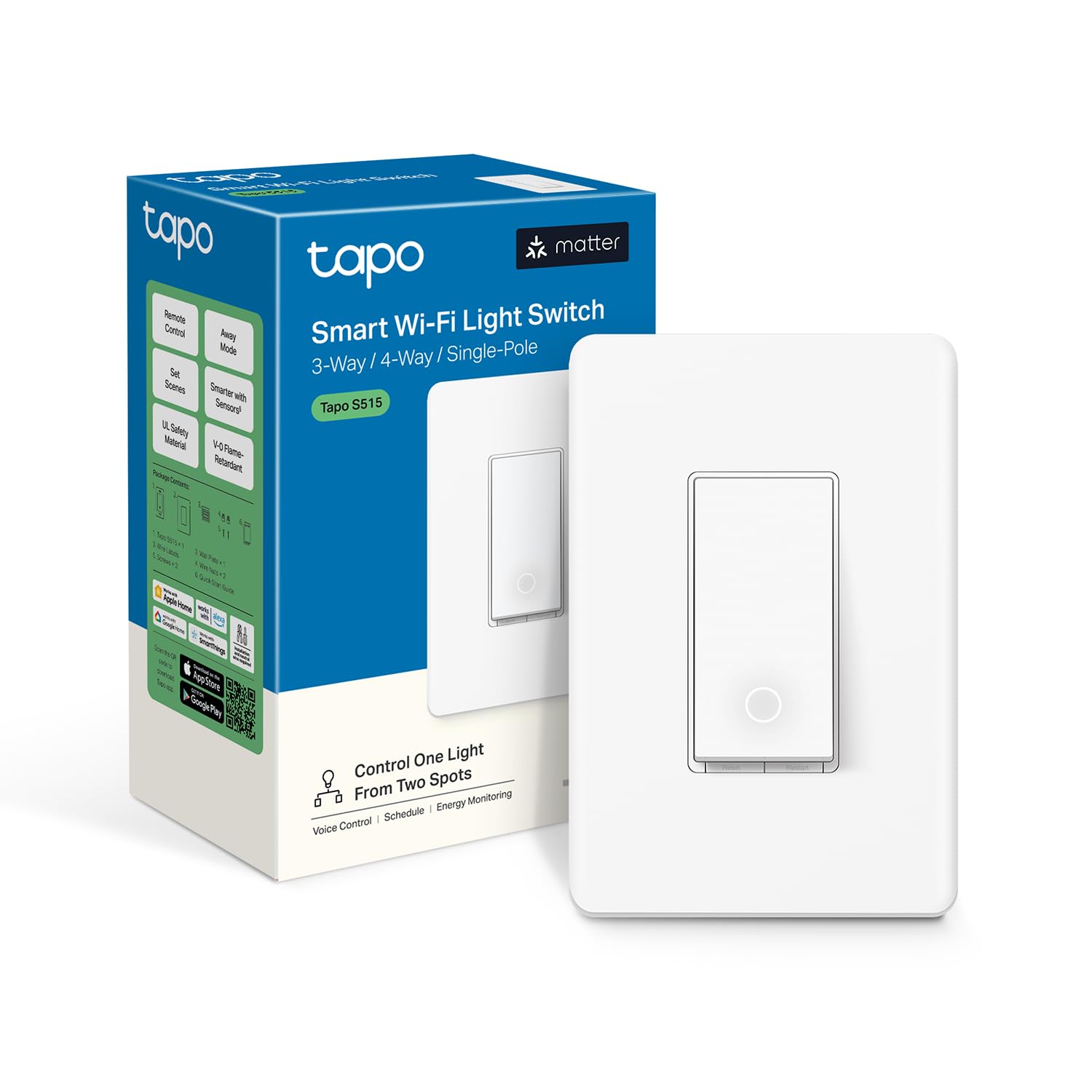
Buy on AmazonTapo Smart Switch, S515, Single-Pole/3-Way/4-Way, Matter Compatible
Cost-focused buyers who need multi-way switching support and Matter compatibility for staircases, hallways, or large rooms.
Supports single-pole, 3-way, and 4-way configurations in one device, which is rare at this price point and makes it versatile for multi-location light control.
No major drawback stands out in the specs, so weigh it on how well the features fit your own setup.
Budget
- Single-pole, 3-way, and 4-way support
- Energy monitoring with 15A load capacity
- Matter compatible with FCC and UL certification
- Limited to 600W for incandescent loads
The most affordable pick here, and its support for 3-way and 4-way wiring configurations makes it exceptionally versatile for the money.
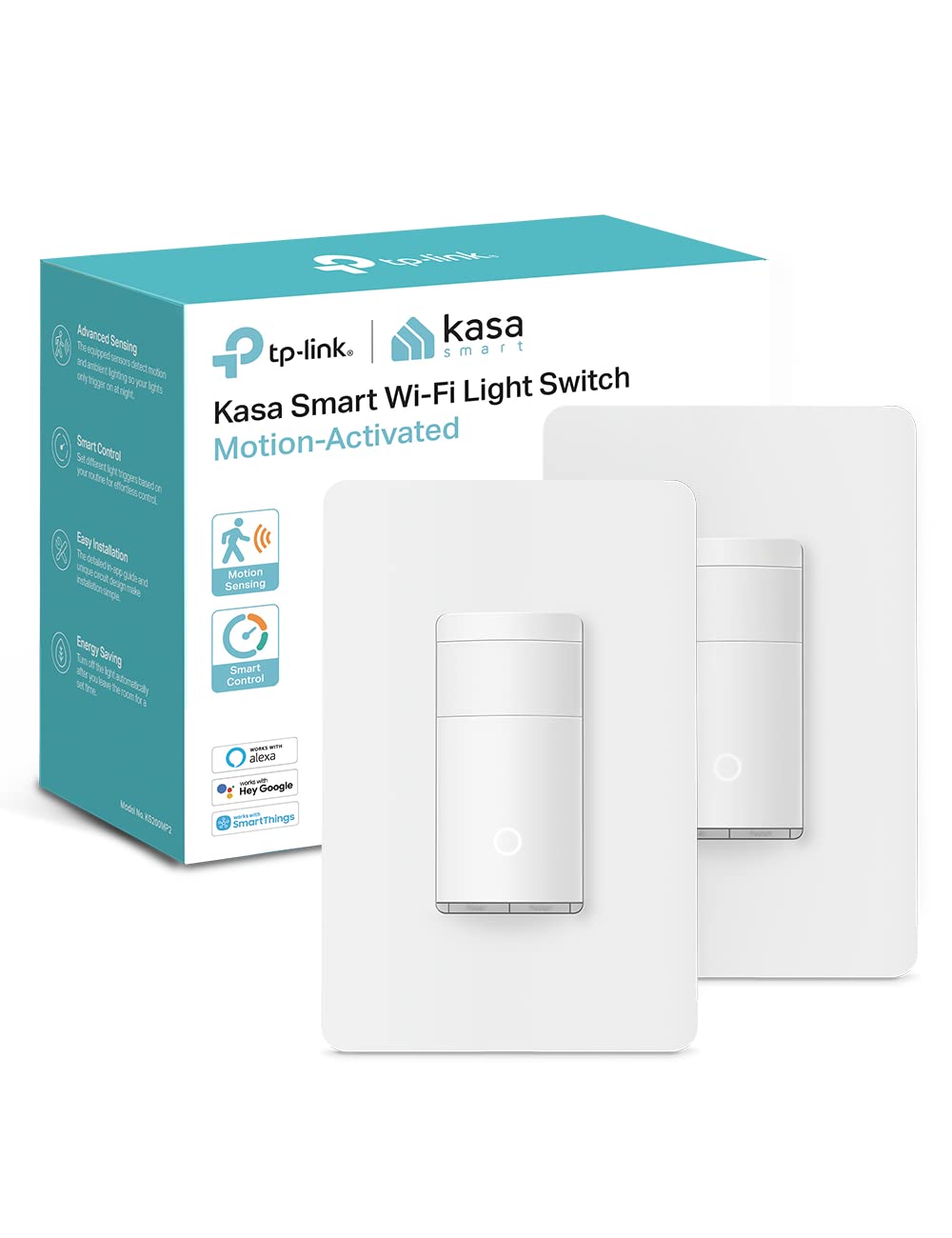
Buy on AmazonKasa Smart Wi-Fi Motion Sensor Switch KS200MP2, Single Pole
Homeowners who want hands-free lighting automation without replacing bulbs or adding sensors separately.
Combines a motion sensor and ambient light sensor in a single switch, allowing lights to activate only when motion is detected and only when the room is dark enough to warrant it.
Lacks Matter certification, so it depends on the Kasa cloud and specific platform integrations rather than direct local protocol support across all ecosystems.
Mid-range
- Built-in motion and ambient light sensing
- Hands-free voice and app control
- UL certified with 2-year warranty
- No Matter support, relies on cloud integration
- Single-pole only, limited wiring flexibility
A clever all-in-one switch for automating lighting by occupancy and daylight conditions, best suited to Alexa, Google, or SmartThings households.
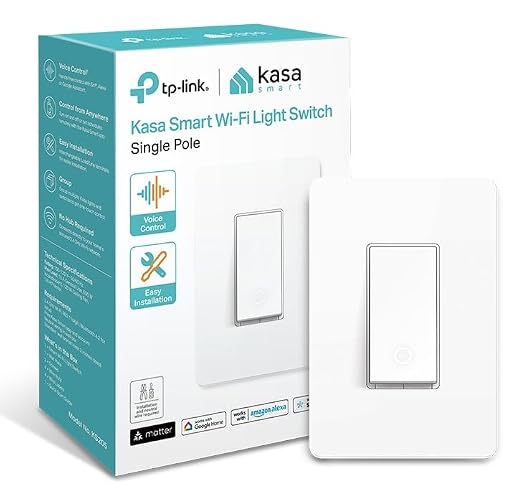
Buy on AmazonKasa Matter Smart Light Switch, KS205, Single Pole, Need Neutral Wire
Budget-conscious upgraders who want a single Matter smart switch with broad platform compatibility.
Matter certification ensures native compatibility with Apple Home, Amazon Alexa, Google Home, and SmartThings without relying on cloud bridges or proprietary apps.
Requires a neutral wire, which older homes may not have at the switch box.
Budget
- Matter certified for wide ecosystem support
- LAN control for local operation
- Easy guided install process
- Requires neutral wire
- Single-pole only
A straightforward Matter switch at a competitive price, ideal for anyone adding just one or two smart switches to a mixed-platform home.
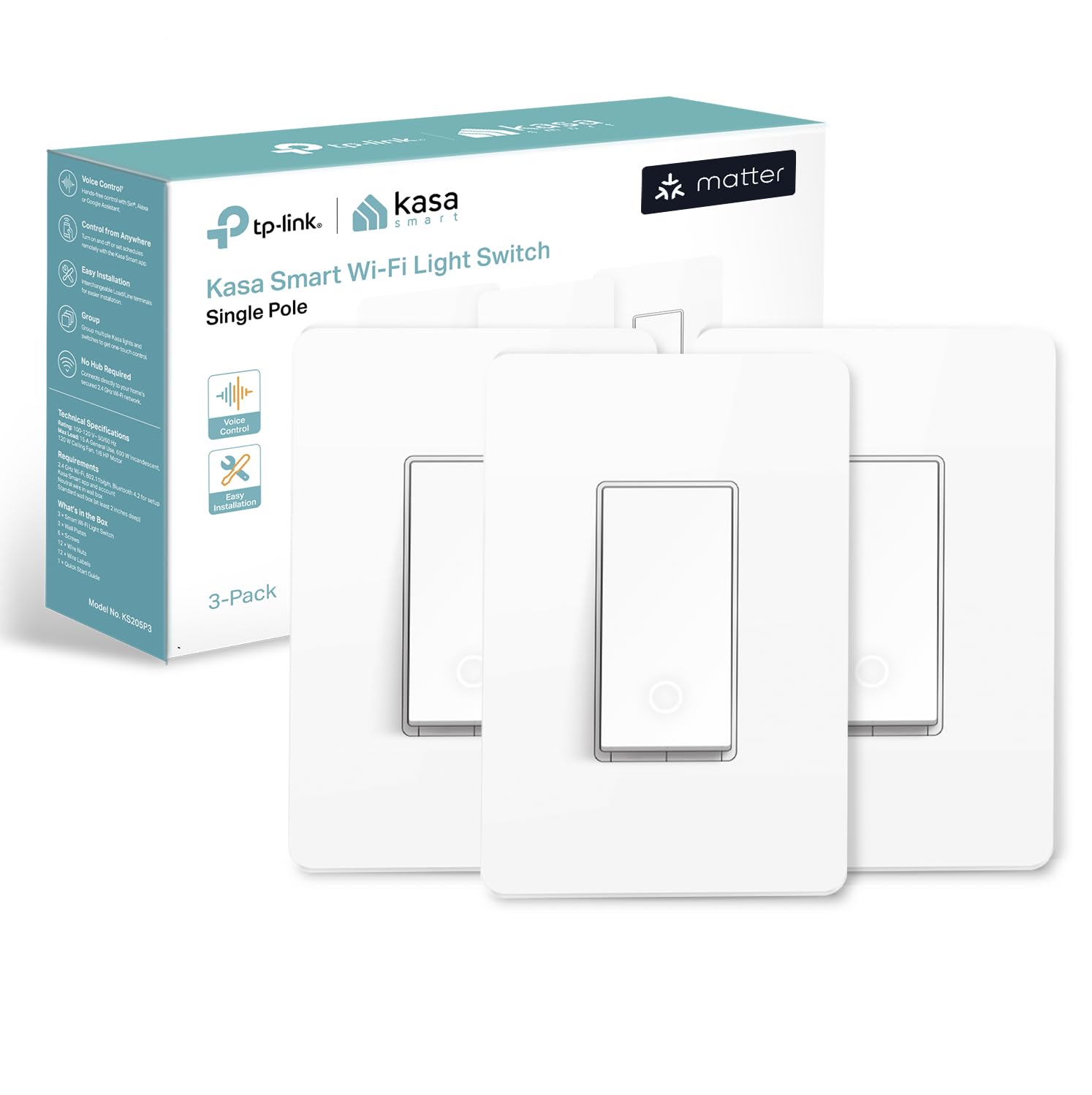
Buy on AmazonKasa Matter Smart Light Switch, KS205P3, Single Pole, Need Neutral Wire
Buyers who want to upgrade multiple switch locations at once with Matter-compatible hardware and prefer buying in a multi-pack.
Delivers the same Matter certification and LAN control as the single-unit version but as a three-pack, making it more economical per switch when wiring several rooms.
The per-switch cost in a pack is still higher than comparable budget options, and it still requires a neutral wire at every installation point.
Mid-range
- Matter certified across all major platforms
- Three switches bundled for whole-home coverage
- LAN control with scheduling and timers
- Neutral wire required at each location
- Higher total outlay than single-switch options
The smart choice for a multi-room rollout of Matter switches, provided your home has neutral wires throughout.
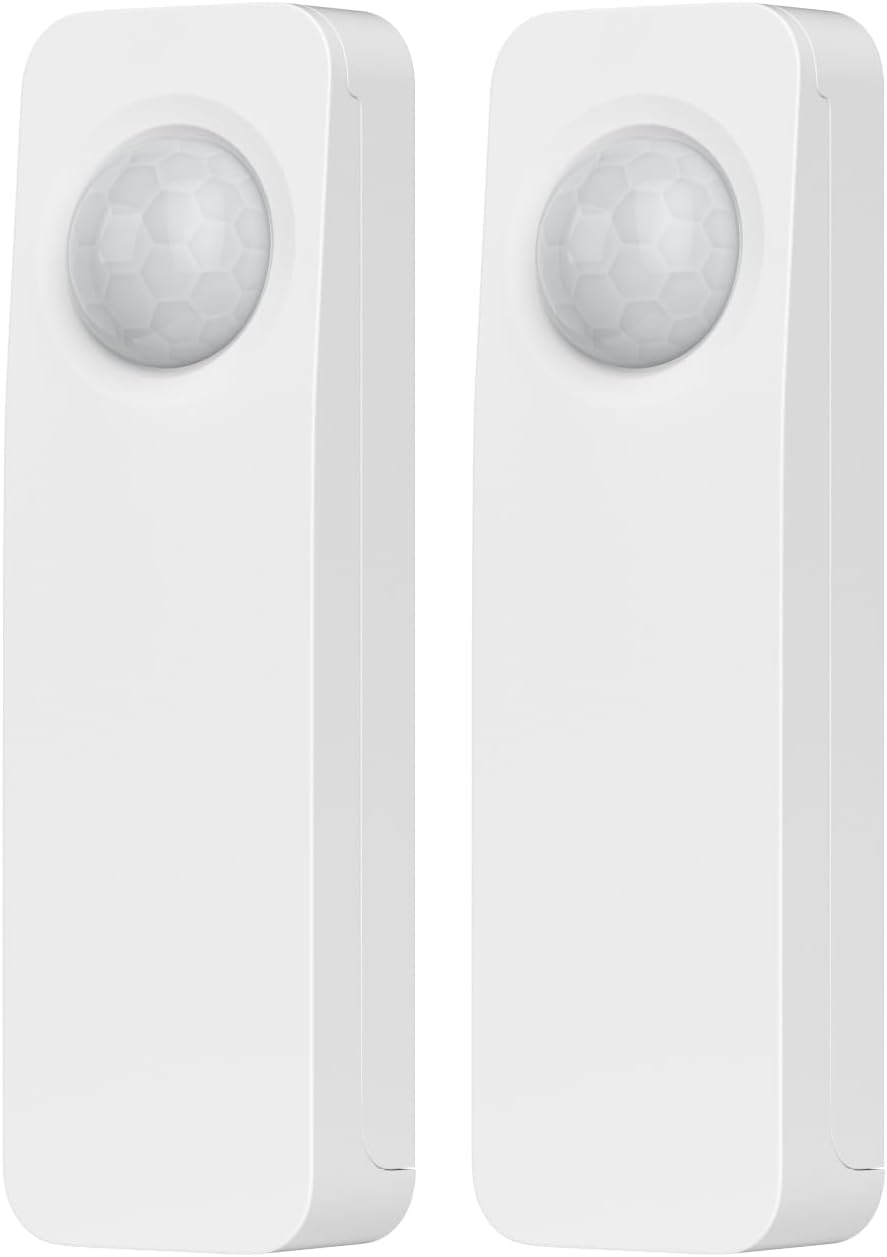
Buy on AmazonTHIRDREALITY Zigbee Motion Sensor 2 Pack, Zigbee Hub Required, Pet Friendly, Work with Home Assistant,SmartThings, Aeotec,Homey, Hubitat or Echo Devices with Built-in Zigbee hub
Home Assistant or Zigbee hub users who want reliable, wire-free motion detection without cutting into walls.
Battery powered with up to 20-foot detection range and a claimed two-year battery life on two AAA cells, making placement flexible and maintenance minimal.
Requires a Zigbee hub to function, so buyers without an existing hub face an additional purchase before these sensors work.
Mid-range
- Native Home Assistant and Zigbee hub compatibility
- 20-foot detection range
- Two-year battery life on AAA batteries
- Zigbee hub required, not standalone
- Indoor use only
A practical two-pack of Zigbee motion sensors built specifically for Home Assistant and other hub-based setups, with long battery life and easy placement.
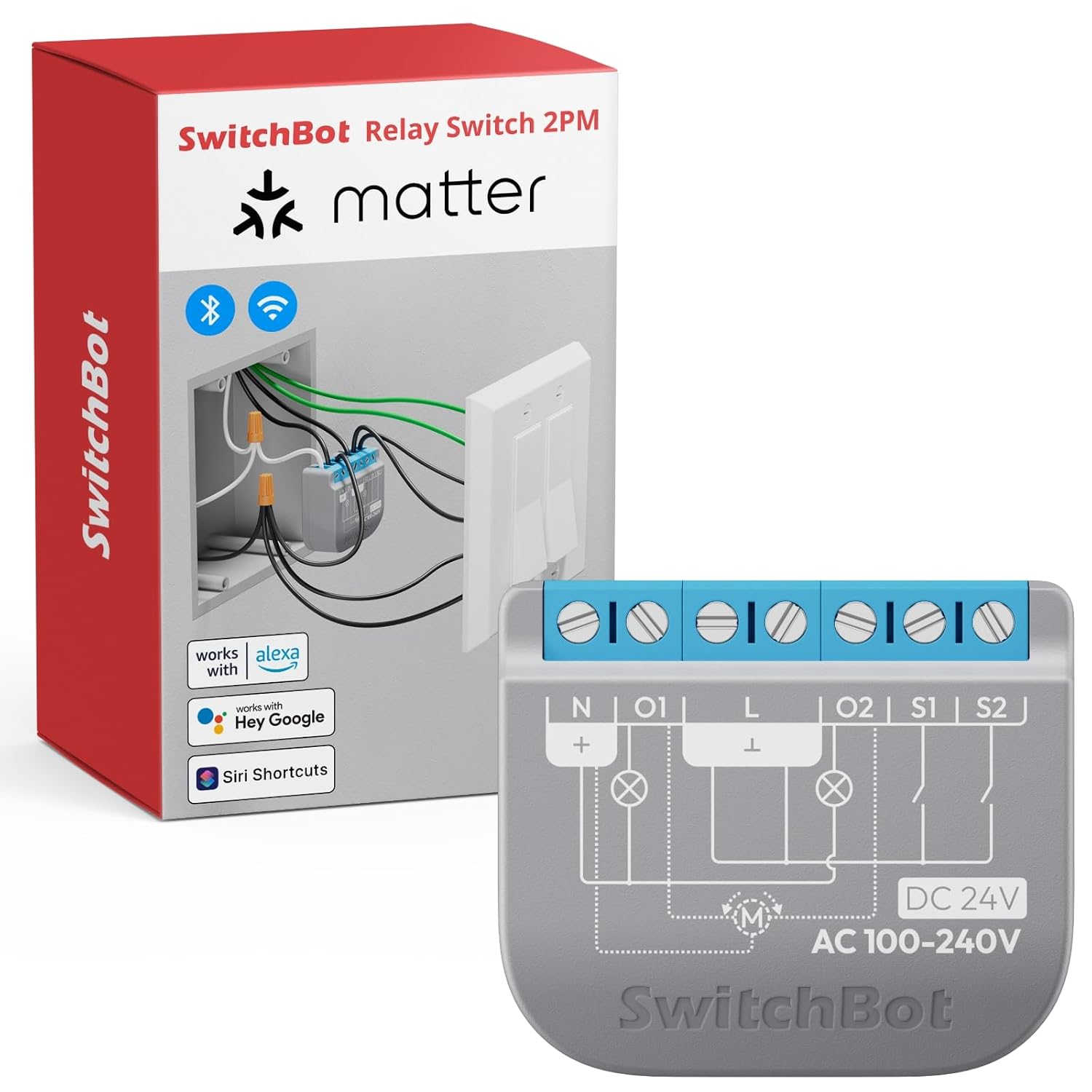
Buy on AmazonSwitchBot Smart Relay Switch 2PM, Power Metering, Dual Light Control, Built-in Bluetooth Repeater, Wi-Fi&Bluetooth Switch Compatible w/Alexa/Apple Home/Google Home/Matter Hub Required, 2.4GHz
Renters or retrofitters who cannot replace wall switches and want to make existing dumb switches and appliances smart without rewiring.
Its compact 1.65 x 1.45 x 0.63-inch form factor fits inside most existing switch boxes and outlets, enabling a 10-minute installation that controls two separate circuits with individual energy monitoring for each.
Requires a Matter hub or compatible speaker for full platform integration, so it is not fully standalone out of the box.
Budget
- Dual-circuit control with per-channel power metering
- Built-in Bluetooth repeater extends smart home range
- Fits inside existing boxes without rewiring
- Needs a Matter hub or compatible speaker for full integration
- 2.4GHz Wi-Fi only
An innovative relay switch that hides inside existing boxes, monitors energy on two circuits, and extends Bluetooth range, making it ideal for non-invasive smart home retrofits.
Buy on AmazonBuilding a smarter home with Home Assistant doesn’t have to be complicated or expensive. Whether you’re just starting out or looking to expand an existing setup, any of the devices featured here can make a real difference in how your home feels and functions. Take a look at the options that caught your eye, compare a few, and pick the one that fits your needs and budget best. There’s something genuinely satisfying about a home that works the way you want it to. We hope this list helps point you in the right direction. Thanks for reading, and happy automating!
Frequently asked questions
Which of these devices work natively with Home Assistant without a cloud dependency?
The THIRDREALITY Zigbee Motion Sensor and the Aeotec Smart Home Hub are both listed as directly compatible with Home Assistant in their product descriptions. Zigbee devices generally communicate locally through a hub rather than routing commands through a manufacturer cloud, which suits DIY Home Assistant setups well. The Kasa Matter switches (KS205 and KS205P3) use the Matter standard, which supports local LAN control according to the listing. For any device you are considering, confirm with the manufacturer whether local control is available in Home Assistant specifically, since cloud dependencies can change with firmware updates.
Do I need a neutral wire to install these smart switches, and how do I know if my wiring supports them?
The Kasa KS205 and KS205P3 listings explicitly state they require a neutral wire, so you must confirm your switch box has one before ordering. The Tapo S515 listing does not specify neutral wire requirements, so you should contact TP-Link to confirm before purchasing. To check your wiring, turn off the breaker and look inside the switch box for a white wire bundle that is not connected to the switch itself. If you are unsure about your wiring, both the Tapo listing and general best practice suggest consulting a certified electrician before installation.
What is the difference between a Zigbee hub and a Matter hub, and does it affect which devices I can use together?
Zigbee and Matter are separate communication standards, and devices built for one do not automatically work with the other. The Aeotec Smart Home Hub supports both Zigbee and Matter (as well as Z-Wave Plus on the V3 model), making it a flexible central controller for mixed setups. The THIRDREALITY motion sensors use Zigbee and require a Zigbee compatible hub such as the Aeotec, an Echo with built-in Zigbee, or a Home Assistant compatible Zigbee coordinator. The Kasa KS205 switches use Matter, so they can connect to any Matter certified controller without being tied to a proprietary hub.
Which of these devices is best suited for controlling lights from more than one physical switch location?
The Tapo S515 is the only product in this lineup explicitly designed for 3-way and 4-way configurations, which are the wiring setups used when you want to control the same light from two or more wall switches. It can also function as a single-pole switch, so it covers all three scenarios. The Kasa KS205 and the motion sensor switch KS200M are listed only as single-pole devices, meaning they control a circuit from one location. If your staircase or hallway has switches at both ends, the S515 is the practical fit, but verify your existing wiring configuration before buying.
What should I consider about setup complexity when adding these devices to an existing Home Assistant installation?
Setup complexity varies by protocol. Matter devices like the Kasa KS205 use a guided pairing flow and support Multi-Admin, meaning they can be added to Home Assistant alongside other platforms without re-pairing. Zigbee devices like the THIRDREALITY motion sensor require a Zigbee hub or coordinator already integrated with Home Assistant, and pairing is typically done through the Home Assistant Zigbee integration (ZHA or Zigbee2MQTT). The SwitchBot Relay Switch 2PM lists a claimed 10-minute installation and supports Wi-Fi direct control, but Matter network connection requires an additional compatible hub according to its listing. Always check whether the device requires a proprietary app at any stage of setup, since some devices need initial configuration through a manufacturer app before Home Assistant can take over.