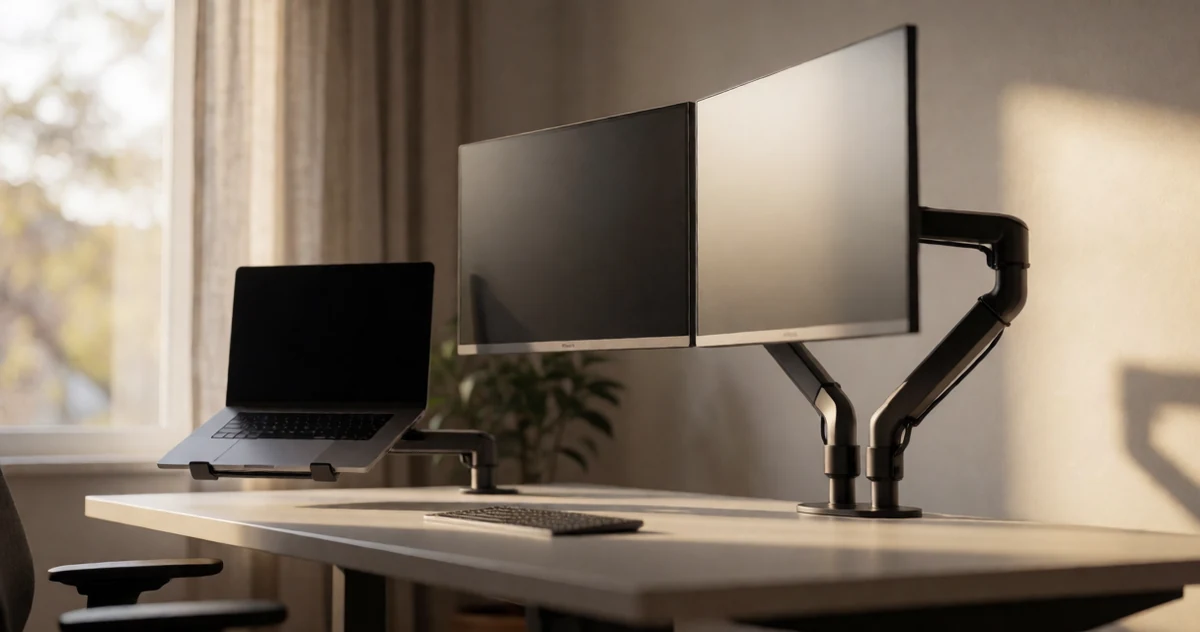
Best Home Office Monitor Arms for Dual Screens and Desk Clutter Control
Disclosure: This post contains affiliate links. We may earn a commission at no extra cost to you.
If your desk looks like a cable graveyard with monitors tilted at awkward angles and a laptop shoved somewhere it probably should not be, you are not alone. A good monitor arm can completely transform how your workspace feels and functions, freeing up surface space, reducing neck strain, and giving your setup a clean, intentional look that actually makes you want to sit down and get things done. Whether you are running dual screens for multitasking, trying to fit a laptop into a tighter workflow, or just tired of staring at a screen that refuses to sit at the right height, there is a monitor arm out there that fits your needs. In this guide, we are covering some of the most practical, well-designed, and surprisingly clever monitor arms available for home offices in 2026. From sturdy dual-screen setups to compact single-arm solutions with built-in cable management, these picks cover a range of desk styles and budgets. Some of them might even surprise you with how much they can change your daily work experience.
Disclosure: As an Amazon Associate we earn from qualifying purchases. Prices and availability shown are accurate as of the date of publication and may change.
Quick comparison
How to choose
Monitor Size and Weight Limits
Check your screen dimensions and weight against each arm’s rated capacity before buying. Arms in this group generally support screens from 13 to 27 or 32 inches and carry between roughly 17.6 and 22 lbs per arm, so an oversized or heavier monitor can fall outside the safe range. Mismatching weight limits risks instability and long-term mechanical wear on the arm joints.
Desk Mounting Method
Most arms here offer either a C-clamp or a grommet mount, and your desk determines which works. C-clamp versions grip a desk edge within a specified thickness range (listings note ranges from about 0.39 inches up to 3.54 inches depending on the model), while grommet mounting threads through a pre-drilled hole for a cleaner look. Several listings also note that plastic or glass desks are not recommended, so verify your desk material and thickness before choosing.
Freestanding vs. Clamped Design
Some arms in this group use a freestanding base with a weighted footprint, which requires no desk attachment and suits rental spaces or glass-top desks where clamping is impractical. Clamped arms free up more desk surface because their base footprint is minimal, but they depend on desk edge access. If desk real estate is the priority, a clamp mount typically recovers more usable space beneath the screens.
Range of Motion and Arm Reach
Full-motion arms differ in how far they extend and how high they can raise a screen above the desk surface. For example, one listing documents an extension of 19.3 inches and a maximum height of 17.3 inches above the desktop, while others adjust only along a center pole. If you need to pull a screen close for detailed work or push it far back for a dual-screen layout, confirm the specific reach dimensions match your desk depth and seating position.
Cable Management Integration
Built-in cable routing keeps dual-screen setups from becoming a tangle of cords, and the quality of that system varies. Look for arms with clips or channels along the full length of each arm segment rather than just near the base, since longer routing paths hide more of the cable run. If your monitors use a mix of power, video, and USB cables, confirm there are enough clip points or internal channels to manage all of them neatly.
The picks
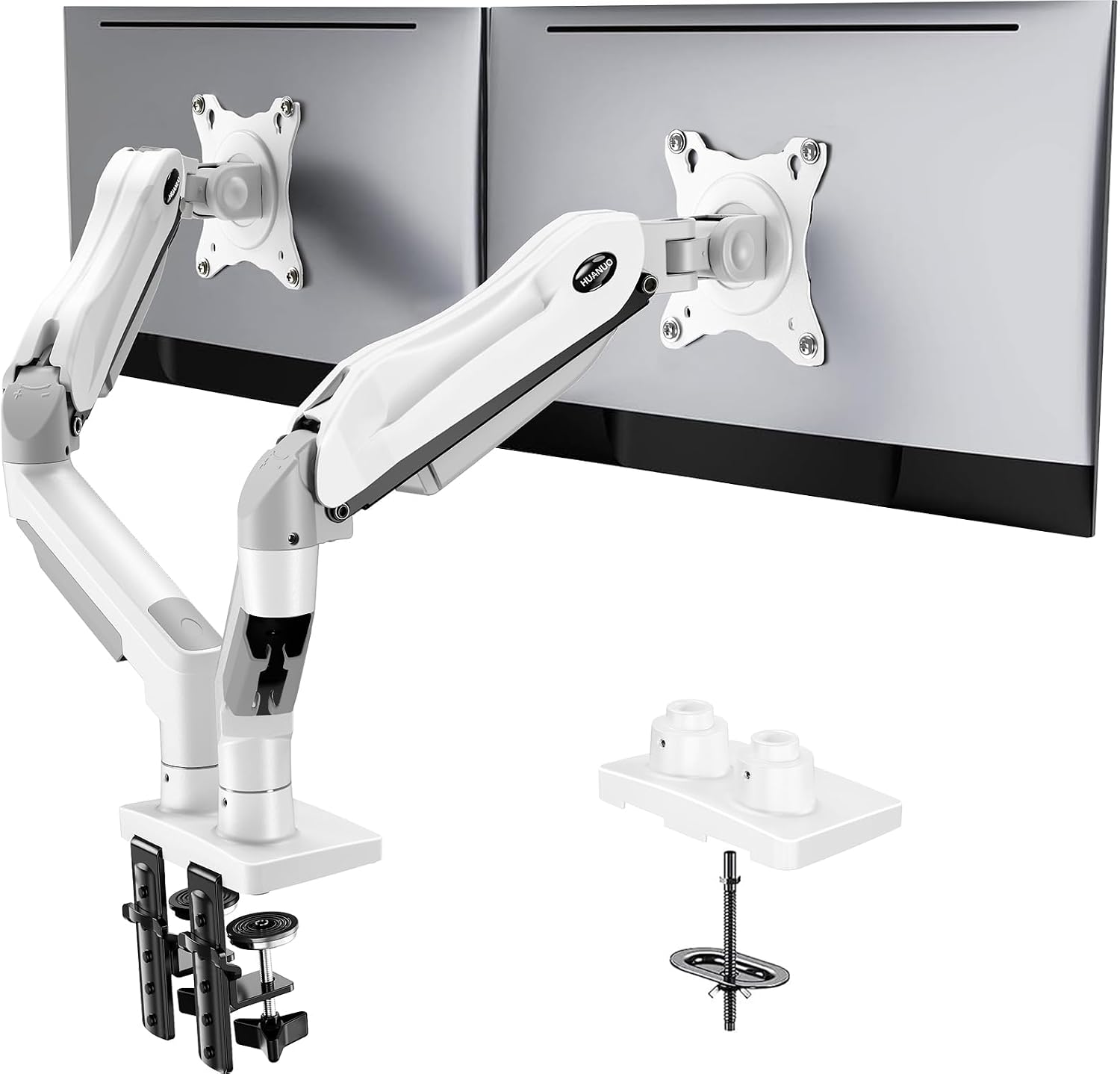
HUANUO Dual Monitor Stand - Full Adjustable Monitor Desk Mount Swivel Vesa Bracket with C Clamp, Grommet Mounting Base for 13 to 32 Inch Computer Screens - Each Arm Holds 4.4 to 19.8lbs - White
Style-conscious home office users who want smooth, pneumatic spring adjustment and a clean white aesthetic to match modern desk setups.
The pneumatic spring arm mechanism allows effortless, tool-free repositioning with smooth motion, a feature not found on the friction-hinge arms in the rest of this set.
This is the most expensive pick in the set, and the white colorway, while distinctive, may limit compatibility with darker or mixed-finish desk setups.
Premium
- Pneumatic spring for effortless adjustment
- Clean white finish for modern workspaces
- C-clamp and grommet mounting options
- Most expensive in this set
- White colorway limits versatility for some setups
The smoothest and most refined option for those who reposition their screens frequently and want premium ergonomic action.
Buy on AmazonErGear Dual Monitor Stand, Heavy Duty Adjustable Monitor Desk Mount for 2 Screens up to 32 Inches, Fully Adjustable Height, Tilt, Swivel, Rotate, Supports 17.6 lbs per Monitor Arm, Easy Installation
Budget-focused desk workers who need a wide-spanning dual arm to fit two large monitors without spending more than necessary.
The 31.22-inch wide arm span and 16-inch high bar accommodate two 32-inch monitors simultaneously, providing one of the largest coverage footprints in this set at the lowest price.
This is the least expensive pick in the set, and the per-arm weight limit of 17.6 lbs is the lowest of any product here, which may exclude heavier monitors.
Budget
- Wide 31.22-inch arm span fits dual 32-inch screens
- Most affordable in the set
- Full height, tilt, swivel, and rotate adjustability
- Lowest per-arm weight capacity in the set
- Wooden desks only recommended
The most affordable entry point for fitting two large screens, though heavier monitors may not qualify.
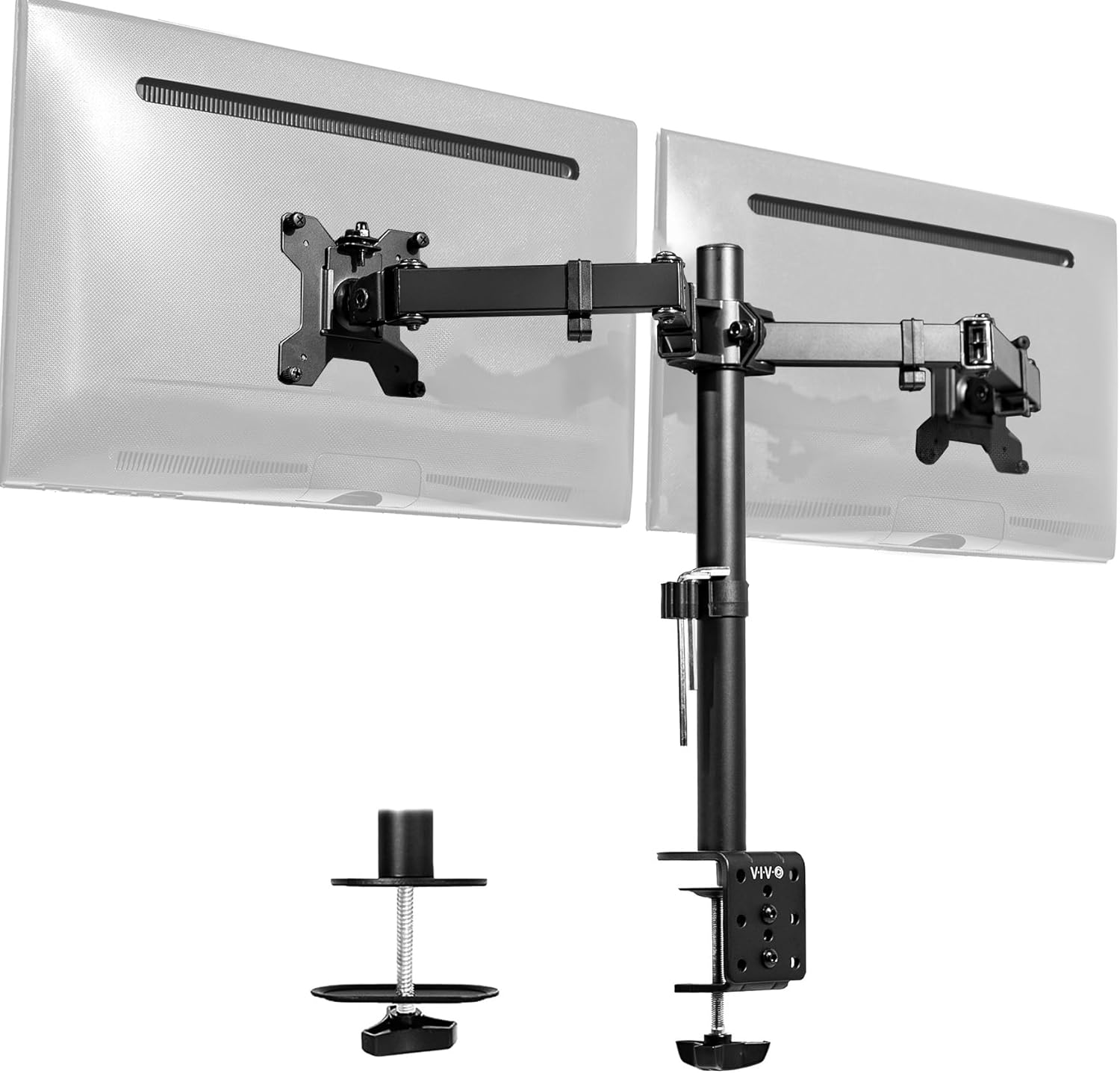
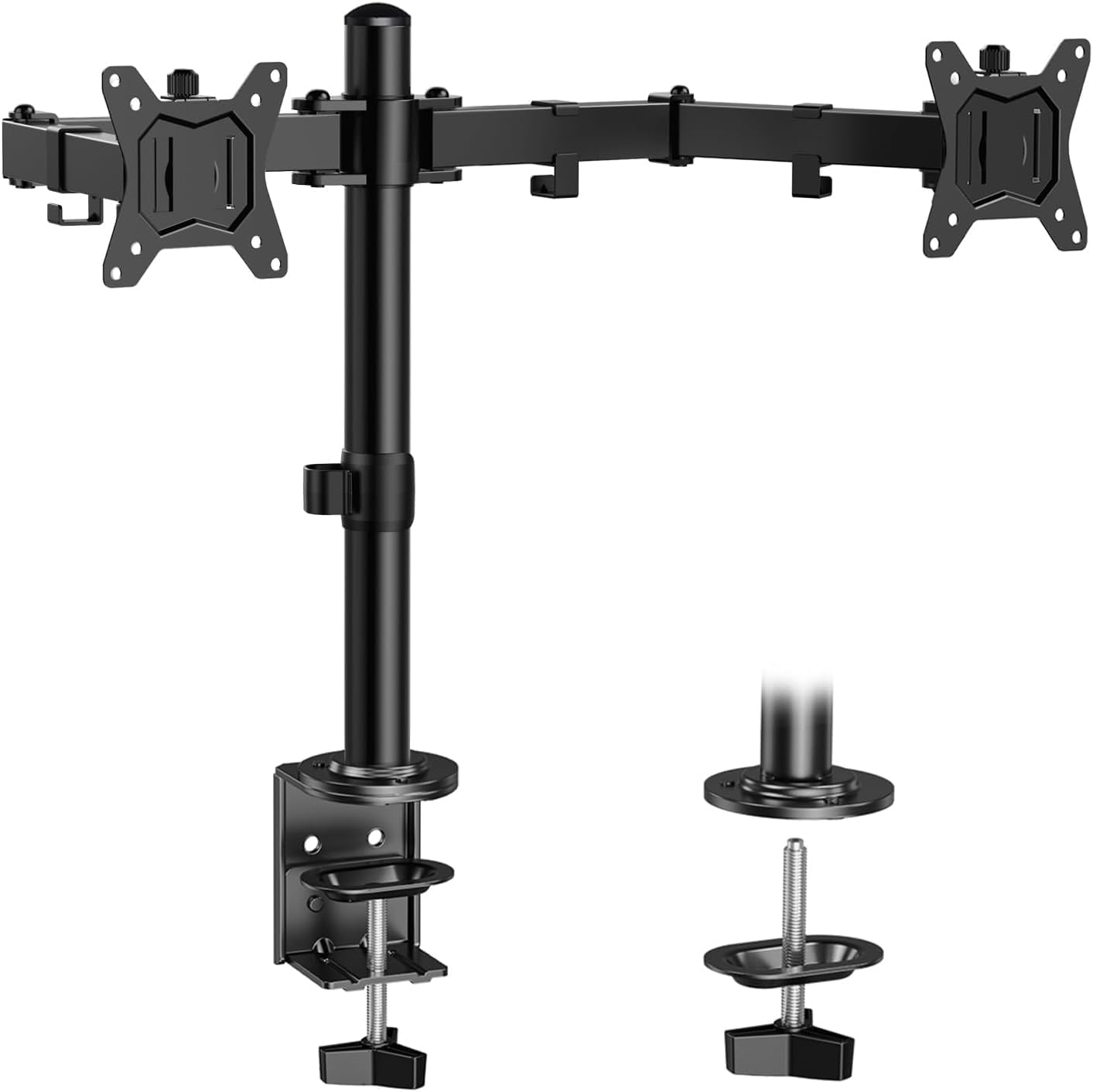
Buy on AmazonVIVO Dual Monitor Desk Mount, Holds 2 Computer Screens up to 30 inches and 22lbs Each, Heavy Duty Fully Adjustable Steel Stand with C-Clamp and Grommet, Black, STAND-V002
Home office users who want a proven, no-frills dual mount with flexible desk attachment options and full articulation at an accessible price.
Offers full articulation including plus or minus 90 degree tilt, 180 degree swivel, and 360 degree rotation, plus both C-clamp and grommet mounting options with cable management clips along the arms and pole.
Supports monitors only up to 30 inches, which falls short of the 32-inch compatibility offered by several other picks in this set.
Budget
- Full articulation with tilt, swivel, and rotation
- C-clamp and grommet mounting included
- Cable management clips along arms and pole
- Tops out at 30-inch screens
- Weight limit lower than some competitors
A well-rounded, fully articulating dual mount that covers most home office screens without spending much.
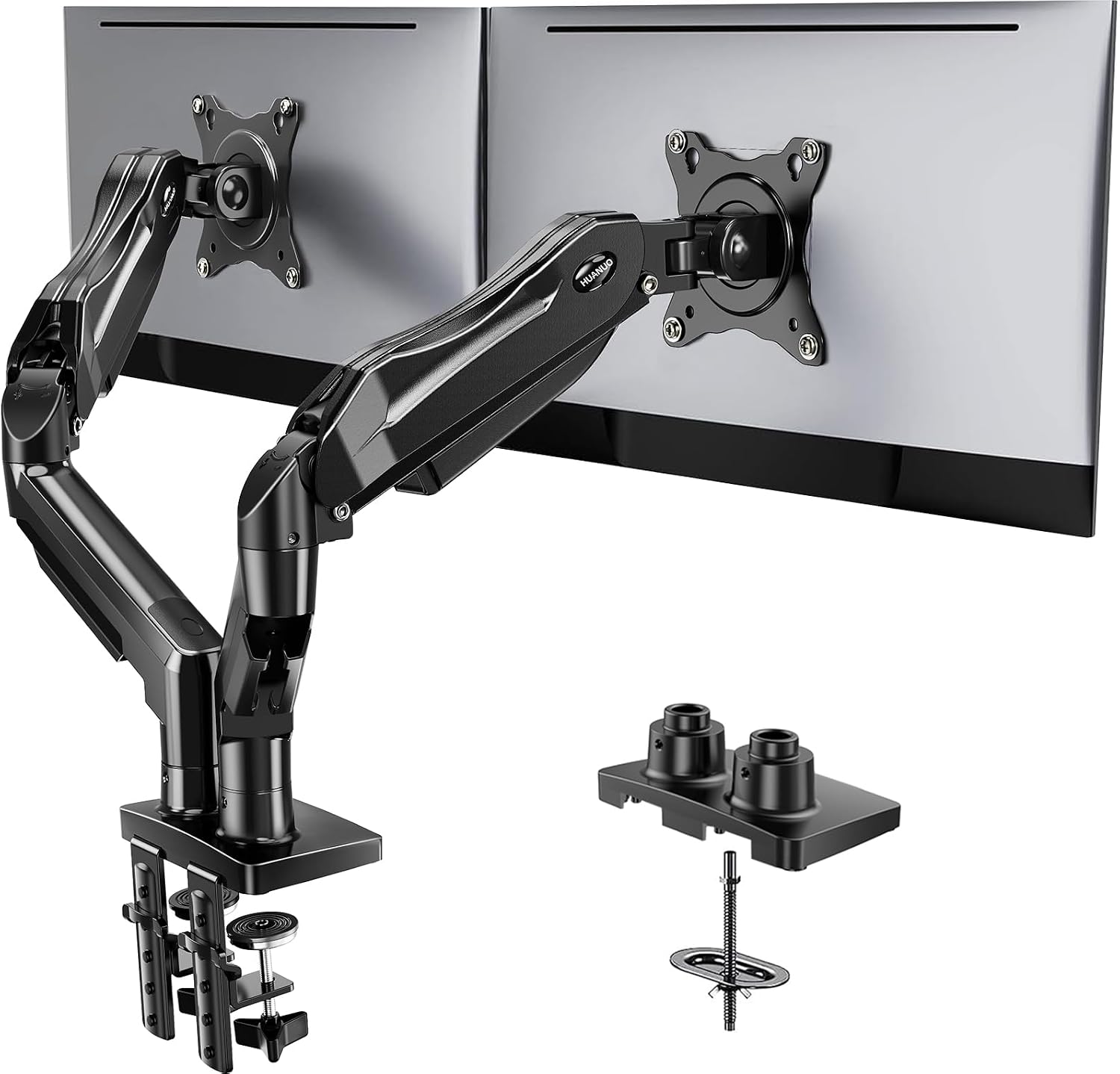
Buy on AmazonHUANUO FlowLift™ Dual Monitor Stand, Fully Adjustable Gaming Monitor Desk Mount for 13–32″ Computer Screens, Full Motion VESA 75x75/100x100 with C-Clamp & Grommet Base, Each Arm Holds 4.4 to 19.8 lbs
Gamers and home office users with wider screens who want a stable, wobble-free dual mount with a reinforced dual C-clamp base.
The upgraded dual C-clamp base with a larger platform provides significantly better wobble resistance compared to single-clamp designs, which is especially valuable during active gaming or frequent adjustments.
Desk compatibility is more restrictive than most in this set, requiring wooden desks only and excluding any desk with cross beams or panels underneath.
Mid-range
- Reinforced dual C-clamp base reduces wobble
- Supports screens up to 32 inches
- Full motion articulation for versatile positioning
- Wooden desks only, no plastic or glass
- Cross beams under desk prevent installation
A stability-focused dual arm best suited to gamers with wooden desks who prioritize a rock-solid setup.
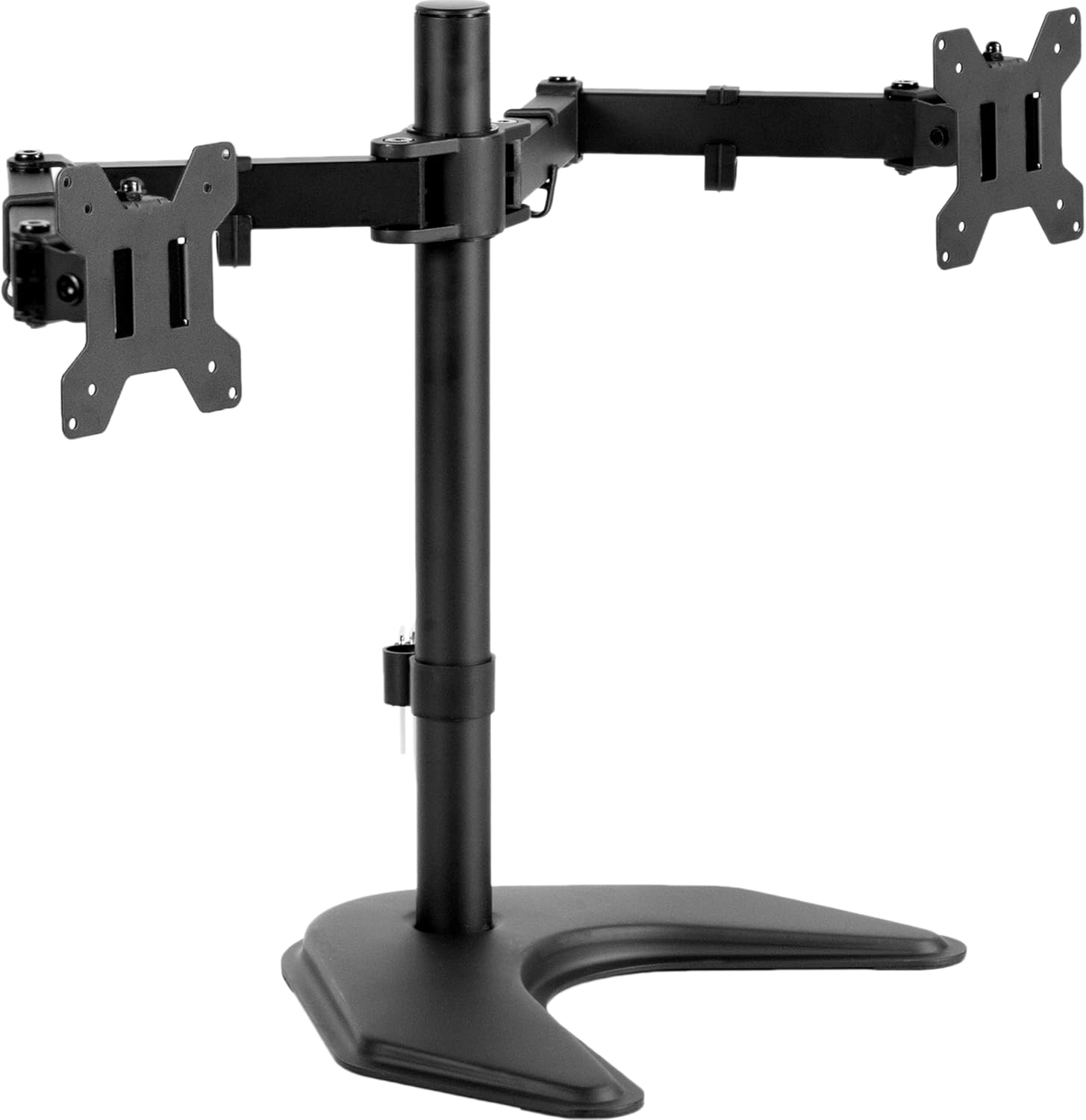
Buy on AmazonVIVO STAND-V002F Dual LED LCD Monitor Free-Standing Desk Stand for 2 Screens up to 27 Inch Heavy-Duty Fully Adjustable Arms with Max VESA 100x100mm
Users with limited desk space near a wall or without a clampable desk edge, who need a freestanding dual monitor solution without drilling or clamping.
The freestanding extra-large 13 by 10.5 inch base with scratch-protective padding requires no desk attachment whatsoever, making it ideal for glass, thin, or irregularly edged desks.
Screen size support tops out at 27 inches, the smallest ceiling in this set, which rules it out for anyone with larger modern panels.
Budget
- No clamping or drilling required
- Large stable base with desk scratch protection
- Full tilt, swivel, and 360-degree rotation
- Only supports screens up to 27 inches
- Best practices caution against pulling monitors far forward without bolting down
The go-to freestanding option for desks that cannot be clamped, though the 27-inch size limit is a real restriction.
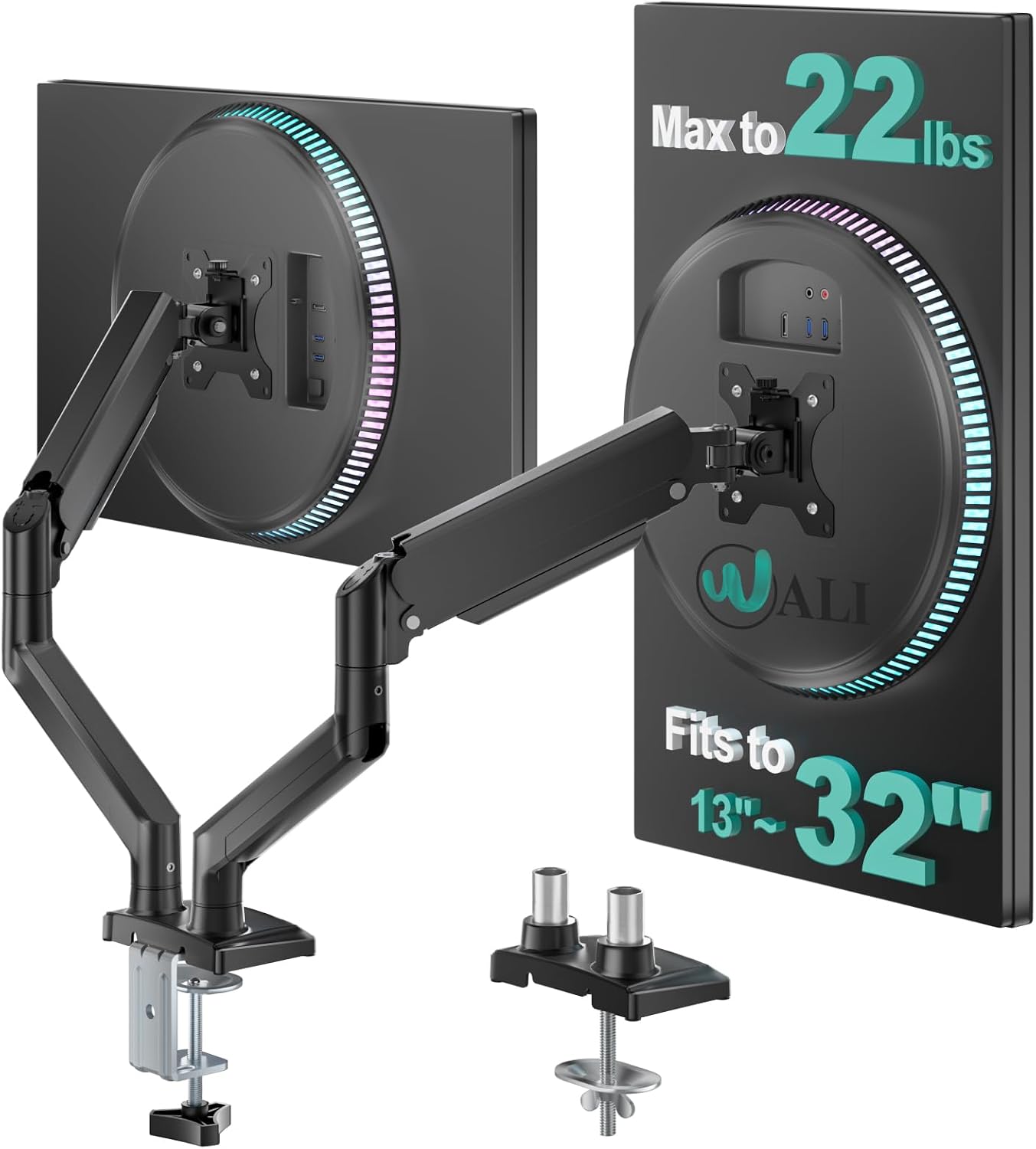
Buy on AmazonWALI Adjustable Dual Monitor Arm for 13-32 inch Screens, 22 lbs per Arm
Home office workers who prioritize ergonomic reach and height range, needing to push screens farther out or raise them higher than typical arms allow.
The arm extends up to 19.3 inches forward and raises up to 17.3 inches above the desktop, providing among the greatest positioning range in this set for dialing in a truly ergonomic eye level.
The listing description is truncated, leaving some specifications such as desk thickness compatibility and warranty details undocumented compared to more fully detailed listings in this set.
Budget
- 19.3-inch forward extension for deep reach
- 17.3-inch height rise above desktop
- Built-in cable management along arms
- Listing specs are partially truncated
- No freestanding option, clamp or grommet only
A reach-and-height focused dual arm for ergonomic setups, competitive on price with strong motion range.
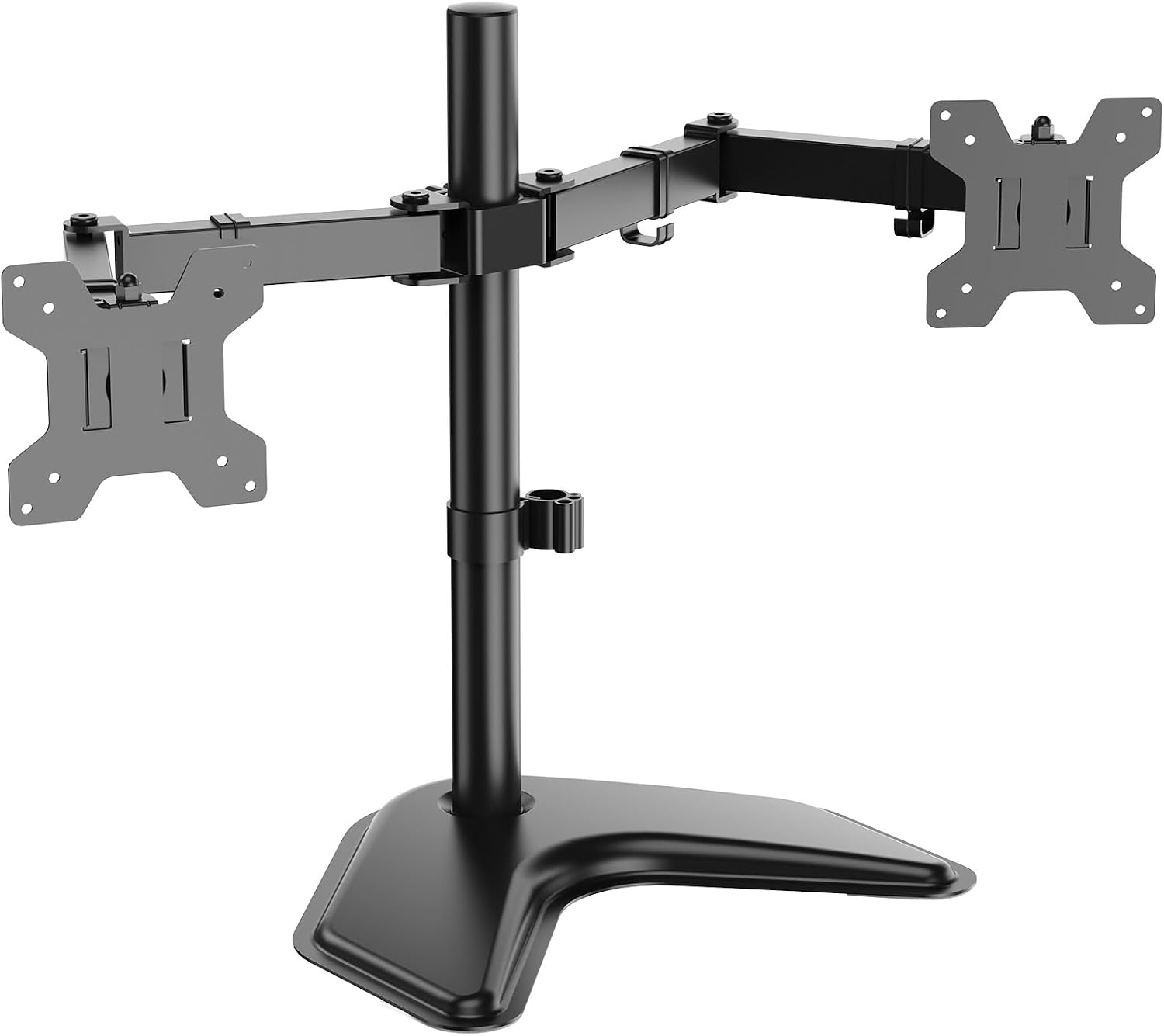
Buy on AmazonWALI Freestanding Dual Monitor Stand for 13-27 inch Screens, 22 lbs per Arm
Dorm, school, or shared office users who move their setup frequently and need a stable freestanding dual arm that requires no desk modification at all.
The freestanding V-base design requires no clamp or grommet installation, making it immediately portable and desk-safe for environments where permanent mounting is not permitted.
Supports monitors only up to 27 inches and arms extend on a 16-inch pole, which provides less vertical height adjustment range than the clamp-based arms in this set.
Budget
- Fully freestanding, no desk modification needed
- V-base fits any desk surface
- Full tilt, swivel, and 360-degree rotation
- Screen size capped at 27 inches
- 16-inch pole limits maximum height range
A portable, freestanding dual arm well suited to shared or temporary workspaces where desk alterations are not an option.
Buy on AmazonA good monitor arm can genuinely transform the way your desk feels and functions, giving you more space, better posture, and a setup that just works the way you need it to. Whether you are managing dual screens, juggling a laptop alongside a monitor, or simply trying to reclaim some breathing room on your desk, there is something on this list worth considering. Take a look at the options that caught your eye and see which one fits your space and workflow best. We hope this helped point you in the right direction. Thanks for reading!
Frequently asked questions
Which of these dual monitor arms will work with my 32 inch screens?
The HUANUO FlowLift, HUANUO HNDS6, ErGear, and WALI clamp models all list support for screens up to 32 inches according to their seller listings. The two VIVO freestanding models top out at 27 inches, and the VIVO STAND-V002 clamp model caps at 30 inches, so those would not fit a 32 inch panel. Always cross check your monitor’s VESA hole pattern (75x75mm or 100x100mm) and weight against the arm’s limit before ordering, since size alone does not guarantee a match.
Can I mount one of these arms on a glass or plastic desk?
Several of these arms explicitly recommend wooden desks only, including the HUANUO FlowLift, HUANUO HNDS6, and ErGear models, which state in their listings that plastic or glass desks are not recommended for C-clamp or grommet installation. If your desk is glass or plastic, the freestanding models from VIVO and WALI are worth considering instead, since they sit on a wide base and do not clamp to the desk edge at all. Always verify the base footprint of a freestanding model fits your available desk space before purchasing.
How difficult is it to set up a dual monitor arm for the first time?
Most arms in this category use detachable VESA bracket plates that attach to the monitor first and then click or bolt onto the arm, which simplifies the process considerably. VIVO and ErGear both highlight labeled hardware and included instructions in their listings, which helps first-timers work through assembly without guessing. The main pre-setup step is confirming your desk thickness falls within the clamp range since these vary by model, for example the ErGear C-clamp fits desks 0.39 to 3 inches thick while the HUANUO FlowLift fits up to 3.54 inches. Getting those measurements right before you start saves the most time.
Does the reach and height adjustment on these arms actually let me reposition screens without tools?
The HUANUO HNDS6 uses a pneumatic spring arm that the listing says allows smooth repositioning without turning screws, which is a meaningful convenience advantage for people who shift between tasks frequently. The WALI clamp model lists specific reach and height figures: 19.3 inches of forward extension and 17.3 inches of upward travel, giving a concrete sense of the range available. Most other arms in this group rely on friction joints that are adjusted by tightening or loosening bolts, so repositioning is possible but takes a small tool. If tool-free daily adjustment matters to you, look specifically for gas spring or pneumatic spring designs.
Is a freestanding base or a clamp mount better for a shared or rented workspace?
A freestanding base is the more flexible choice for shared or rented spaces because it leaves no marks on the desk and can be moved or removed without any installation steps. The VIVO STAND-V002F and WALI freestanding models both use a large weighted base with padding to protect desk surfaces, which suits environments where you cannot drill or clamp. The tradeoff is that freestanding bases occupy desk footprint and the seller listings note that pulling monitors too far forward can cause stability issues unless the stand is bolted down. If your desk is permanent and sturdy enough for clamping, a C-clamp or grommet mount generally offers a cleaner look and frees up the space the base would otherwise take.