Best Home Office Monitor Arms, Chairs, and Desk Converters
Disclosure: This post contains affiliate links. We may earn a commission at no extra cost to you.
Whether you’re working from home full-time or just spending more hours at your desk than you’d like to admit, having the right setup can make a surprisingly big difference. A better monitor, a more supportive chair, or a smarter desk arrangement isn’t just about aesthetics. It’s about feeling good while you work, staying focused longer, and actually enjoying the space you’re in. The good news is that there are some genuinely impressive options out there right now, ranging from practical everyday upgrades to a few products that might catch you off guard with how useful they are. In this guide, we’re covering some of the best home office monitors, chairs, and desk upgrades worth considering in 2026. Whether you’re building a setup from scratch or just looking to swap out one frustrating piece of your current situation, you’ll find something here that fits. Get ready for a mix of exciting, practical, and even a few surprisingly clever picks that can take your home office from fine to actually great.
Disclosure: As an Amazon Associate we earn from qualifying purchases. Prices and availability shown are accurate as of the date of publication and may change.
Quick comparison
How to choose
Monitor Size and Weight Compatibility
Every monitor arm and mount lists a maximum screen size and a weight capacity, so match both figures against your actual monitor before buying. A mount rated for lighter panels will sag or drift over time if your display exceeds its limit, which affects both posture and screen stability.
Desk Attachment Method
Monitor arms and desk converters attach either by a clamp that grips the desktop edge or by a grommet bolt that passes through a pre-drilled hole. Clamps work on most surfaces but require a certain thickness range, while grommet mounts offer a more permanent hold. Check your desk thickness and whether you have or can drill a grommet hole before choosing.
Ergonomic Adjustability Range
For chairs, look at seat height range, lumbar support type (fixed pocket spring versus adjustable), and whether armrests move in ways that match how you sit. For monitor arms, check tilt, swivel, and height travel so the screen can sit at true eye level without neck strain. A wider adjustment range means the product can adapt as your setup or seating position changes.
Footprint and Desk Space Impact
A sit-stand desk converter like a VariDesk sits on top of your existing surface and reduces the usable area when lowered, so measure your desk depth and width first. Monitor arms reclaim the base footprint a monitor stand would occupy, which can matter a lot on smaller desks. Think about how each product changes the usable zone rather than just whether it physically fits.
Build Quality and Material
Polished aluminum arms tend to hold position more consistently over time than all-plastic gas-spring arms, though both can perform well within their rated loads. For chairs, the frame material, caster type, and quality of the seat cushion foam affect how long the chair holds up under daily use. Paying attention to the materials listed in the specs can help you judge long-term durability rather than guessing from appearance alone.
The picks
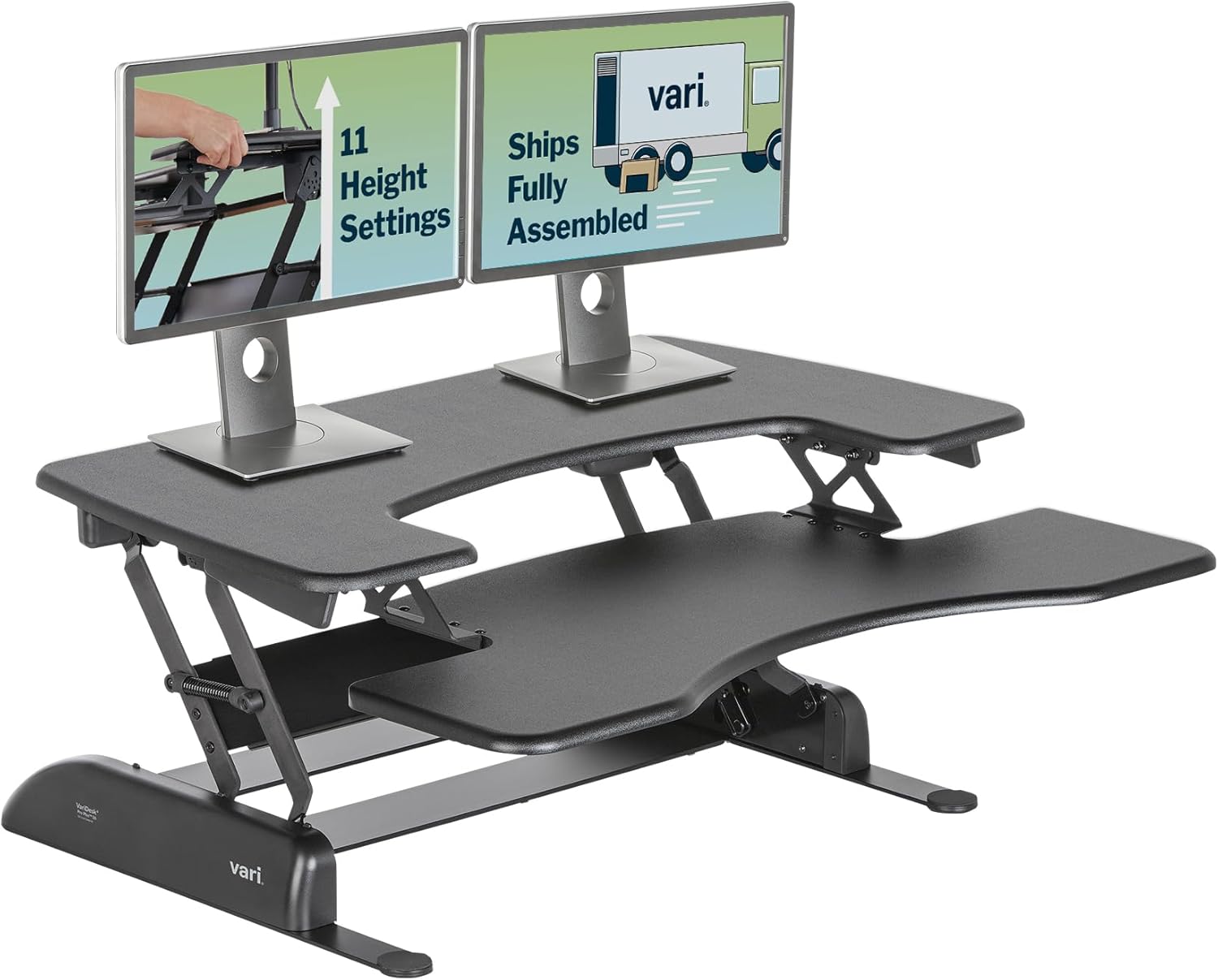
Vari VariDesk Pro Plus 36 - Adjustable Desk Converter with 11 Height Settings - Laptop Sit Stand Desk Riser for Home Office, Table Tops, Workspace - Fully Assembled with Spring Loaded Lift - Black
Home office users who want to convert their existing desk into a sit stand workstation and need dual monitor support without buying a whole new desk.
Spring loaded lift mechanism with 11 height settings and a dedicated two tier layout accommodating dual monitors plus a separate keyboard and mouse deck makes it the most complete standing desk solution in this set.
This is the most expensive product on this list by a significant margin, and it is a converter that sits on top of your existing desk rather than replacing it, which reduces total usable desk depth.
Premium
- 11 height settings with spring assisted lift
- Dual monitor upper tier plus dedicated keyboard deck
- Thick steel and 3D laminate finish for durability
- Most expensive product on this list
- Reduces available desk depth when deployed
The best sit stand upgrade for an existing home office desk, offering dual monitor support and instant height flexibility, but it commands the highest price on this list.
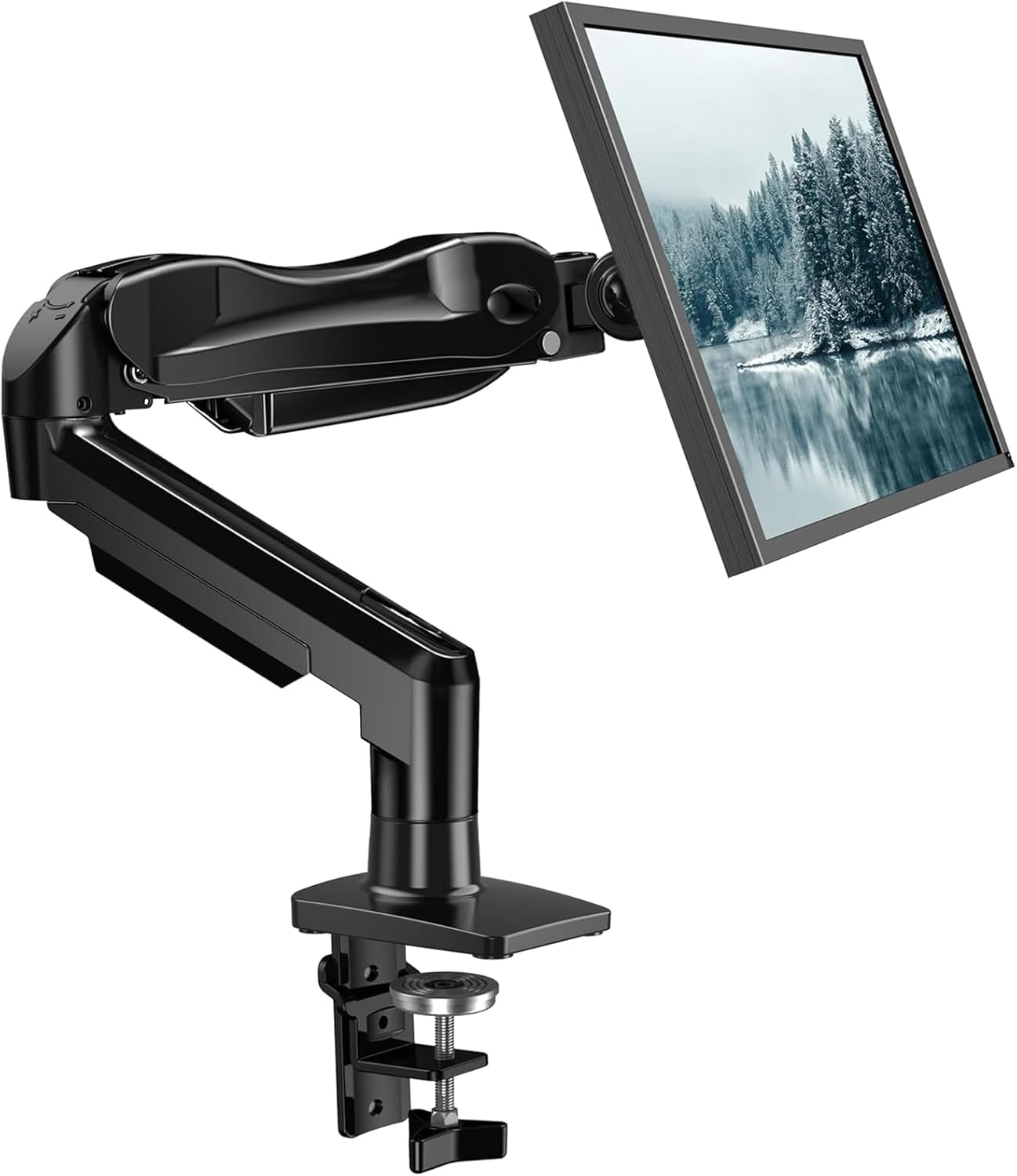
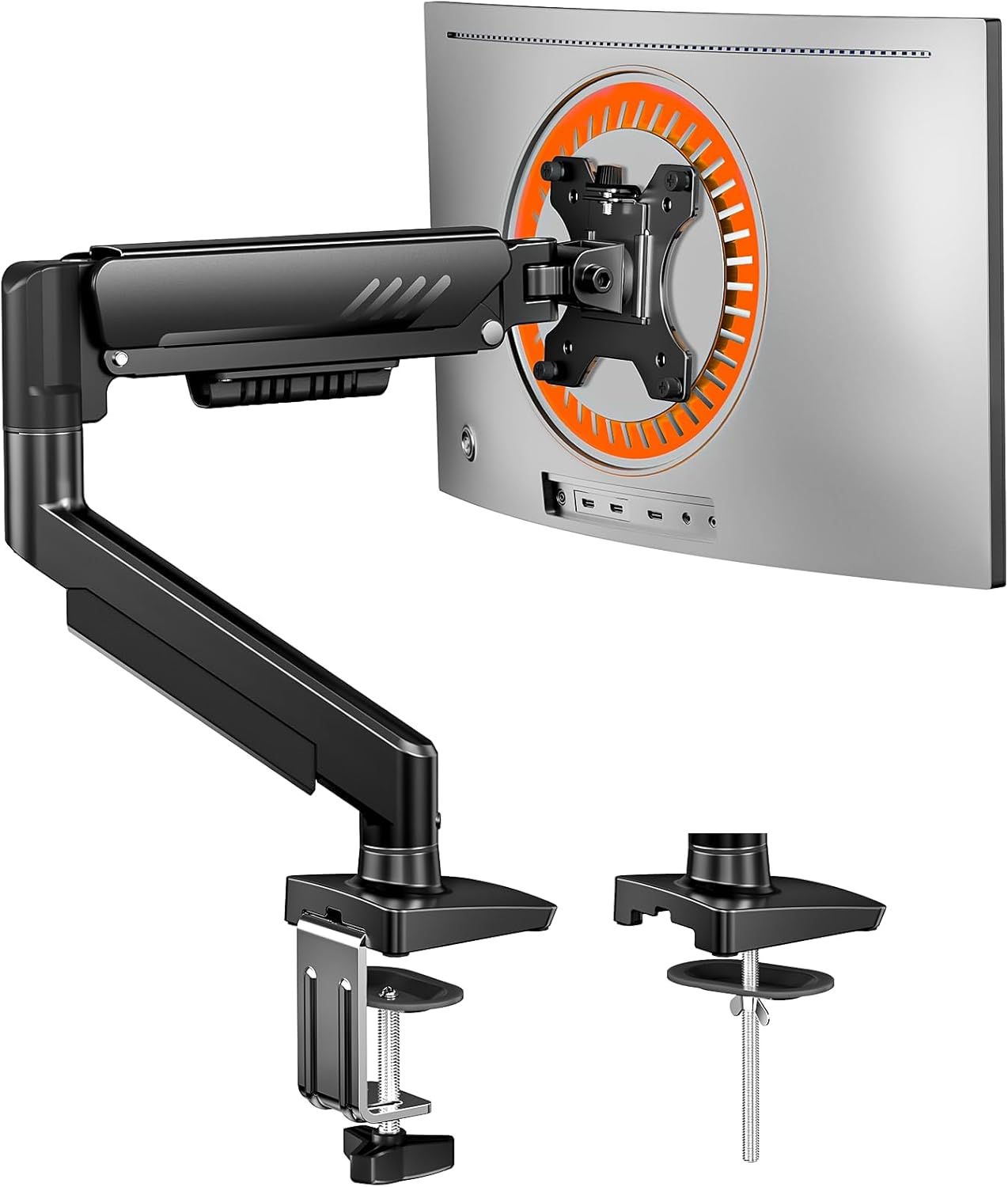
Buy on AmazonMOUNTUP Single Monitor Desk Mount Holds Screen up to 32 inch, Height Adjustable Monitor Arm, Full Motion Computer Monitors Stand with Clamp/Grommet Base, VESA Mounts Fit 4.4-17.6lbs Computer, Black
Budget conscious home office users who need a full motion monitor arm and can accept a slightly lower maximum weight capacity.
Tested through more than 20,000 rigorous cycle tests before leaving the factory, pointing to proven long term durability for an entry level price.
Maximum weight capacity of 17.6 lbs is the lowest in this monitor arm group, which may exclude heavier ultrawide displays.
Budget
- Factory cycle tested for durability
- Full motion with 180 degree swivel and 360 degree rotation
- Up to 19.6 inch extension reach
- Lowest weight limit among the monitor arms here
- No standout premium build materials
The most affordable pick on this list and a dependable full motion arm for lighter monitors on a tight budget.
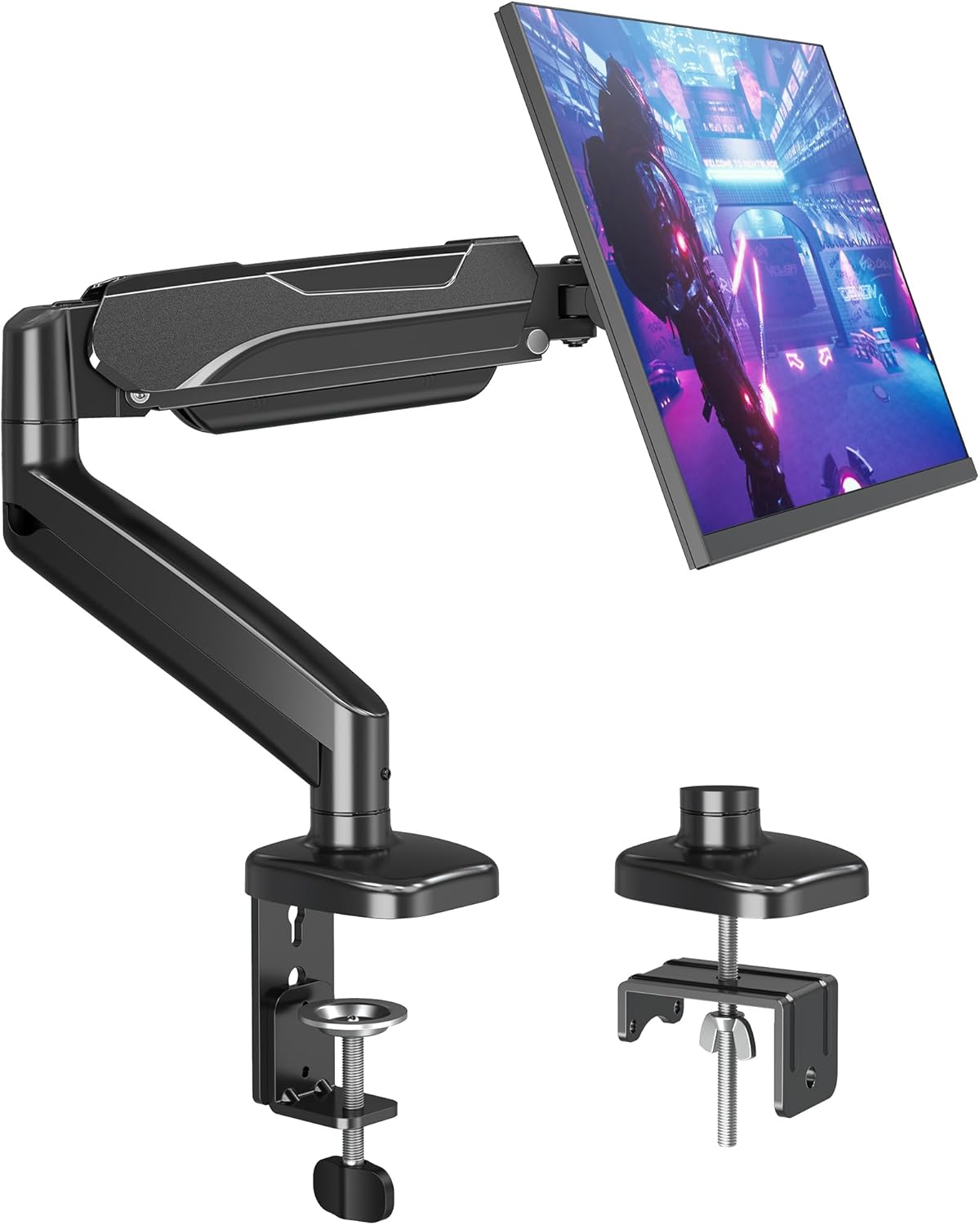
Buy on AmazonHUANUO FlowLift™ Single Monitor Mount, 13 to 32 Inch Monitor Arm, Adjustable Monitor Stand, Vesa Mount with Clamp and Grommet Base - Fits 4.4 to 19.8lbs LCD Computer Monitors
Home office workers who want a capable single monitor arm without spending much but need slightly more weight capacity than the bare minimum options.
Exceptionally wide tilt range of negative 50 to positive 85 degrees gives more ergonomic positioning flexibility than most arms in this set.
The description mentions repeated screw adjustments compared to competitors, suggesting the adjustment process may be less fluid than higher priced alternatives.
Budget
- Wide tilt range for ergonomic positioning
- Supports monitors up to 19.8 lbs
- Full 360 degree rotation for portrait or landscape use
- Adjustment process involves repeated screw turning
- Clamp base limited to standard desk thicknesses
A solid budget arm with standout tilt range, best suited for those who prioritize positioning flexibility on a modest spend.
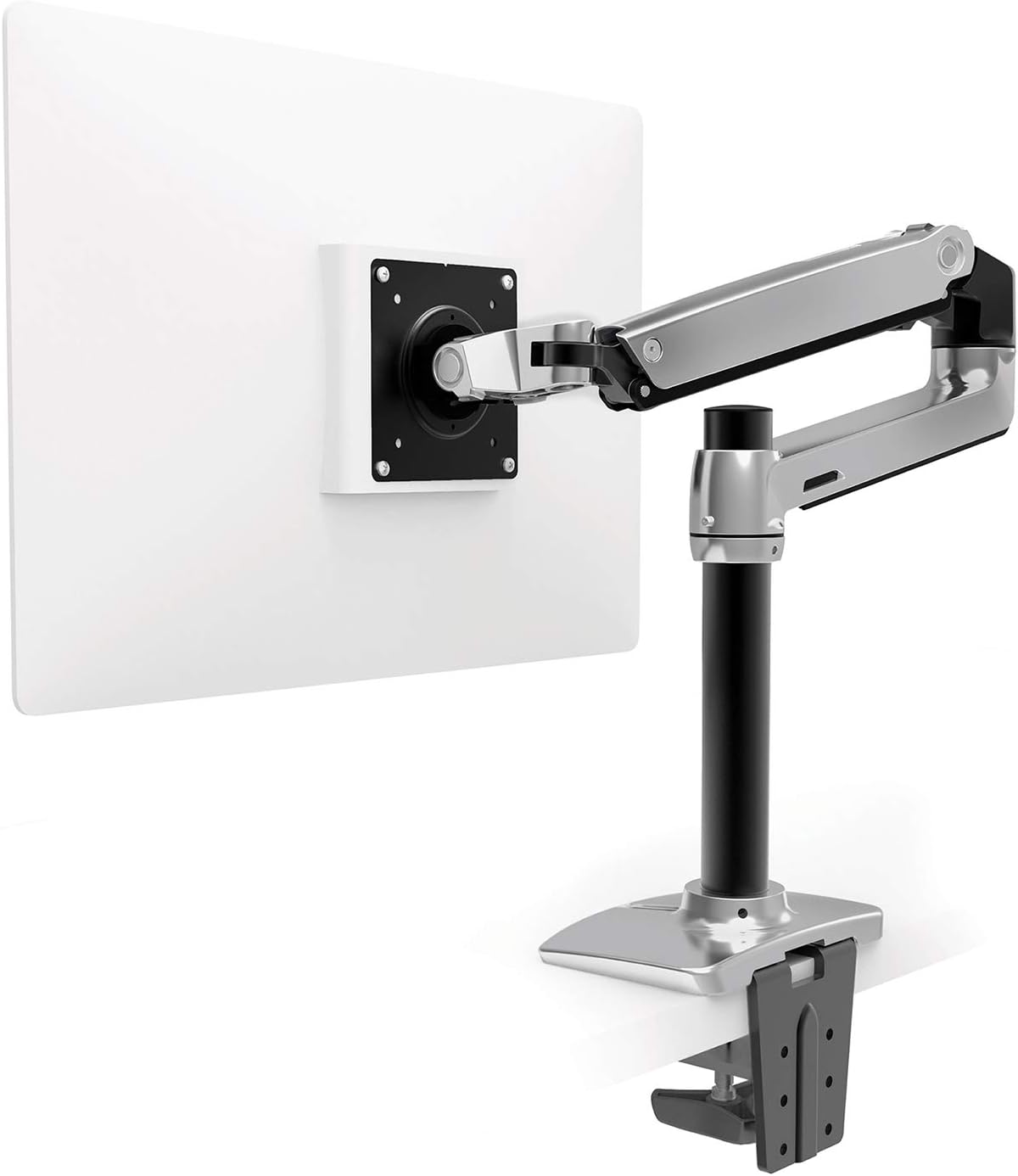
Buy on AmazonErgotron – LX Monitor Arm, Single Monitor Desk Mount – fits Flat Curved Ultrawide Computer Monitors up to 34 Inches, 7 to 25 lbs, VESA 75x75mm or 100x100mm – Tall Pole, Polished Aluminum
Professionals using large or ultrawide monitors who want a premium, polished aluminum arm that handles heavier screens and offers maximum height lift.
Polished aluminum construction with 13 inches of pole height and 22.1 inches of total rise from the worksurface gives the most vertical adjustment range in this set.
Comes in at a notably high price compared to other monitor arms on this list, and is limited to a 34 inch screen size which excludes some larger ultrawide panels.
Premium
- Polished aluminum build for durability
- 22.1 inches of total vertical rise
- Supports screens up to 34 inches and 25 lbs
- Significantly pricier than other arms on this list
- Does not support screens larger than 34 inches
The premium monitor arm choice for large screen users who demand build quality and extensive height adjustment above all else.
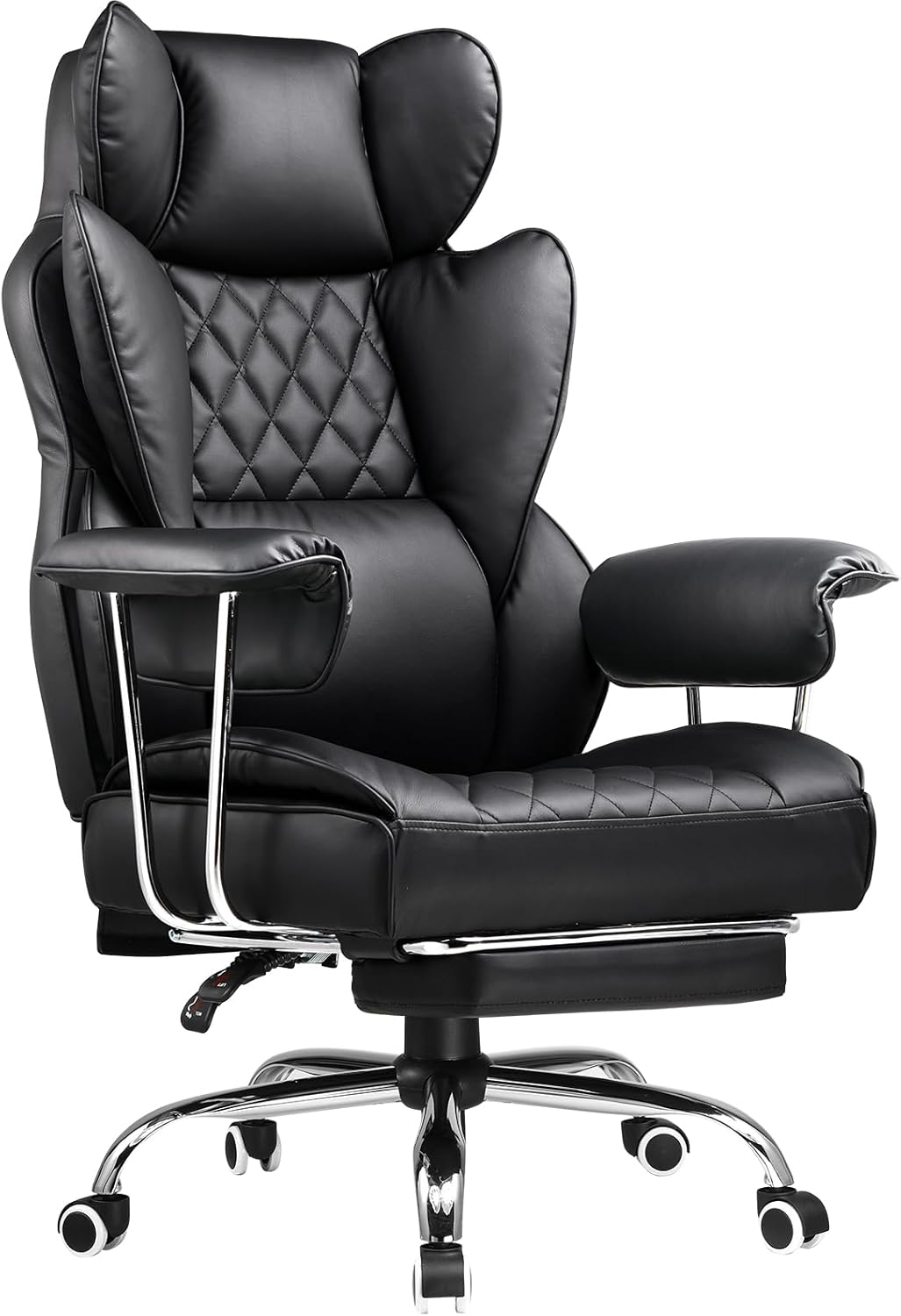
Buy on AmazonCOMHOMA Big and Tall Office Chair, High Back Leather Gaming Chair with Footrest, Executive Ergonomic Office Chair with Pocket Spring Lumbar Support and with Outward Fixed Soft Armrests
Bigger and taller individuals who sit for extended hours and want full body support with the added comfort of a footrest and pocket spring seat.
Pocket spring lumbar support combined with dual layered high density foam and high loft fiber creates a sofa like seating experience uncommon at this price band.
Fixed outward armrests cannot be repositioned inward or in height, limiting ergonomic arm and wrist alignment for some users.
Mid-range
- Pocket spring seat for breathable long session comfort
- 3D wrapping lumbar support with layered foam
- Includes adjustable footrest for full body support
- Fixed soft armrests cannot be repositioned
- Leather material may retain heat over long sessions
An unusually comfortable executive chair for larger users, held back only by fixed armrest positioning.
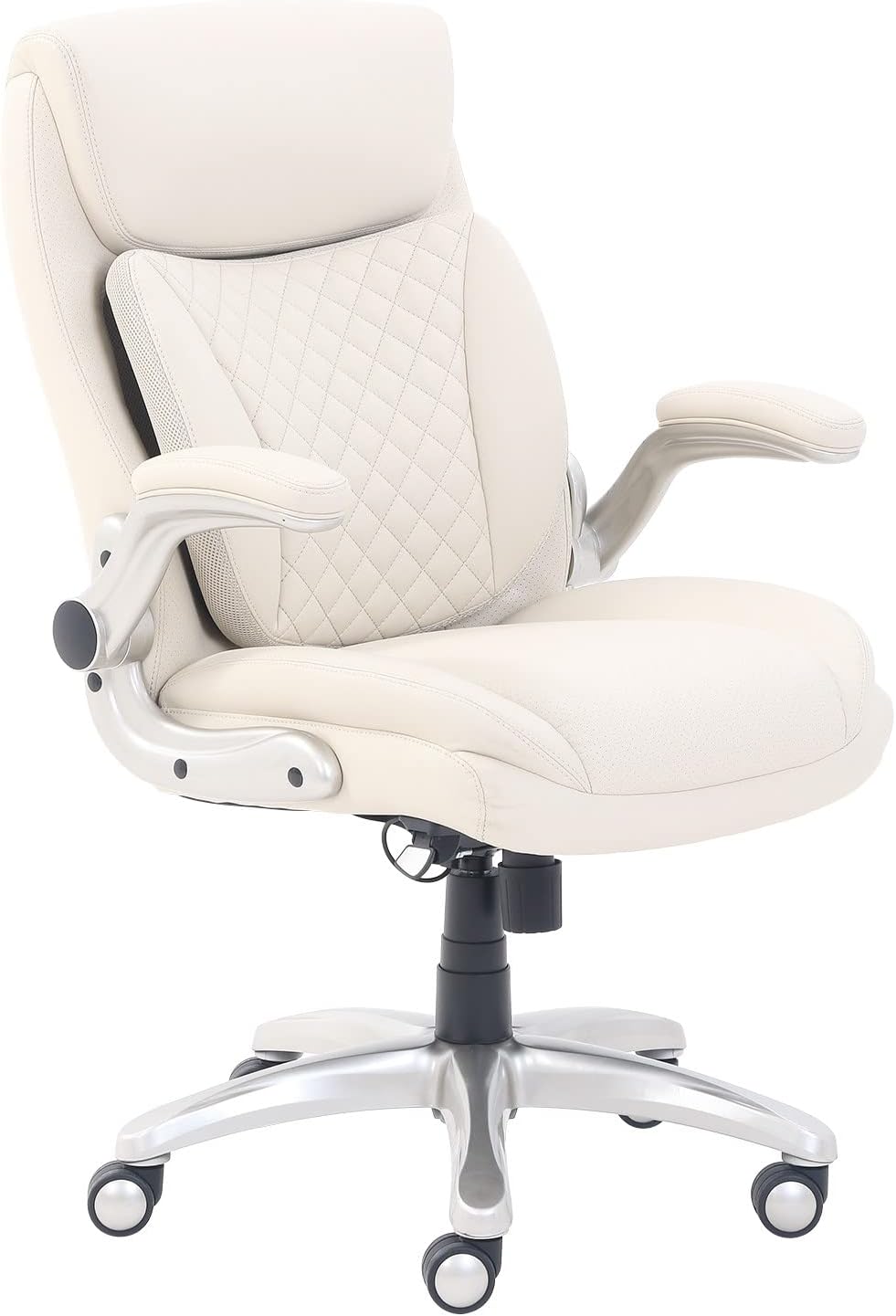
Buy on AmazonAmazon Basics Ergonomic Executive Office Desk Chair with Lumbar Support, Flip-up Armrests, Adjustable Height, Cream Leather
Home office professionals who want a polished, executive aesthetic combined with practical ergonomic features like flip up armrests.
Flip up armrests free up space when needed and the five point metallic finished base with oversized casters provides stable, smooth mobility on most floor surfaces.
Bonded leather upholstery is less breathable than mesh alternatives and may show wear over time compared to genuine leather.
Mid-range
- Flip up armrests for flexible workspace use
- Integrated 3D lumbar support for extended sessions
- Sturdy five point metallic base with oversized casters
- Bonded leather less durable than genuine leather
- Less breathable than mesh chair alternatives
A versatile executive chair that balances refined looks with practical ergonomics, though bonded leather has durability considerations.
Buy on AmazonErGear Single Monitor Arm, Fully Adjustable Monitor Mount for 13–34 Inch Screens, Fast Install Computer Monitor Stand with Tool-Free VESA Mount, Cable Management, Holds 19.8 lbs, Max VESA 100x100mm
Home office users with ultrawide or curved monitors up to 34 inches who want a fast no tool installation process and built in cable management.
Tool free VESA mount installation combined with a 40 percent wider VESA head and tighter fitting panel makes setup faster and keeps the monitor more securely locked than standard arms.
Maximum VESA pattern of 100x100mm means it will not work with larger monitors that require 200x200mm or bigger VESA patterns.
Budget
- Supports ultrawide curved screens up to 34 inches
- Tool free VESA installation for fast setup
- Built in cable management for a tidy desk
- Limited to 100x100mm max VESA pattern
- Shares the same price tier as simpler arms despite added features
A standout choice for ultrawide monitor users who want quick setup and a wider than usual VESA head for added stability at a budget price.
Buy on AmazonUpgrading your home office doesn’t have to happen all at once. Even swapping out one piece, whether it’s a better monitor, a more supportive chair, or a cleaner desk setup, can make a real difference in how you feel and focus each day. If something on this list caught your eye, it’s worth taking a closer look to see if it fits your space and workflow. Small changes really do add up over time. We hope this list gave you some helpful ideas to work with. Thanks for reading, and here’s to a more comfortable workday!
Frequently asked questions
What monitor arm weight capacity do I actually need for a typical home office screen?
Most standard 24 to 32 inch flat panel monitors weigh between 8 and 15 pounds, so arms rated in the 17 to 20 pound range cover the majority of setups with room to spare. The HUANUO and ErGear arms both top out at 19.8 lbs, while the MOUNTUP handles up to 17.6 lbs and the Ergotron LX supports up to 25 lbs for heavier ultrawide panels. Always check your specific monitor spec sheet for its listed weight before ordering because curved and ultrawide screens often run heavier than standard flat panels of the same screen size. If you are running a 34 inch ultrawide or a monitor with a thick bezel and large stand base, the Ergotron LX is the safest fit.
How difficult is it to set up a monitor arm if you have never mounted one before?
Most monitor arms in this category are designed for tool-free or minimal-tool installation and can be up and running in under 30 minutes for a first-timer. The ErGear arm specifically advertises fast tool-free VESA mounting, and all four arms here use a standard clamp or grommet base that attaches to a desk edge without drilling. The main step that trips people up is confirming VESA compatibility on their monitor, which means checking whether the back of the screen has a 75x75mm or 100x100mm bolt pattern. Once you confirm that, the physical install is straightforward and the adjustment process is just loosening and repositioning the arm joints.
Is a sit-stand desk converter worth it compared to buying a full standing desk?
A converter like the Vari VariDesk Pro Plus 36 makes the most sense when you already own a desk you like and want to add sit-stand flexibility without replacing it entirely. It ships fully assembled with a spring-loaded lift and 11 height settings, so there is no installation and you can start using it the same day it arrives. Full motorized standing desks offer more surface area and a cleaner look, but they cost significantly more and require a longer setup process. For someone who primarily types and uses a single monitor or a laptop, the converter format covers the core benefit of alternating posture throughout the day.
Which office chair option is a better fit for someone who sits for long stretches versus someone with shorter work sessions?
For extended sessions of four hours or more, a chair with dedicated lumbar support tends to reduce lower back fatigue more effectively than a standard padded seat. The COMHOMA chair uses pocket spring lumbar support, which can conform more closely to the curve of your spine than a fixed foam pad, and adds a footrest for full-body positioning. The Amazon Basics ergonomic chair is a lighter-featured option with adjustable height and flip-up armrests that suits shorter sessions or a secondary workspace without the bulk. If you have specific back concerns, an ergonomic chair with adjustable lumbar positioning is generally worth prioritizing over one where lumbar support is fixed in place.
Do these monitor arms work with ultrawide or curved monitors, or are they only for standard flat screens?
Compatibility depends on two factors: the screen size limit and the VESA pattern on the back of the monitor. The Ergotron LX is explicitly rated for flat, curved, and ultrawide screens up to 34 inches and supports both 75x75mm and 100x100mm VESA patterns, making it the most versatile option in this group for non-standard screens. The ErGear arm also supports screens up to 34 inches and a max VESA of 100x100mm, so it covers most curved ultrawides in the mainstream size range. The HUANUO and MOUNTUP arms top out at 32 inches, which excludes the most common 34 inch ultrawide format, so they are best matched to standard widescreen panels in that size range or smaller.