Best Home Office Printer for Compact Work From Home Setups
Disclosure: This post contains affiliate links. We may earn a commission at no extra cost to you.
Working from home has its perks, but a cramped desk setup can make even the simplest tasks feel like a hassle. If you’ve been putting off buying a printer because you think it’ll take over your entire workspace, you might be surprised by what’s out there right now. Today’s home office printers are smaller, smarter, and more capable than ever, and some of them are genuinely fun to use. Whether you need to print contracts, school forms, creative projects, or the occasional boarding pass, there’s a compact option that fits your space without sacrificing quality. In this guide, we’re covering some of the most practical and impressive picks available for small home office setups. From wireless all-in-ones that tuck neatly onto a shelf to ink-efficient models that save you money over time, each option on this list brings something genuinely useful to the table. So if you’re ready to finally add a reliable printer to your work from home setup, keep reading. You might find exactly what you’ve been looking for.
Disclosure: As an Amazon Associate we earn from qualifying purchases. Prices and availability shown are accurate as of the date of publication and may change.
Quick comparison
How to choose
Print Technology Fit
Laser printers use toner and handle high page volumes with lower per-page cost, making them practical if you print text documents daily. Inkjet printers reproduce color and photos more richly but ink cartridges can be costlier to replace, so weigh how often you print color versus black-and-white before deciding.
Footprint and Dimensions
In a compact home office setup, a few inches of difference in width or depth can determine whether a printer fits on a shelf, a corner desk, or a dedicated stand. Check the listed dimensions against your available surface area, and confirm the paper tray extends forward without blocking a drawer or chair path.
Wireless and Mobile Printing
All the products here connect over Wi-Fi, but the protocols they support vary: AirPrint, Mopria, and app-based printing each serve different phones and tablets. If you print from a smartphone or tablet more than from a laptop, confirm the printer supports the protocol your device uses natively to avoid installing extra software.
Multifunction Needs
Copier and scanner functions vary in practicality depending on how the flatbed is designed and whether the model includes an automatic document feeder for multi-page originals. If you scan contracts or multi-page forms regularly, a flatbed-only scanner will require manual page-by-page handling, which adds friction to a work-from-home routine.
Ongoing Supply Costs
Some models are enrolled in or compatible with ink or toner subscription programs, which lower per-page cost if your monthly volume stays consistent. Others use standard cartridges you buy outright, which can be more economical at lower print volumes, so estimate your average monthly page count and compare the cost per page for each cartridge type before committing.
The picks
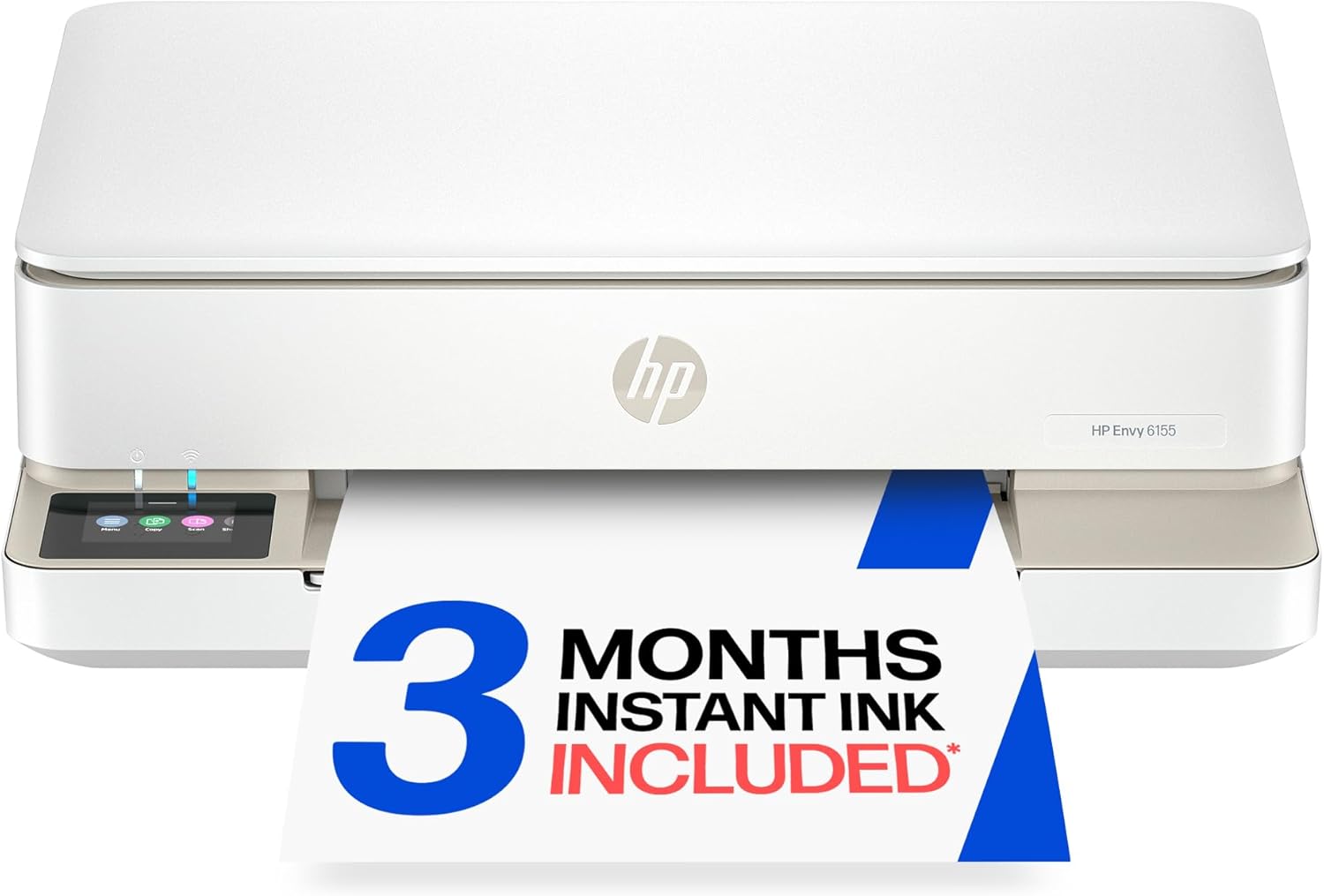
HP Envy 6155 Wireless All-in-One Color Inkjet Printer, Print, Scan, Copy, Duplex Printing Best-for-Home, 3 Month Trial of Instant Ink Included, AI-Capable (C2WR7A) Portobello
Home office professionals who want a feature-rich color all-in-one with AI workflow adaptation and a touchscreen interface.
Includes an intuitive color touchscreen, AI-capable workflow adaptation, true-to-screen color technology, and wireless security features all in one device.
This is the most expensive product on this list, which may be more than casual or light home users need to spend.
Premium
- AI-capable adaptive workflow technology
- Color touchscreen for easy job navigation
- True-to-screen color accuracy for photos and documents
- Priciest pick on this list
- 100-sheet paper capacity is relatively modest for its price tier
The most feature-complete option here with AI capability and a color touchscreen, justified for serious home office use but overkill for light tasks.
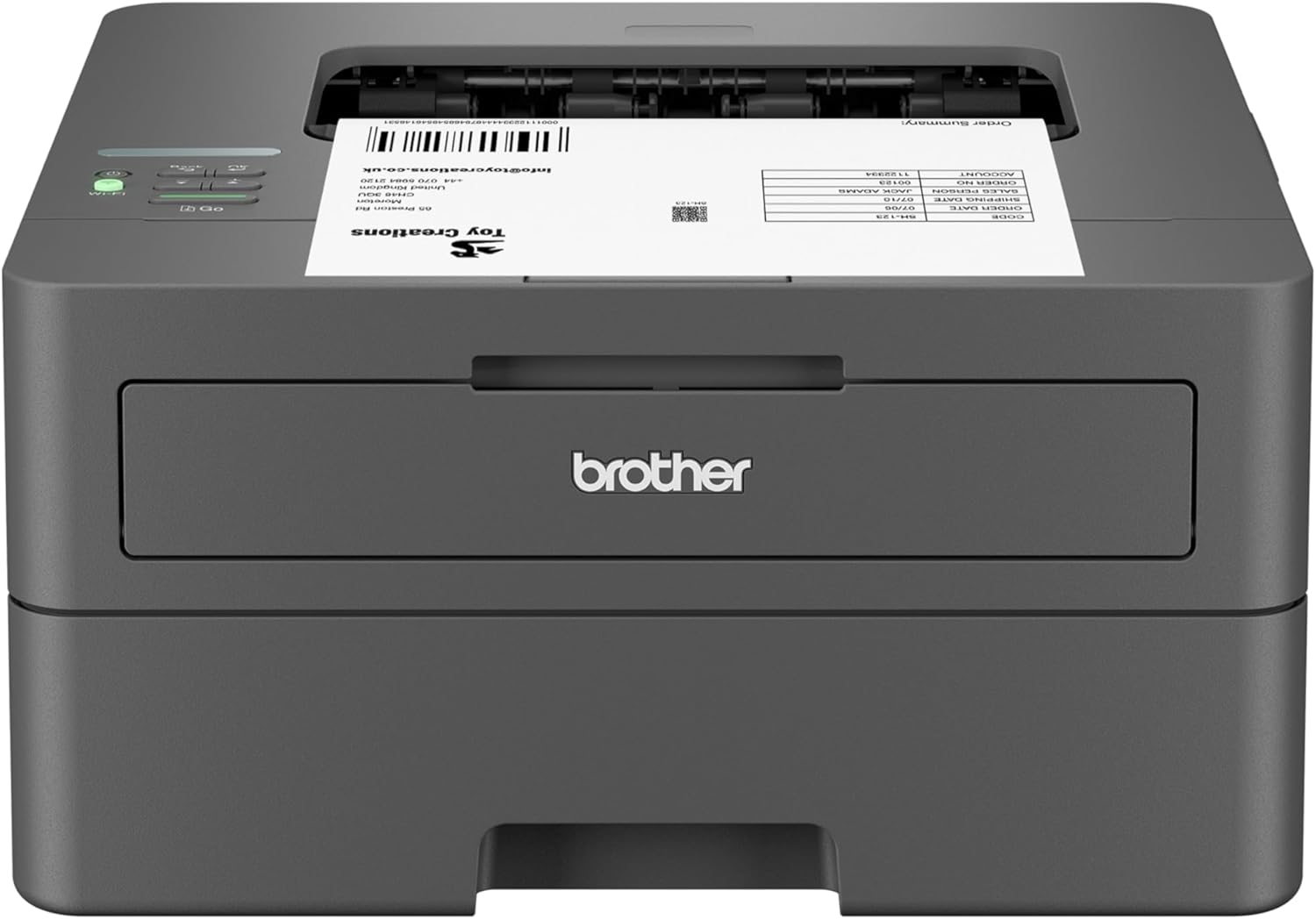
Buy on AmazonBrother HL-L2405W Wireless Compact Monochrome Laser Printer with Mobile Printing, Black & White Output | Includes Refresh Subscription Trial(1), Works with Alexa
Work-from-home users who print large volumes of text documents and want the smallest possible desktop footprint at the lowest price.
Prints up to 30 pages per minute with a 250-sheet paper tray, cutting down refill interruptions during busy workdays.
Print-only design means no built-in scanning or copying, so it cannot replace a full office multifunction device.
Budget
- Up to 30 pages per minute speed
- Generous 250-sheet paper tray
- Compact footprint fits any desktop
- No scanning or copying function
- Black and white output only
The most affordable pick on this list and the fastest printer here, ideal for high-volume monochrome document printing with no frills.
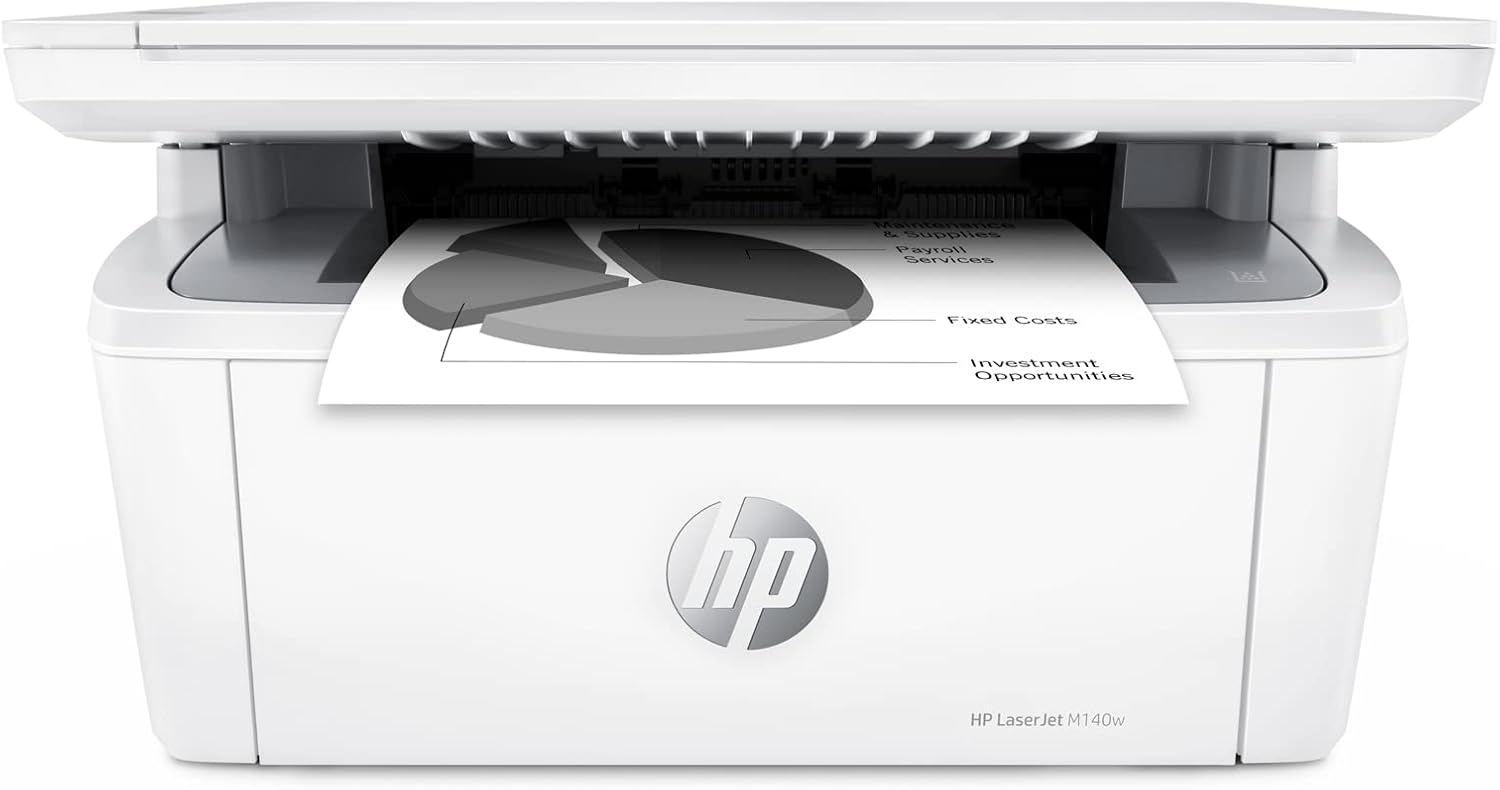
Buy on AmazonHP Laserjet MFP M140w Wireless Monochrome All-in-One Printer, Copier, Scanner, Phone, Tablet, for Home, Office Use, Easy Setup, Auto-On/Off Technology Compact White 7MD72F (Renewed)
Home office users who want a monochrome laser all-in-one with wireless convenience at an extremely low entry cost.
Combines printing, scanning, and copying in a compact wireless package with Auto-On/Off technology that saves energy between tasks.
This is a renewed (refurbished) unit, which means wear history and remaining component life are unknown compared to new devices in this set.
Budget
- Print, scan, and copy in one device
- Auto-On/Off energy saving technology
- Wireless and mobile printing ready
- Renewed unit with unknown prior use history
- Monochrome only, no color output
A refurbished laser all-in-one bargain for light document work, but the renewed condition is a real consideration.
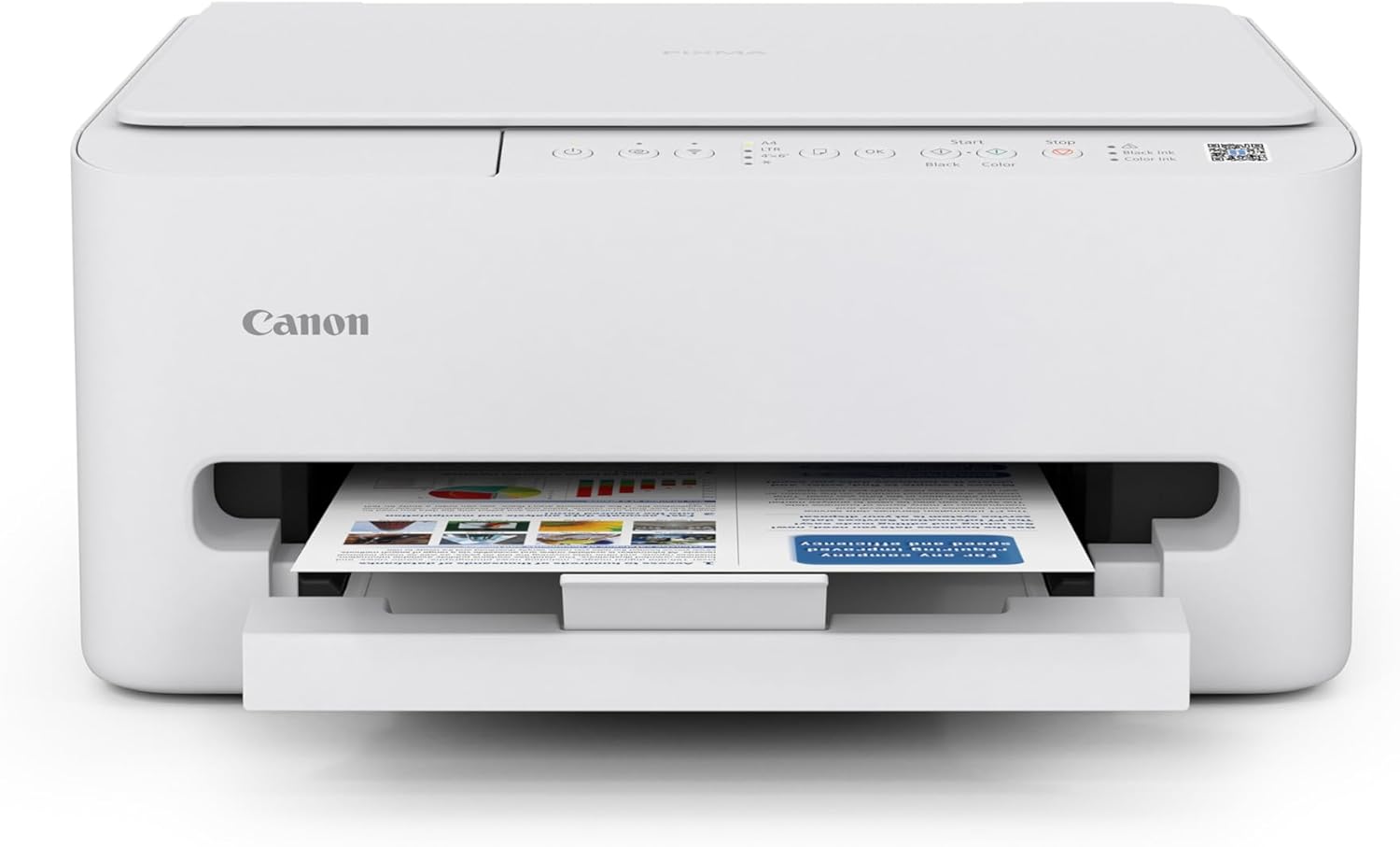
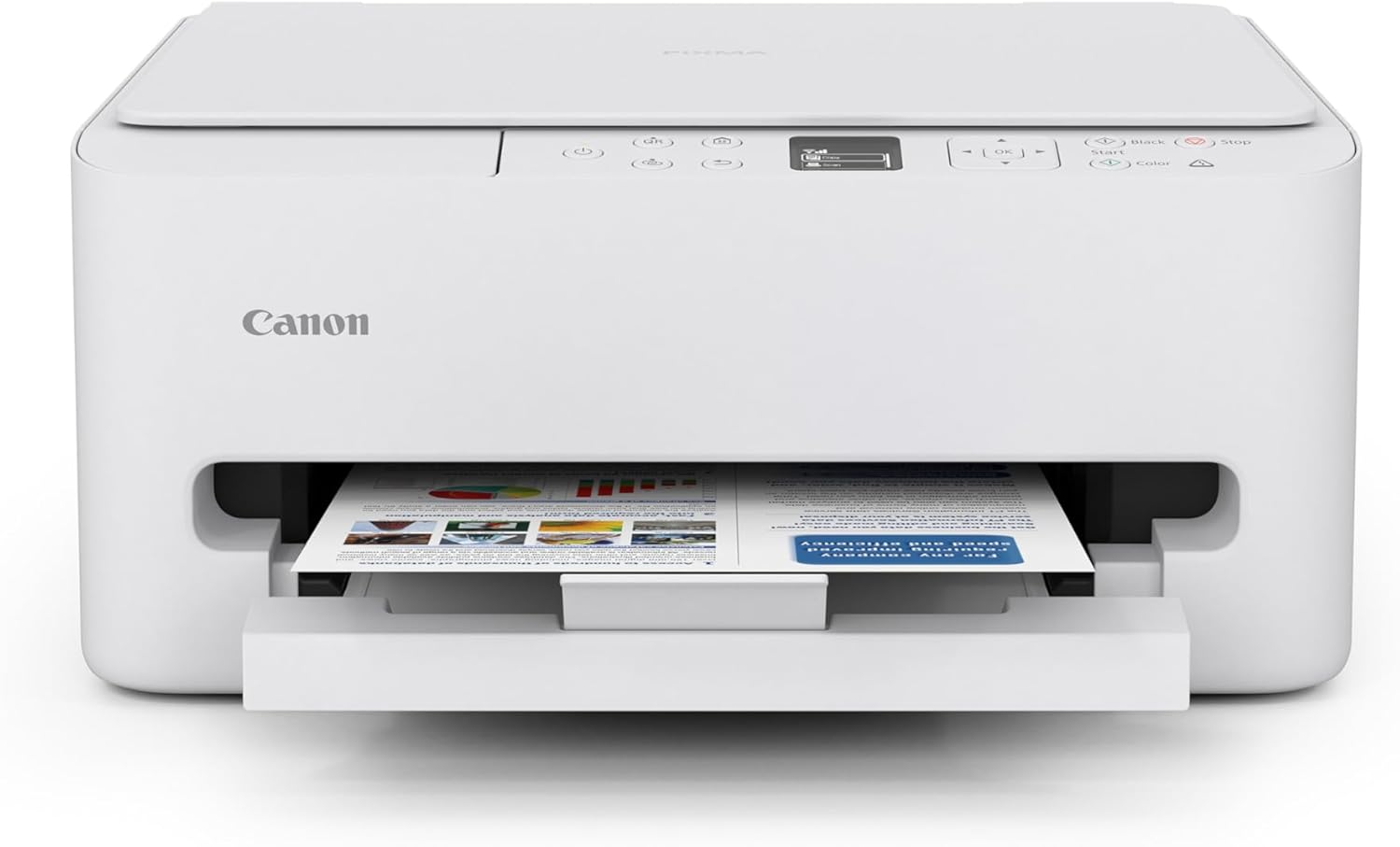
Buy on AmazonCanon PIXMA TS4320 Wireless Color Inkjet Printer for Duplex Printing, White – Home Printer with Copier/Scanner, Compact Design, Easy Setup, 1 Year Limited Warranty
Light home users who occasionally print photos, school projects, or recipes and want color output without spending much.
Supports auto 2-sided duplex printing and wireless connectivity in a compact design, covering both color and everyday document needs.
No OLED display and no automatic document feeder, making multi-page scanning or copying more manual compared to pricier models in this set.
Mid-range
- Auto 2-sided duplex printing
- Wireless and easy setup
- Compact design for tight spaces
- No display screen or ADF
- Best suited for light, occasional use
A dependable, compact color inkjet for occasional home tasks without unnecessary complexity.
Buy on AmazonCanon PIXMA TS6520 Wireless Color Inkjet Printer Duplex Printing, White – Home Printer with Copier/Scanner, 1.42” OLED Display, Intuitive Control Panel, Compact Design | Auto 2-Sided, 1.42 OLED, WI-FI and Airprint and Mopria, 1200x1200 Dpi, 100-Sheet Tray
Families and students who want an easy-to-use color printer with a proper display panel for everyday home printing and copying.
Features a 1.42 inch OLED display with an intuitive control panel and 1200x1200 dpi print resolution, delivering sharp color output with simple navigation.
No automatic document feeder means multi-page document scanning still requires manual page-by-page feeding.
Mid-range
- 1.42 inch OLED display for easy navigation
- 1200x1200 dpi high-resolution color output
- Auto 2-sided printing saves paper
- No ADF for multi-page scanning
- 100-sheet tray capacity is modest
A well-rounded color inkjet with a sharp display and high resolution, sitting comfortably between the basic and premium tiers.
Buy on AmazonFinding the right printer for a compact home office does not have to be complicated. Whether you need something that handles crisp documents, occasional photo prints, or both, there is likely an option on this list that fits your space and your workflow. Take a look at the links above to explore current pricing and features, and do not hesitate to compare a couple of models side by side before deciding. A little research now can save you a lot of frustration later. We hope this guide made your search a little easier. Thanks for reading!
Frequently asked questions
What is the difference between a laser printer and an inkjet printer for a home office setup?
Laser printers like the Brother HL-L2405W and HP LaserJet MFP M140w use toner cartridges that can last thousands of pages, making them a strong choice if you print text documents frequently and want a low cost per page. Inkjet printers like the Canon PIXMA TS4320, Canon PIXMA TS6520, and HP Envy 6155 handle color graphics and photos more naturally, and they tend to cost less upfront. The tradeoff is that inkjet ink can dry out if you print infrequently, while toner stays stable for longer storage periods. If your work involves mostly black-and-white documents, a compact laser model will often serve you better over time.
How difficult is it to set up a wireless home office printer on a home Wi-Fi network?
Most of the printers in this lineup are designed for straightforward wireless setup using a companion app on your phone or computer. The HP LaserJet MFP M140w uses the HP Smart app, while the Brother HL-L2405W supports mobile printing and even works with Alexa for voice-assisted tasks. Canon models like the TS4320 and TS6520 use the Canon PRINT Inkjet app and support AirPrint and Mopria, which lets Apple and Android devices connect without installing extra software. The Canon TS6520 adds a 1.42-inch OLED display and an onscreen control panel that can simplify network configuration compared to models that rely entirely on a phone app.
Which of these printers fits best in a very small home office or desk space?
All five models are marketed as compact, but monochrome laser options like the Brother HL-L2405W are typically narrower in footprint because they skip the color ink system and have a simpler paper path. The HP LaserJet MFP M140w adds scanning and copying functions in a similarly small chassis and includes Auto-On/Off technology so it is not drawing power when idle. Inkjet all-in-ones like the HP Envy 6155 and Canon PIXMA TS4320 tend to be slightly wider because of the color ink carriage, though both are still described by their manufacturers as compact home designs. Measure the available desk or shelf space before choosing, and check each product’s listed dimensions to confirm the fit.
Is duplex printing worth prioritizing for home office use, and which models support it?
Duplex printing automatically prints on both sides of a page, which can noticeably cut paper use if you regularly print multi-page documents, reports, or forms. Among these products, the Canon PIXMA TS4320, Canon PIXMA TS6520, and HP Envy 6155 all list auto duplex printing as a built-in feature. The Brother HL-L2405W and HP LaserJet MFP M140w focus on monochrome output and do not prominently list automatic two-sided printing, so check the spec sheet if that feature is essential for your workflow. For anyone printing reference materials, contracts, or instructional documents regularly, having auto duplex built in tends to be more convenient than manually flipping pages.
How do ink or toner subscription programs affect the long-term value of these printers?
Both HP and Brother offer optional subscription services tied to some of these models. The HP Envy 6155 includes a three-month trial of HP Instant Ink, which ships replacement cartridges based on your page usage rather than ink level, and the Brother HL-L2405W includes a Refresh Subscription trial that automatically orders toner when supplies run low. These programs can lower the per-page cost for moderate to heavy users, but they typically require a recurring monthly fee after the trial period ends. It is worth estimating your average monthly print volume before committing, since low-volume users may find it more economical to buy cartridges individually rather than pay a flat subscription fee.