
SimpliSafe Gen 3 for First-Time Buyers: Starter Kits and Add-ons
Disclosure: This post contains affiliate links. We may earn a commission at no extra cost to you.
If you are buying your first SimpliSafe system, start with a kit containing the Base Station and Keypad, then work out which entry points need sensors. A spare keypad or a pack of sensors does not replace the core system. The products below are optional additions for an existing compatible system, not competing complete alarm kits.
This is a specifications and compatibility guide, not a hands-on alarm test. For a comparison of complete packages, see our DIY home security kit guide.
Start with the system, then add coverage
- Identify the system generation before buying a replacement part. SimpliSafe says sensors from its Original system cannot transfer to Gen 3. A sensor’s own generation number should not be treated as proof of system compatibility. Use the exact model’s compatibility documentation. SimpliSafe upgrade instructions
- List the doors and accessible windows you want to cover. Compare that list with the contents of the starter kit so you do not buy duplicates.
- Decide who needs to arm and disarm the system, and where they enter. That determines whether another keypad or a keyfob is useful.
- Compare the monitoring plan separately from the hardware. Do not assume that buying a panic button includes emergency dispatch or a monitoring subscription.
SimpliSafe’s Gen 3 system overview identifies the Base Station, Keypad and compatible sensors as parts of the system. Its communication guide explains that these accessories use SimpliSafe’s own radio connection; they are not general Zigbee or Z-Wave accessories.
Which add-ons serve a clear purpose?
| Your need | Accessory to consider | What it does not replace |
|---|---|---|
| More covered doors or windows | Compatible entry sensors | Base Station and initial setup |
| Another place to arm or disarm | Additional keypad | The core system |
| A portable arming control | Keyfob | Door or motion detection |
| A manual alarm trigger | Panic button | A monitoring plan |
| Additional audible alarm coverage | Auxiliary siren | The Base Station |
| Detection of breaking glass | Glassbreak sensor | A check of sensor placement and coverage |
Optional Gen 3 accessories
SimpliSafe Gen 3 Entry Sensor Pack
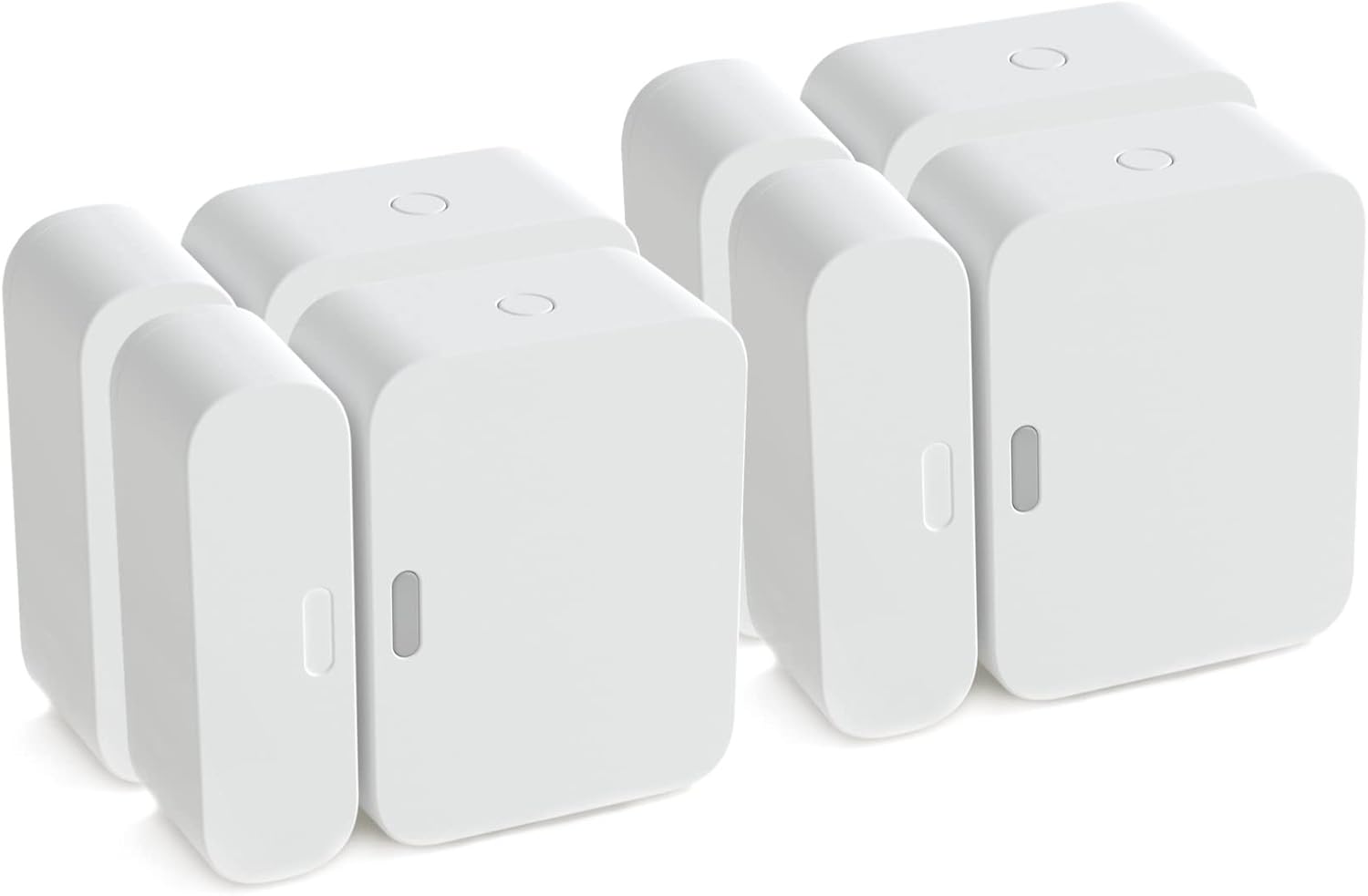
Owners adding coverage to more doors or windows.
A multipack can fill gaps after counting the sensors already included in your kit.
Confirm the pack quantity and Gen 3 compatibility of the selected listing.
SimpliSafe Gen 3 Wireless Keypad
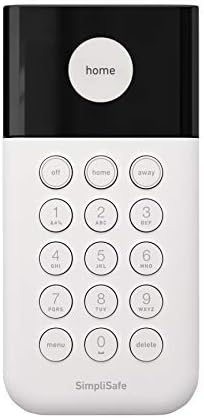
Owners who want another arming point.
A second keypad may be more convenient than walking back to the main entrance.
This is an extra control, not a starter kit.
SimpliSafe Gen 3 KeyFob
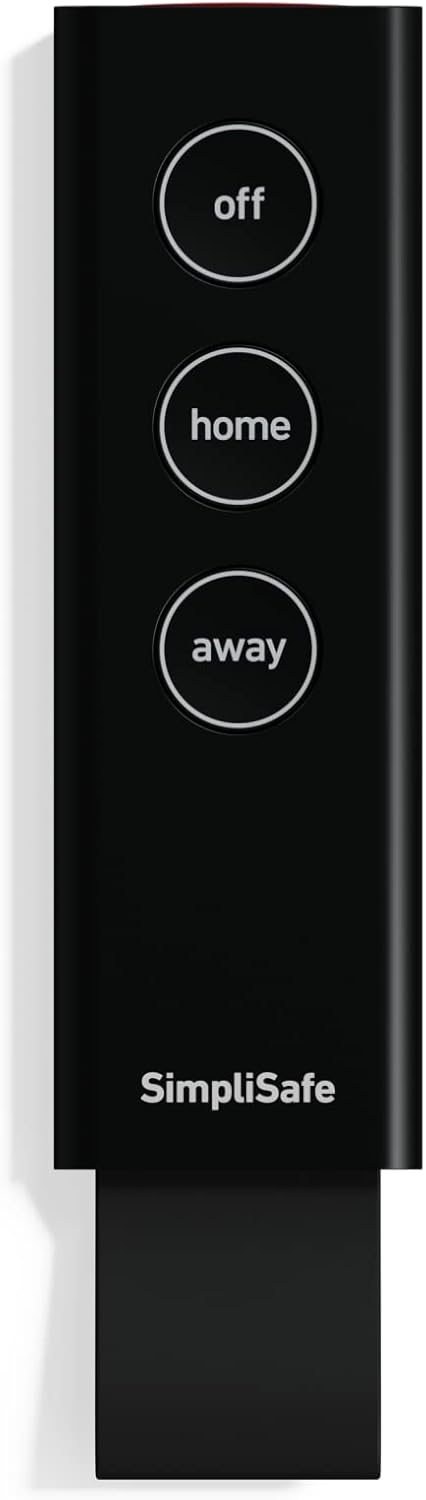
Existing owners who prefer a physical arming control.
It provides a different way to interact with the existing alarm system.
Check the exact model and the functions enabled by your system setup.
SimpliSafe Gen 3 Panic Button
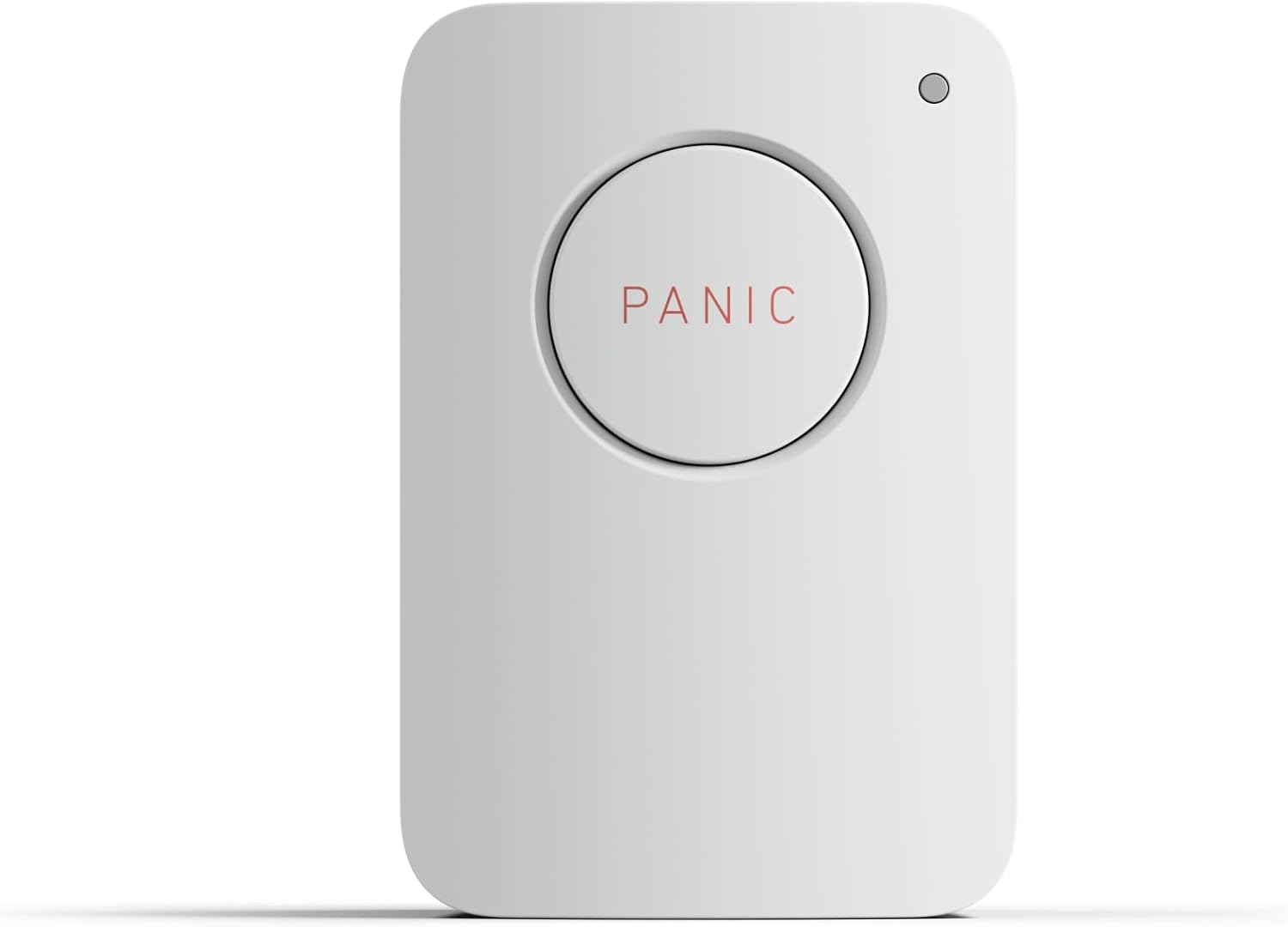
Owners who have a planned place for a manual alarm trigger.
A dedicated button may suit a location where reaching the keypad is inconvenient.
Emergency response depends on the relevant monitoring service; the button alone does not provide it.
SimpliSafe Gen 3 Auxiliary Siren
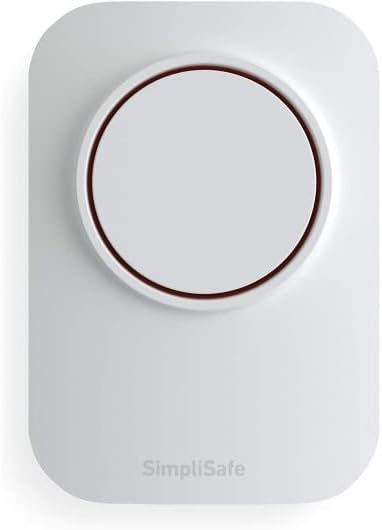
Existing owners who need an additional audible alarm.
It adds a sounder to an existing installation.
Follow the manufacturer placement instructions, including restrictions on outdoor exposure.
SimpliSafe Gen 3 Glassbreak Sensor

Owners considering a sensor for a room with glazing.
This serves a different detection purpose from a contact sensor.
Check the room layout and manufacturer placement guidance before relying on coverage.
Avoid an unnecessary purchase
If you do not yet have a Base Station, choose a complete system first. If your current kit already covers the entry points you care about, you may not need any of these add-ons. For a rental, also check installation permission and how the devices will be removed when you move. Our renter security guide covers that separate buying decision.