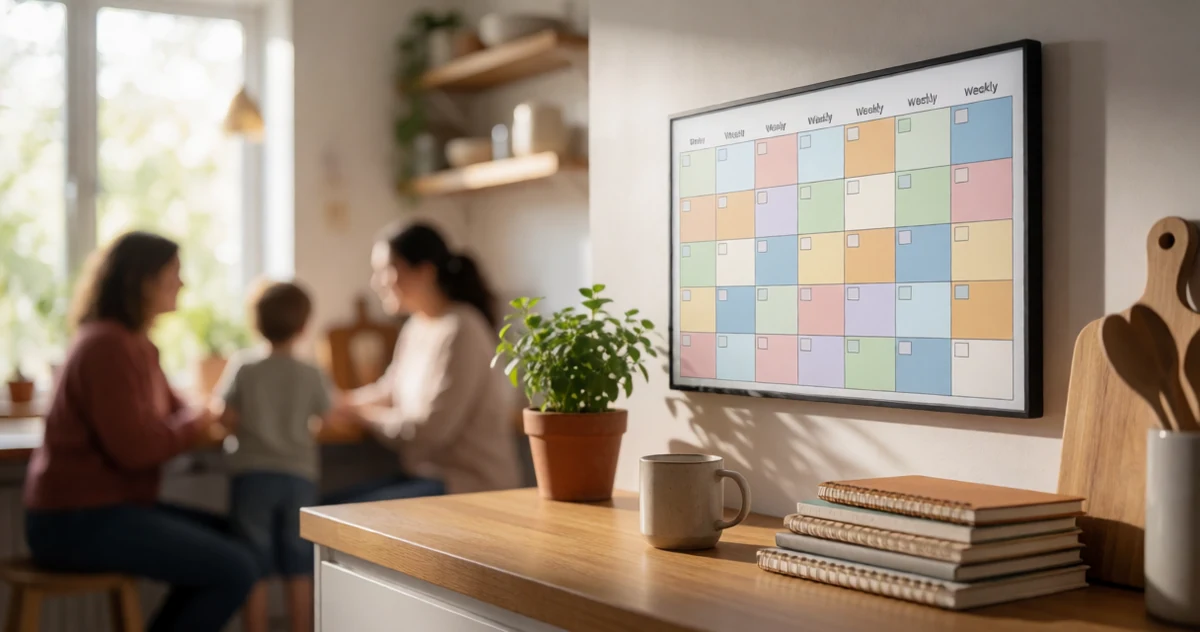
Best Smart Calendars and Family Scheduling Displays for Busy Homes in 2026
Disclosure: This post contains affiliate links. We may earn a commission at no extra cost to you.
Keeping a busy household on the same page used to mean a whiteboard covered in overlapping appointments and a lot of hoping everyone checked it. In 2026, though, there are some genuinely clever tools that make family scheduling feel less like a chore and more like something you actually want to use. Whether you have kids bouncing between sports practices and school events, a partner with an unpredictable work schedule, or just a household that needs a little more coordination, a smart calendar display can be a total game changer. In this guide, we’re covering some of the most practical, creative, and surprisingly fun options available right now. From sleek wall-mounted digital displays that sync with your favorite calendar apps to colorful systems designed specifically with kids in mind, there is genuinely something here for every type of home. We picked these products based on what they actually do and how well they fit into real daily routines, so you can find the right fit without any guesswork.
Disclosure: As an Amazon Associate we earn from qualifying purchases. Prices and availability shown are accurate as of the date of publication and may change.
Quick comparison
How to choose
Screen Size and Placement
Larger screens (around 21 inches) work well as central command displays in kitchens or hallways where several people glance at them from a distance, while 10 to 15 inch options suit a desk, countertop, or tighter wall space. Think about whether you need wall mounting hardware included or prefer a freestanding unit before choosing a size.
Calendar Sync Compatibility
Some displays sync in real time with Google Calendar, Outlook, and iCloud, while others rely on manual entry or a companion app only. If your household already organizes around one of those platforms, confirm the display supports it natively so schedules stay current without duplicate data entry.
Subscription Fees and Ongoing Costs
A few products in this category advertise no subscription fees, meaning all syncing and features work after the one-time purchase. Others may require a paid plan to unlock cloud sync or chore tracking, so factor that into the total cost of ownership before buying.
Built-in Features Beyond Scheduling
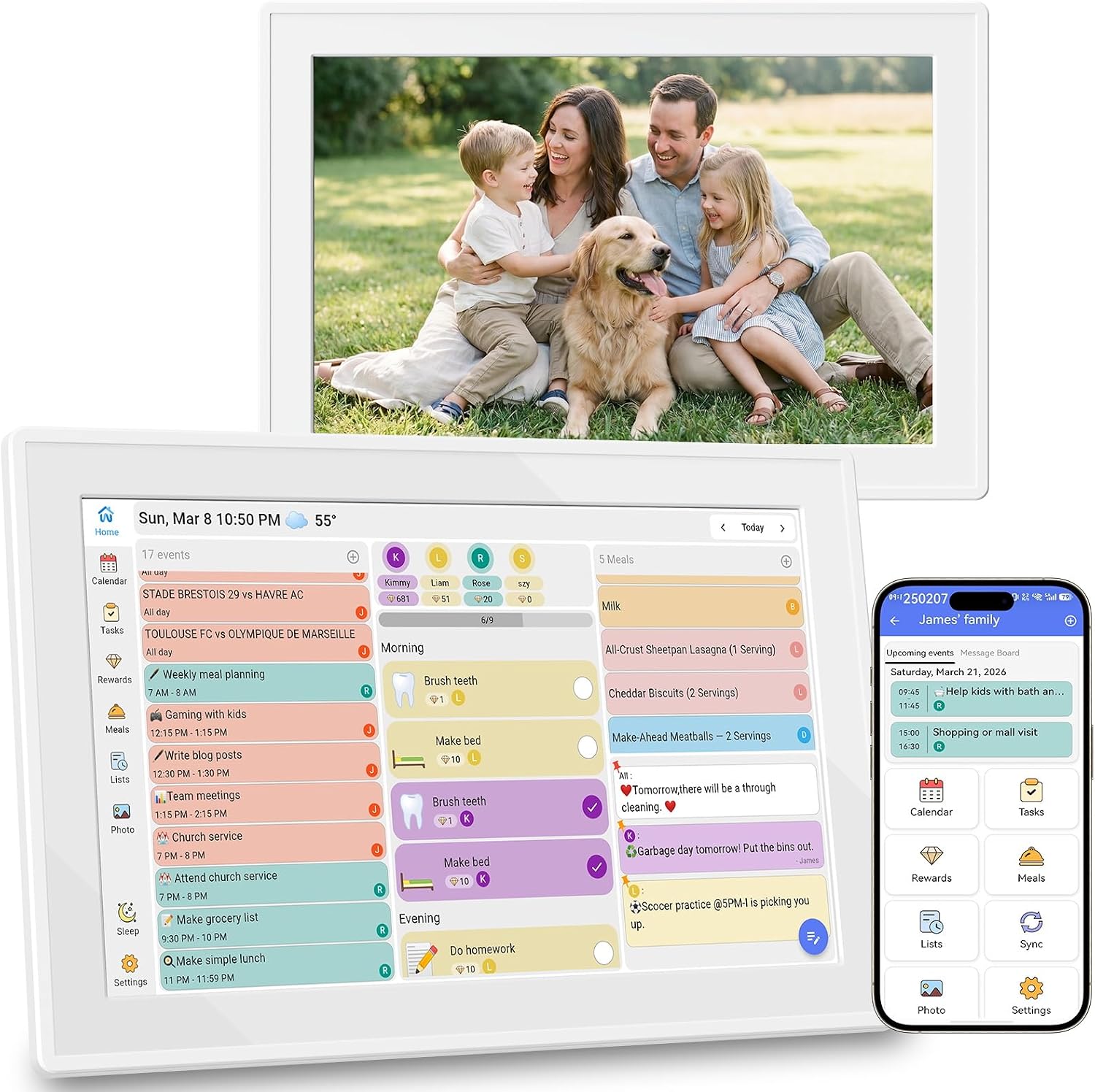
Beyond a basic calendar, these displays vary in what else they offer: weather widgets, meal planning boards, chore charts, photo frame modes with auto-rotate, and reminder alerts. Decide which of those features your household will genuinely use daily, since paying for a feature-rich display makes more sense when most of those tools will be part of your routine.
Touch Screen Responsiveness and Resolution
A full HD IPS panel (1920 by 1080 or close to it) makes text and photos noticeably sharper, which matters if the display doubles as a photo frame or shows dense weekly schedules. Touch responsiveness is worth considering for households with children who will interact with chore charts or reminders, since a laggy screen quickly discourages use.
The picks
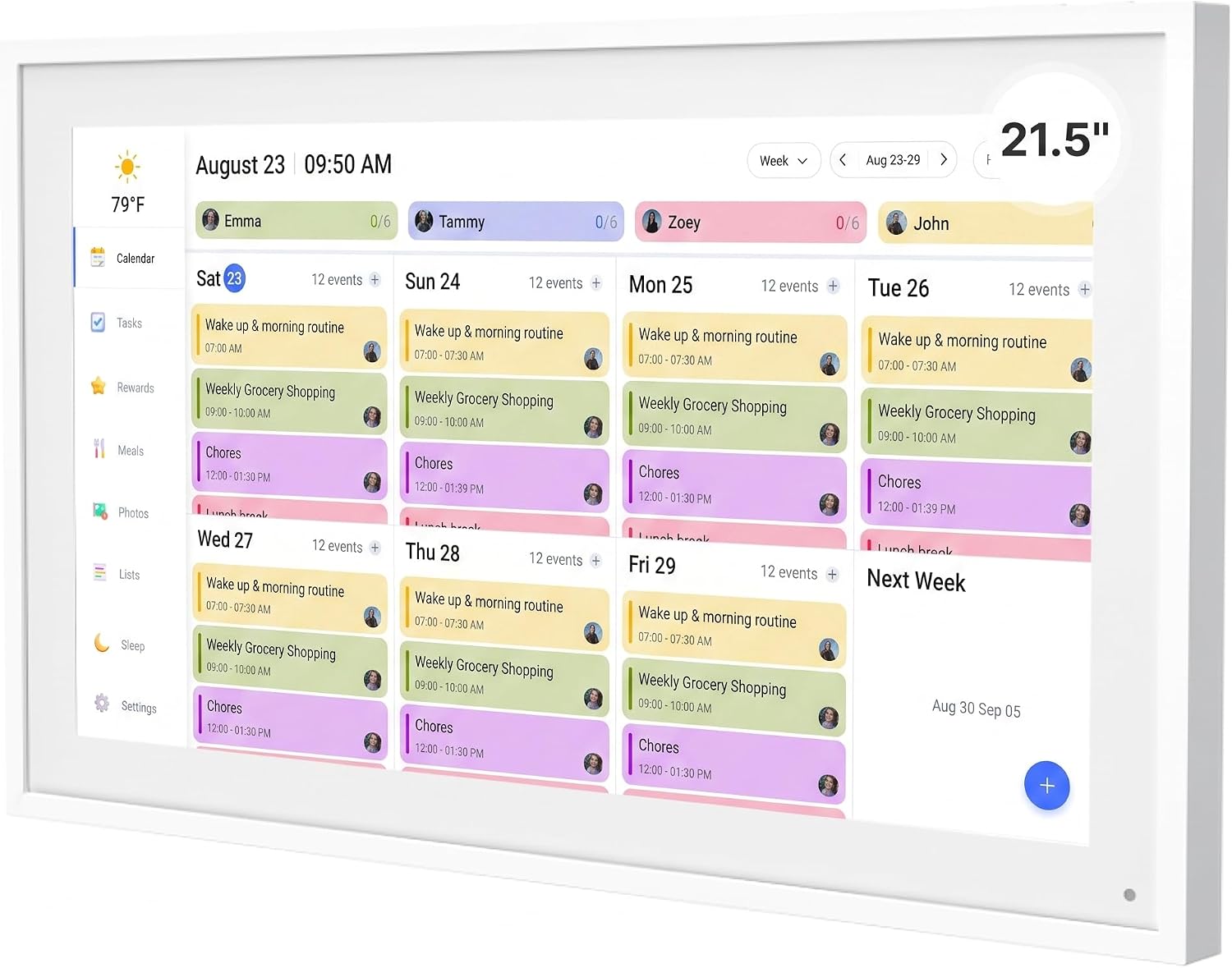
Mezed 21.5 Inch Digital Calendar with 32GB Storage, Touch Screen Family Planner with Weather Display, Reminder, Meal Schedule, Auto-Rotate Photo Frame,Wall-mounted Smart Electronic Calendar for Home Office (white, 21.5)
Families who want the largest, most feature-packed display and do not mind paying a premium for it.
The largest screen in this set at 21.5 inches combined with 32GB of onboard storage, a built-in meal planner, app and touchscreen dual control, and auto-rotate photo frame mode makes it the most fully loaded option available here.
The most expensive pick on this list by a clear margin.
Premium
- Largest 21.5 inch display in the set
- 32GB onboard storage for photos and data
- Dual app and touchscreen control with meal planner
- Priciest pick on this list
The biggest screen and the deepest feature set for families who want the ultimate home command center.
Buy on AmazonDigital Calendar 10.1" Touchscreen, Smart Electronic Wall Organizer, Chore List, Meal & Family Task Manager, Third-Party Calendar Sync, Picture Frame - Perfect Gifts for Mom & Women
Value-focused shoppers who want a fully unlocked feature set with no subscription and the lowest possible upfront cost.
Every feature including chore list, meal planner, grocery list, calendar sync, and digital photo frame is explicitly described as fully unlocked with zero hidden fees, giving complete value transparency at the lowest price on this list.
The least expensive option here, which means screen size stays at 10.1 inches with no large-format viewing.
Budget
- Most affordable on this list
- All features unlocked with no subscription
- Integrated chore list, meal plan and grocery list
- Small 10.1 inch screen only
The most affordable pick on this list with every feature unlocked out of the box, making it the clearest no-risk entry point.
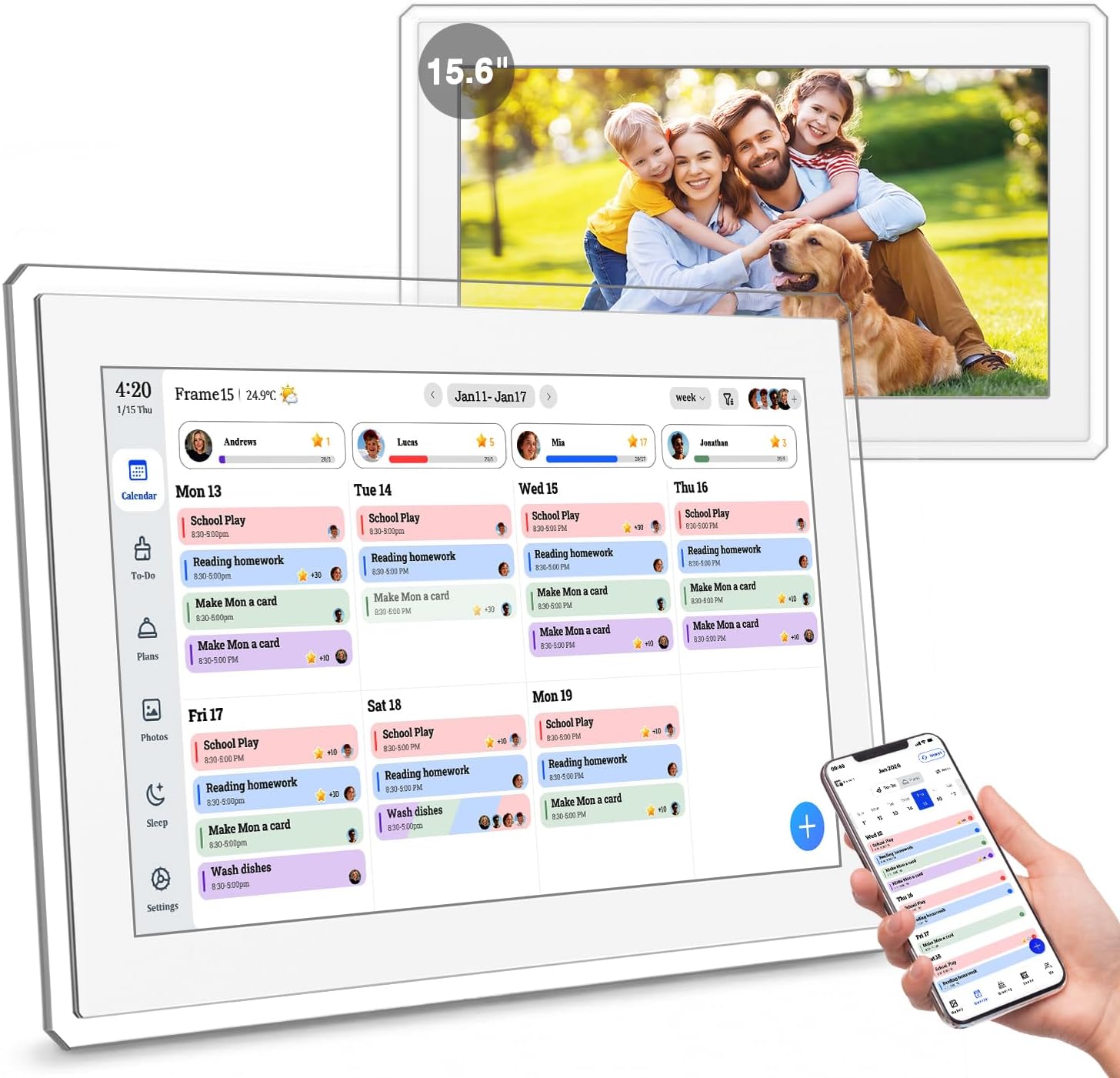
Buy on Amazon15.6" Digital Calendar Wall Touch Screen, Chore Chart, Photo Frame, Refills | Real-time Google, Outlook and iCloud sync keeps every family member organized, with meal planning and no subscription fees.
Families who rely on multiple calendar platforms and want real-time sync with no ongoing subscription costs on a mid-large screen.
Real-time sync with Google, Outlook, and iCloud is explicitly called out alongside a firm no-subscription-fees promise, making ongoing costs predictable.
At 15.6 inches it is noticeably smaller than the 21.5 inch options yet priced only slightly below them, so the size-to-price ratio is less favorable.
Premium
- No subscription fees confirmed
- Real-time Google, Outlook and iCloud sync
- Integrated chore chart and meal planning
- Smaller screen than similarly priced options
A strong no-subscription family hub with broad calendar sync, though the screen size lags behind similarly priced rivals.
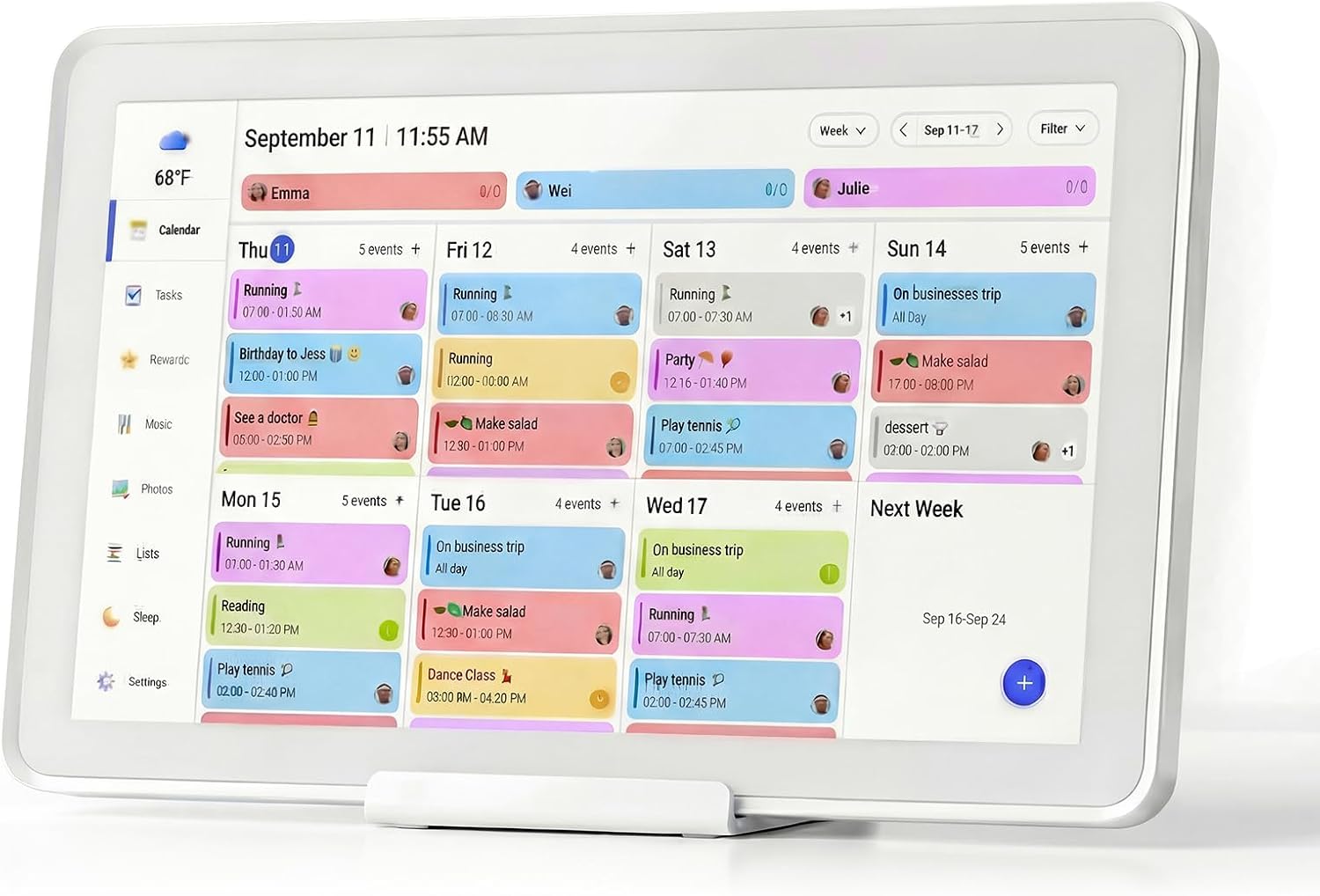
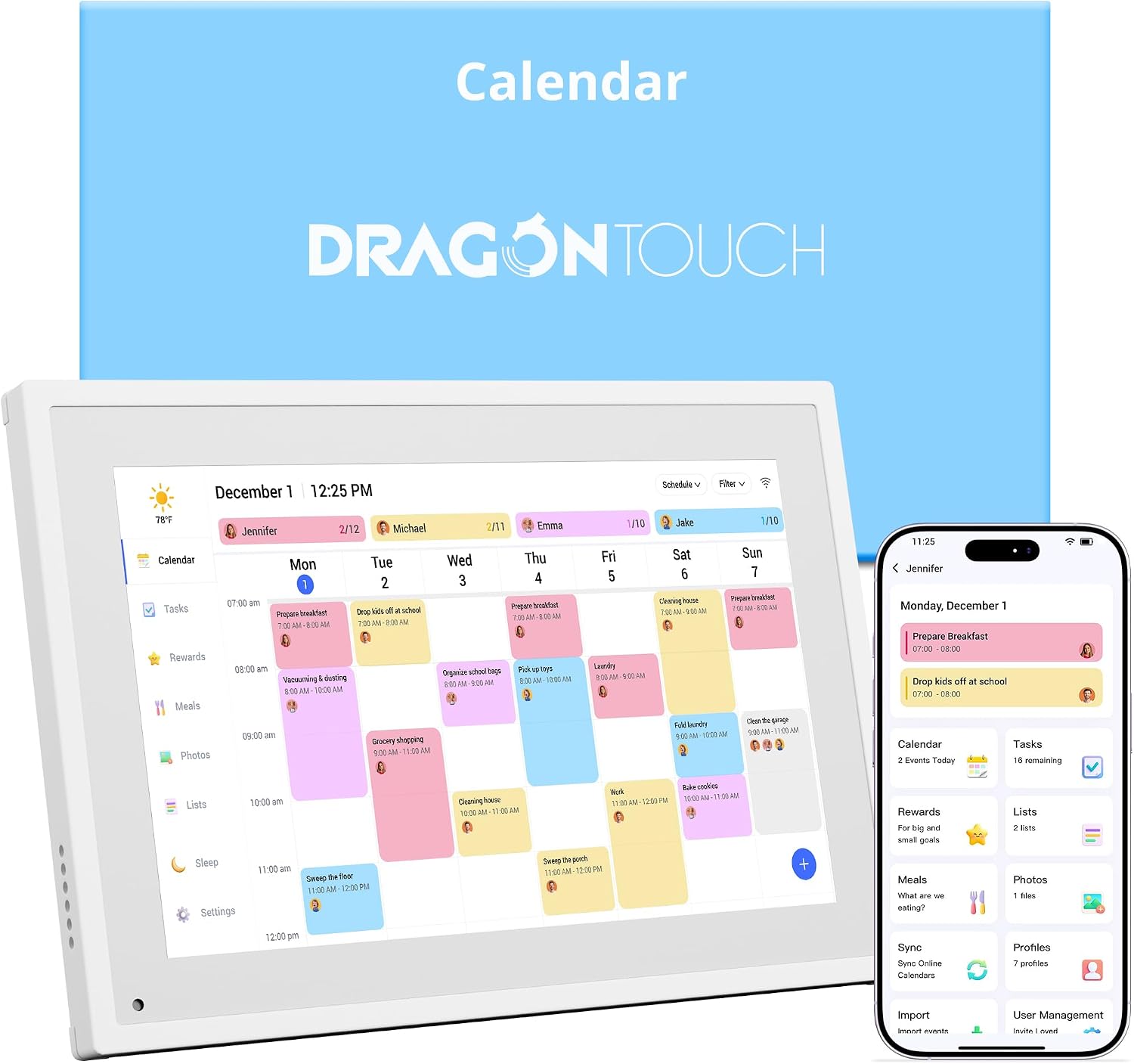
Buy on AmazonDragon Touch 10.1 inch Digital Calendar Chore Chart – Interactive Touchscreen, Smart Family Planner, Hearth Display Desk Digital Calendar Best Gifts for Christmas, Wedding, Mom | Interactive Touchscreen, Hearth Display Desk Digital Calendar Best Gifts for Christmas, Wedding, Mom
Gift shoppers and households who want a compact desk-friendly smart calendar rather than a wall-mounted display.
The 10.1 inch interactive touchscreen in a desk-oriented form factor makes it one of the few options here suited to placement on a counter or desk rather than a wall.
The product description is extremely sparse, leaving key details like storage capacity, supported calendar platforms, and subscription status unclear compared to every other product in this set.
Mid-range
- Compact 10.1 inch interactive touchscreen
- Desk or hearth display form factor
- Marketed as a ready-to-gift smart planner
- Very limited spec detail provided
- Supported calendar platforms not confirmed
A decent desk display gift option, but the thin spec information makes it hard to evaluate against more fully documented rivals.
Buy on Amazon21.5 Inch Smart Digital Calendar, Wall Electronic Calendar, 1920 * 1080 IPS Full HD Touch Screen Display for Family Meal Planner Support - Seamless Scheduling, Gifts for Women, Mom
Families who want a large 21.5 inch full HD display and broad calendar app compatibility without paying the top price.
A 1920x1080 IPS full HD panel at 21.5 inches delivers the sharpest per-inch resolution of the large-screen options, and it supports Google Calendar, iCloud, Outlook, Cozi, and Yahoo with bidirectional real-time sync.
Priced competitively but sits in a crowded middle segment where it must justify itself against both cheaper smaller screens and the more storage-rich top pick.
Premium
- 1920x1080 IPS full HD on 21.5 inch panel
- Bidirectional real-time calendar sync
- Supports Google, iCloud, Outlook, Cozi and Yahoo
- No storage capacity specified in listing
Full HD clarity on a large canvas with wide app support makes this the sharpest large-screen choice for detail-conscious families.
Buy on Amazon10.1 Inch Digital Calendar+Digital Picture Frame, 2026 Desk Calendar Smart WiFi Planner & Chore Chart, IPS HD Interactive Touchscreen Display Gifts for Women Men, Gifts for Mom Dad
Budget-conscious families who want a smart WiFi planner with color-coded member scheduling on a compact 10.1 inch screen.
Dual-band 2.4G and 5G WiFi support combined with color-coded family member scheduling and compatibility with Google, iCloud, Outlook, Cozi, and Yahoo makes it a well-connected option at an accessible price.
The 10.1 inch screen is noticeably smaller than the large-format options, limiting at-a-glance readability from across a room.
Budget
- Dual-band 2.4G and 5G WiFi
- Color-coded family member schedules
- Supports five major calendar platforms
- Small 10.1 inch screen limits room-wide visibility
A well-connected compact planner with color-coded scheduling that punches above its price point for smaller households.
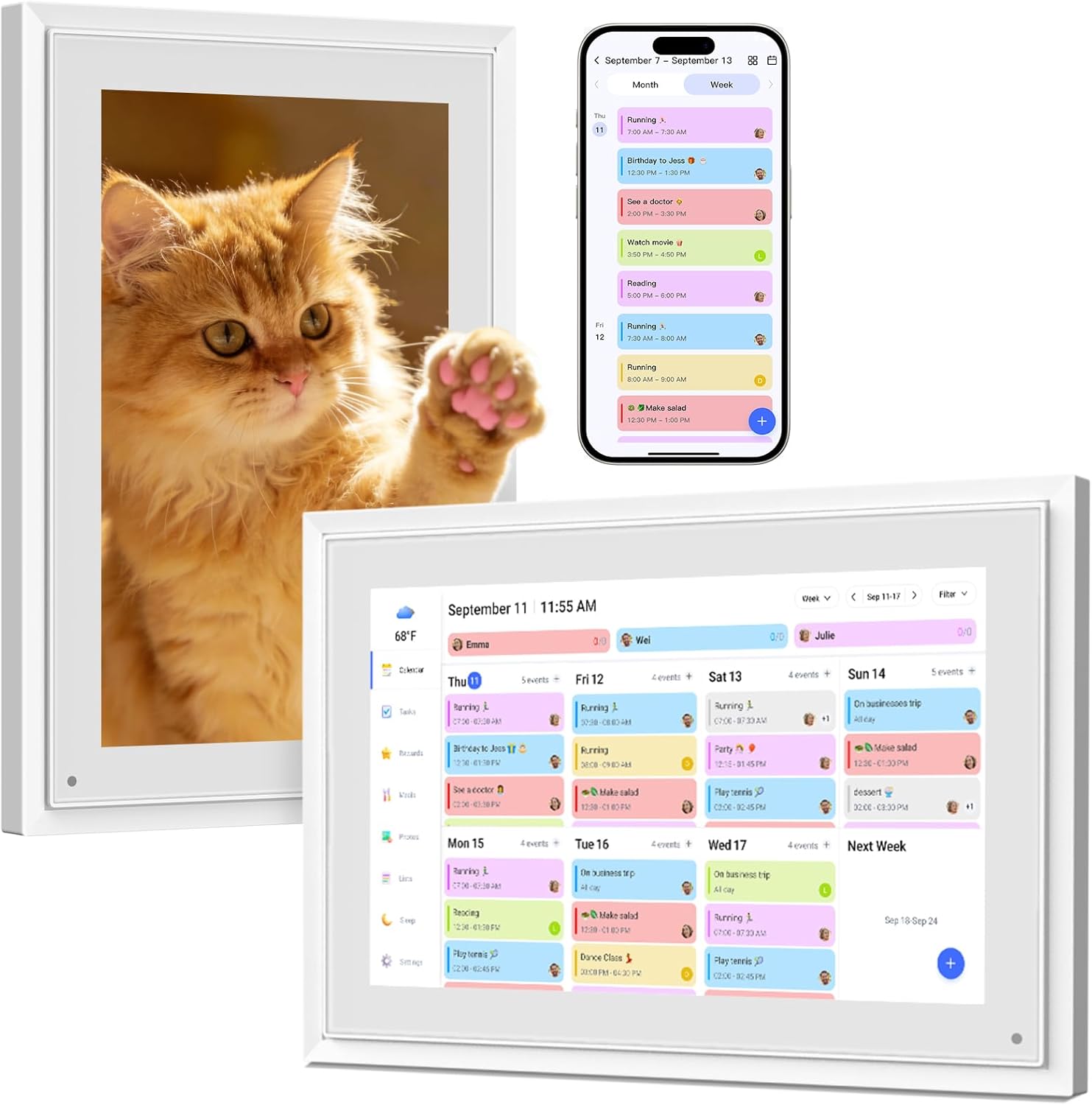
Buy on AmazonDigital Calendar 10.1 Inch Wall Plan Touch Screen WiFi picture esay to use | Smart Electronic Planner Calendar Sync, Chore Tracker,Meal plan Family Digital photo Frame Auto-Rotate Gift for Mom Women
Families with younger children who want a gamified chore tracker alongside standard calendar and photo-frame features.
The built-in chore tracker lets kids earn points redeemable for rewards, adding a motivational layer for children that most competitors in this set do not mention.
At 10.1 inches and sitting near the lower end of the price range, the screen is small and the spec sheet is thinner than similarly priced alternatives.
Budget
- Gamified chore tracker with points and rewards
- Real-time Google, iCloud and Outlook sync
- Photo slideshow mode built in
- Small 10.1 inch display
- Spec details are limited compared to rivals
The gamified chore system makes it stand out for households with kids who need motivation, even if the screen stays small.
Buy on AmazonKeeping a busy household organized doesn’t have to feel overwhelming, and the right smart calendar or family display can make a genuine difference in your daily routine. Whether you’re coordinating school pickups, work schedules, or weekend plans, there’s something on this list to suit most homes and budgets. Take a moment to browse the options that caught your eye, and don’t hesitate to click through for more details on anything that feels like a good fit. A little structure goes a long way toward a calmer, more connected home life. Thanks for reading, and good luck finding your perfect match!
Frequently asked questions
Which of these smart calendar displays sync with Google Calendar, Outlook, or iCloud without a paid subscription?
The 15.6 inch display explicitly advertises real-time Google, Outlook, and iCloud sync with no subscription fees, which makes it a strong pick if your household already manages schedules in those apps. Several of the 10.1 inch models also list third-party calendar sync, so check the product description for the specific services each one supports before buying. Subscription-free sync matters long-term because the ongoing cost can quietly exceed the price of the hardware over a few years. If your family uses a mix of platforms, confirm that the display supports all of them, not just one.
How does screen size affect usability for a busy family checking schedules at a glance?
The 21.5 inch models offer a 1920x1080 IPS Full HD resolution that makes text, meal plans, and multiple family members schedules readable from across a kitchen or hallway without walking up to the screen. The 10.1 and 15.6 inch options work well on a desk or in tighter wall spaces where a large panel would feel out of place. For homes with young children using chore charts, a smaller touch screen placed at a lower height can be easier for kids to interact with independently. Think about the primary viewing distance first, then match the screen size to that number.
How difficult is the initial setup for someone who is not particularly tech-savvy?
Most of these displays connect over standard home WiFi and use a touch screen interface, so the setup process is generally similar to pairing a tablet with your home network. Models that sync with Google, Outlook, or iCloud typically require signing into your existing account through the display, which takes a few minutes but does not usually require installing anything on a separate device. The 32GB onboard storage on the Mezed 21.5 inch model means you can load photos and data locally without relying entirely on a cloud connection once set up. If your household router uses less common security protocols, confirm compatibility before purchasing since some smart displays work best with standard WPA2 networks.
Are these displays sturdy enough for wall mounting in a high-traffic area like a kitchen?
The wall-mounted models in this lineup, particularly the 21.5 inch options, are designed with mounting hardware in mind and list wall-mount capability in their features. Longevity in a kitchen environment can depend on factors like heat, humidity, and accidental contact, and touch screen panels vary in how well they handle repeated daily use by multiple family members. IPS panels found on several of these models tend to offer wider viewing angles and consistent color, which holds up better over time in rooms where you view the screen from different positions. For the highest-traffic spots, look at the frame material and whether the unit has a protective glass layer over the touch surface.
Can these displays work as a photo frame alongside their calendar and planning functions, or is that a secondary feature?
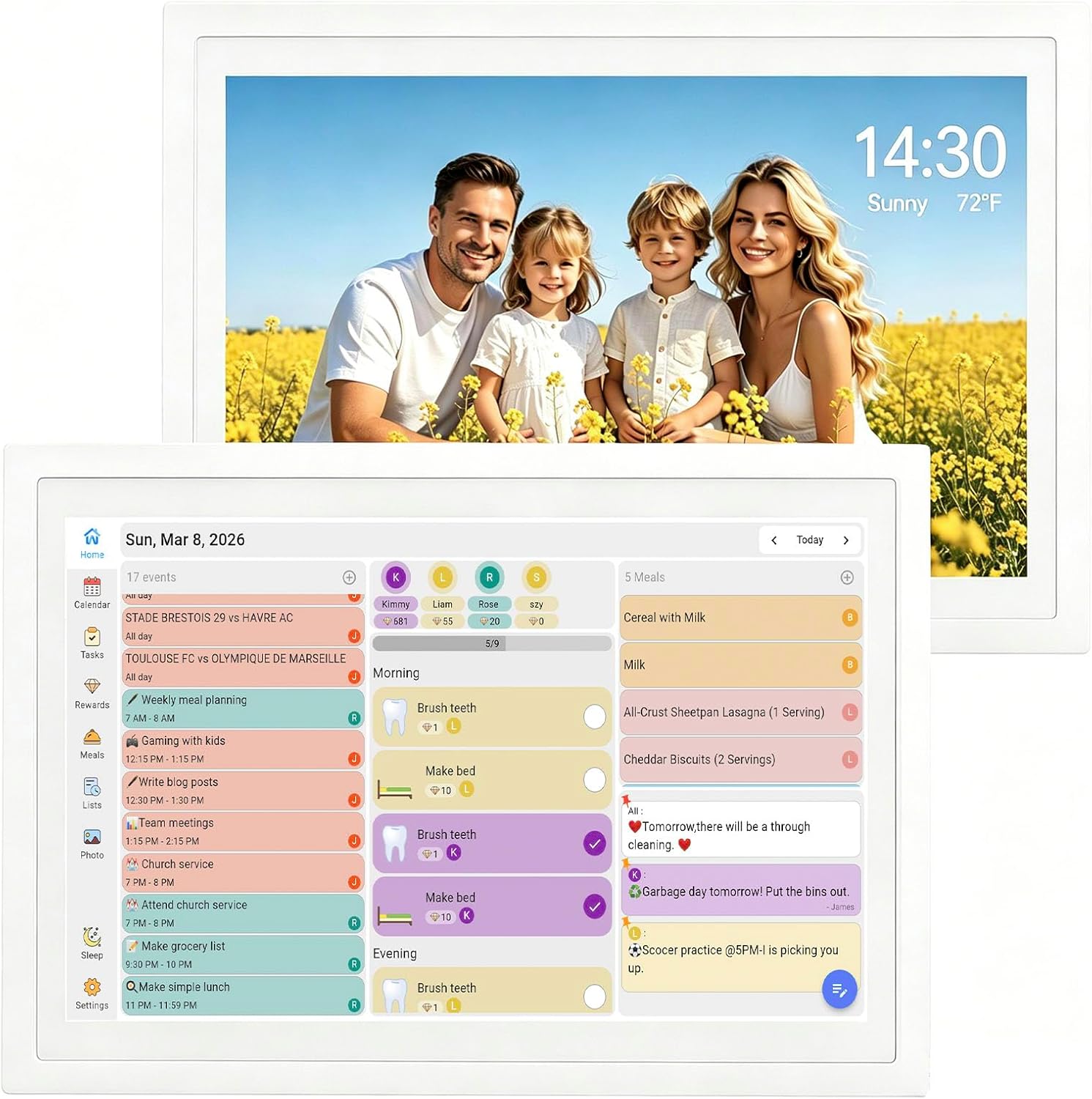
Photo frame functionality is built into nearly every product in this lineup, not bolted on as an afterthought. The Mezed 21.5 inch model includes auto-rotate photo display and 32GB of local storage, so it can cycle through a large library of family photos between calendar views. The 10.1 inch desk models are sized similarly to traditional digital photo frames, which makes them practical for a countertop role where they show photos when the calendar is not actively being used. If photo display is a priority equal to scheduling, the larger 21.5 inch screens give you a more impactful visual presence for both functions simultaneously.