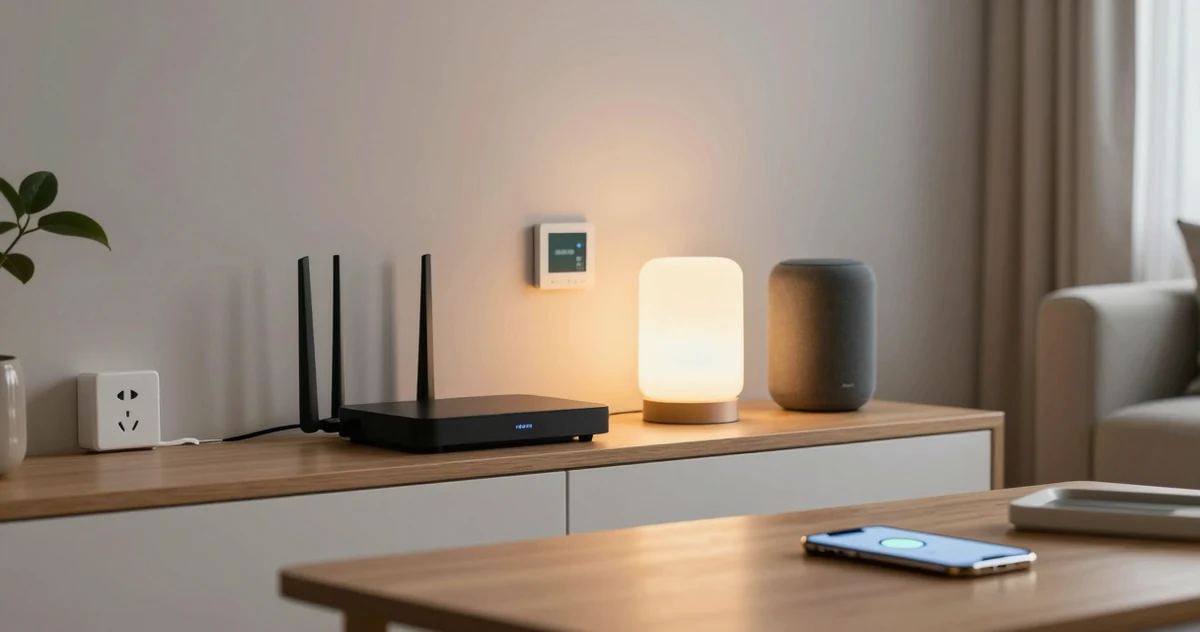
Smart Home Hubs for Apartments: Aqara, SmartThings or Home Assistant?
Disclosure: This post contains affiliate links. We may earn a commission at no extra cost to you.
The right apartment hub depends on the devices you already own, the app you want to use and whether you can connect an Ethernet cable. A smart plug is an endpoint you control; it is not a substitute for a controller. Start by listing your devices and their required connections before buying another box.
This is a comparison of documented capabilities, not a hands-on reliability test. The comparison focuses on device compatibility, network connections and the extra hardware each setup may need.
Three different starting points
| Controller | Why consider it? | Main buying check |
|---|---|---|
| Aqara Hub M3 | An Aqara-focused setup with Matter and Thread needs | Exact device support in Aqara Home and your chosen ecosystem |
| Aeotec Smart Home Hub | A setup built around SmartThings | Exact hardware generation, region and supported device protocols |
| Home Assistant Green | A setup you want to configure and expand yourself | Ethernet access and any extra radio adapters |
Aqara Hub M3: for an Aqara-centered apartment
Aqara documents the M3 as a Matter controller and Thread border router, with support for Aqara Zigbee devices. It offers Wi-Fi and Ethernet connectivity, including PoE, and USB-C power. Its Matter bridge can expose supported Aqara devices to other platforms. Device and feature support still varies by ecosystem; do not assume every Zigbee product from every brand will pair directly. Aqara M3 specifications
Aqara Hub M3

Owners building around supported Aqara devices and Matter integrations.
Its documented combination of controller, bridge and Thread functions can suit a mixed setup.
Check each device against Aqara and ecosystem compatibility lists; shared protocol labels do not guarantee every feature.
Aeotec Smart Home Hub: for a SmartThings setup
Choose the exact model around the radios and SmartThings integrations you need. Aeotec sells multiple hub generations, so a specification advertised for a newer hub should not be assumed to apply to an older listing. Compare the model identifier and region against Aeotec’s hub information before ordering.
Aeotec Smart Home Hub

People whose planned devices are supported by their chosen SmartThings hub model.
Keeping devices within a compatible controller setup avoids buying unrelated bridges by accident.
Confirm the hardware generation, regional radio version and any additional Thread requirement for the exact listing.
People whose planned devices are supported by their chosen SmartThings hub model.
Buy on AmazonHome Assistant Green: for a configurable setup
Home Assistant Green does not contain onboard Zigbee, Thread, Wi-Fi or Bluetooth radios. Allow for a wired network connection and the appropriate additional hardware for devices that require radio connectivity. It is a different buying proposition from a hub with integrated radios. Home Assistant connectivity documentation
Home Assistant Green
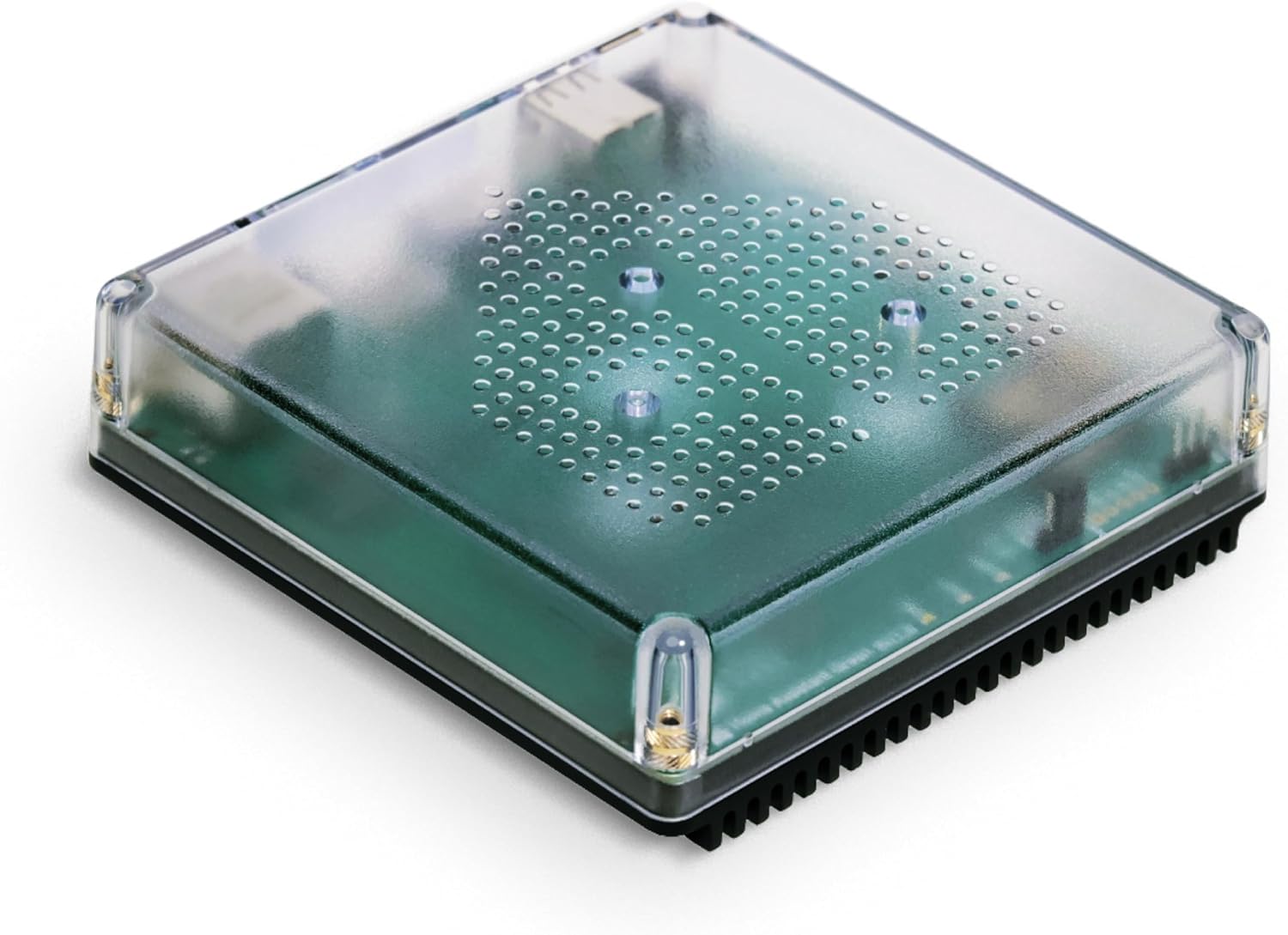
People willing to manage integrations and choose any required adapters.
It provides a dedicated starting point for a Home Assistant installation.
Budget space and connections for Ethernet and any extra radio hardware; do not buy it expecting built-in wireless radios.
Before buying for a rental
- Identify the missing function. Write down whether you need a Matter controller, Thread border router or a bridge for a particular device family. An existing controller may already cover the requirement.
- Check your network access. An Ethernet-only controller needs a usable wired connection. A shared building network may have restrictions on connecting personal devices.
- Plan placement. Allow access to power and keep the controller somewhere you can reach it for setup and maintenance.
- Avoid unnecessary permanent changes. A hub does not require replacing an in-wall outlet. Keep landlord permissions separate from the controller choice.
- Compare the full setup. Include any adapters, power supplies and bridges required by the exact devices, not just the hub’s purchase price.
Start with one controller and one compatible device, confirm that the routine you need works, then expand. If your only goal is controlling a single lamp, first establish whether that lamp’s own supported app already does what you need.