Best Smart Home Hubs for a Simple and Reliable DIY Setup
Disclosure: This post contains affiliate links. We may earn a commission at no extra cost to you.
Setting up a smart home has never been more approachable, and the right hub can make the whole experience feel surprisingly simple. Whether you want to control your lights, locks, thermostats, or security cameras from a single app, a reliable smart home hub ties everything together without the headache of juggling a dozen separate platforms. The good news is that today’s options are more capable, more affordable, and more beginner-friendly than ever before. In this guide, we’re covering some of the most practical, impressive, and genuinely useful smart home hubs available right now. From compact devices that fit quietly on a shelf to powerhouse systems that can handle an entire connected household, there’s something here for every kind of DIY enthusiast. We’ve focused on what each hub actually does, how well it works with popular smart devices, and whether it’s realistically easy to set up on your own. If you’ve been thinking about diving into the smart home world, this is a great place to start.
Disclosure: As an Amazon Associate we earn from qualifying purchases. Prices and availability shown are accurate as of the date of publication and may change.
Quick comparison
How to choose
Protocol Support
The protocols a hub supports determine which devices you can add without extra adapters. Zigbee, Thread, and Matter are the most common in this category, but some hubs also add Bluetooth mesh or IR blasting. Check your existing and planned devices against the hub’s supported protocols before buying, since a mismatch can leave whole device categories out of reach.
Local vs Cloud Control
Local processing means automations run on your home network even when the internet is down, which generally means faster response and more privacy. Some hubs in this category prioritize fully local operation while others still rely on the cloud for certain notifications or remote access. If reliability during outages matters to you, look closely at which features stay functional offline.
Platform Compatibility
Not every hub connects equally well to Apple Home, Alexa, Google Home, SmartThings, or Home Assistant. Some act as a Matter bridge that works across all of them, while others are tightly coupled to a single ecosystem or brand. Map out which voice assistants and apps you already use, then confirm the hub can bridge or expose devices to those platforms.
Device Capacity and Ecosystem Lock
Hubs vary considerably in how many sub-devices they support, with listed ceilings ranging roughly from single-brand ecosystems to 200 units or more. Some hubs work with broad third-party Zigbee devices while others restrict pairing to their own brand lineup only. If you plan to mix devices from multiple manufacturers, verify that the hub genuinely supports third-party hardware rather than just its own product range.
Setup Complexity and Flexibility
Some hubs in this space are designed for DIY enthusiasts comfortable with Home Assistant, MQTT, or a local web console, while others aim for a simple app-based setup with no technical configuration required. Consider whether you want a plug-and-play experience or the option to customize deeply, since a hub built for advanced users can be frustrating if you prefer a simple interface, and vice versa.
The picks
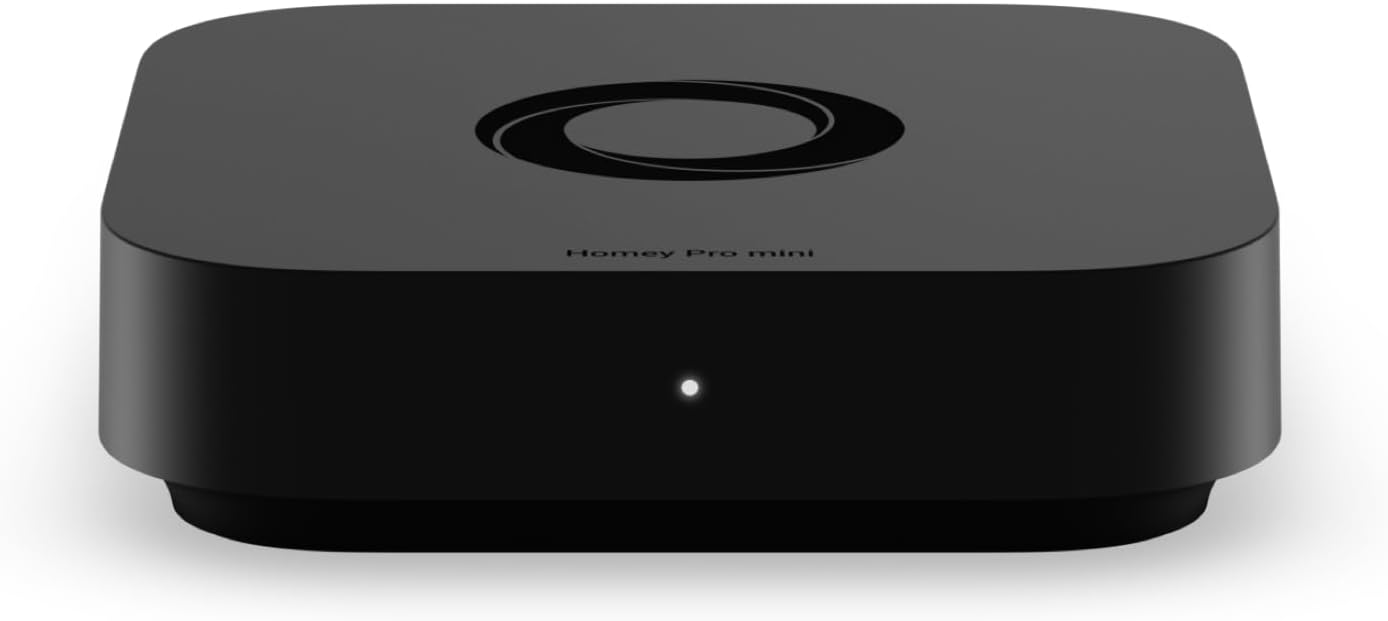
Homey Pro mini | Smart Home Hub for Home Automation – Features Zigbee, Ethernet, Matter & Thread. Compatible with Apple Siri, Amazon Alexa & Google Home.
Serious DIY smart home enthusiasts who want a single hub to unify many protocols and need advanced automation tools like flows, energy monitoring, and dashboards.
Combines Zigbee, Thread, Matter, and Ethernet in one device while adding Advanced Flow automation, real-time energy monitoring, historical insights, and remote access worldwide.
The most expensive option on this list by a significant margin.
Premium
- Zigbee, Thread, and Matter all built in
- Advanced Flow automation with dashboards and energy insights
- Remote access from anywhere with no extra hardware
- Priciest pick on this list
The most capable and polished hub here, built for power users who want everything in one box.
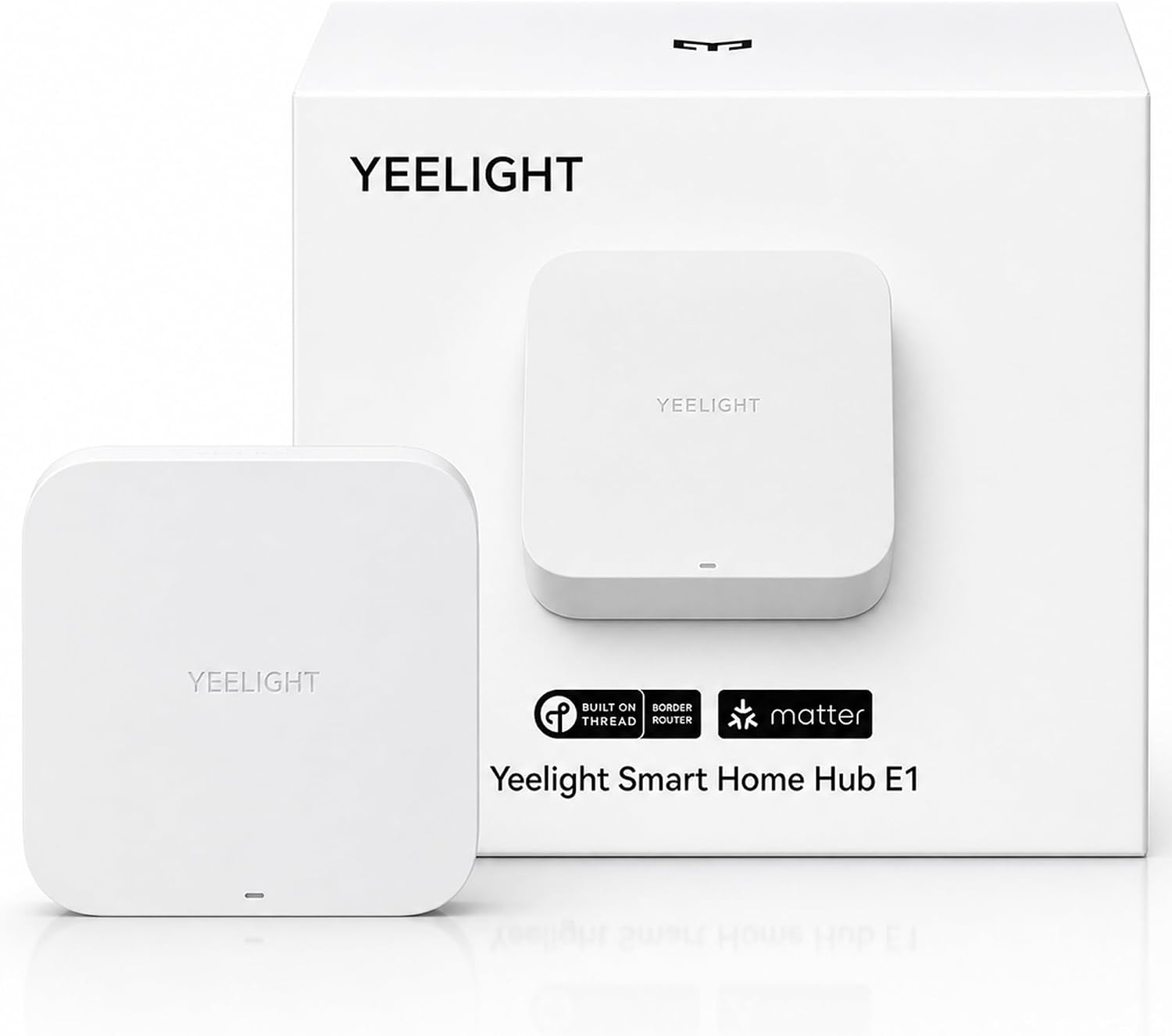
Buy on AmazonYEELIGHT E1 Smart Home Hub, Matter Controller and Thread Border Router, Wi-Fi and Ethernet Gateway, Works with Apple Home, Alexa, Google Home and SmartThings, Support YEELIGHT Matter Device Only
Yeelight-centric households looking for an affordable entry into Matter and Thread with Ethernet reliability and Home Assistant compatibility.
Acts as both a Matter controller and Thread border router with Ethernet connectivity, supports up to 150 sub-devices, and includes LAN API support for Home Assistant integration.
Matter device support beyond Yeelight is limited to color and adjustable white light products from other brands, making it a narrow fit for mixed-brand setups.
Budget
- Thread border router and Matter controller combined
- Ethernet and Wi-Fi connectivity for reliable uptime
- Supports up to 150 sub-devices with local automation
- Full Matter support limited to Yeelight devices and certain lights from other brands
The most affordable hub on this list and a solid pick for Yeelight users wanting Thread and Matter on a tight budget.
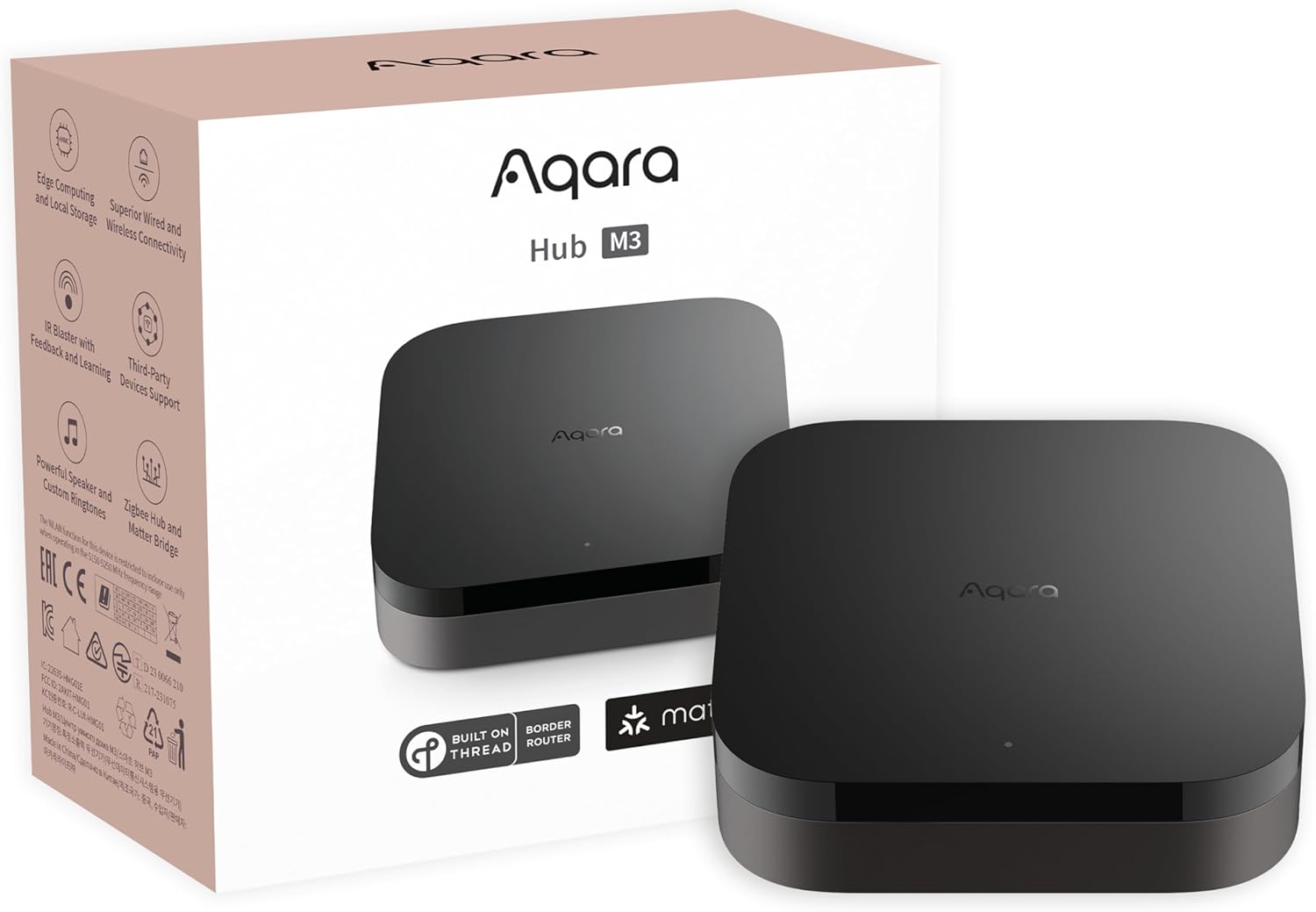
Buy on AmazonAqara Smart Home Hub M3 for Advanced Automation, Matter Controller, IR
Aqara ecosystem users who want to centralize Zigbee and Thread devices locally while also adding IR control for legacy appliances.
The 360 degree IR blaster learns commands and provides status feedback, and can expose an IR air conditioner as a Matter thermostat when paired with a temperature sensor.
Zigbee support is limited to Aqara devices only, not third-party Zigbee hardware, which restricts flexibility for mixed-brand setups.
Mid-range
- 360-degree IR blaster with learning and status feedback
- Supports up to 127 Aqara Zigbee and 127 Thread devices
- Local automation with edge processing
- Zigbee works with Aqara devices only, not third-party brands
A well-rounded hub for Aqara households that need IR control and local Matter bridging in one unit.
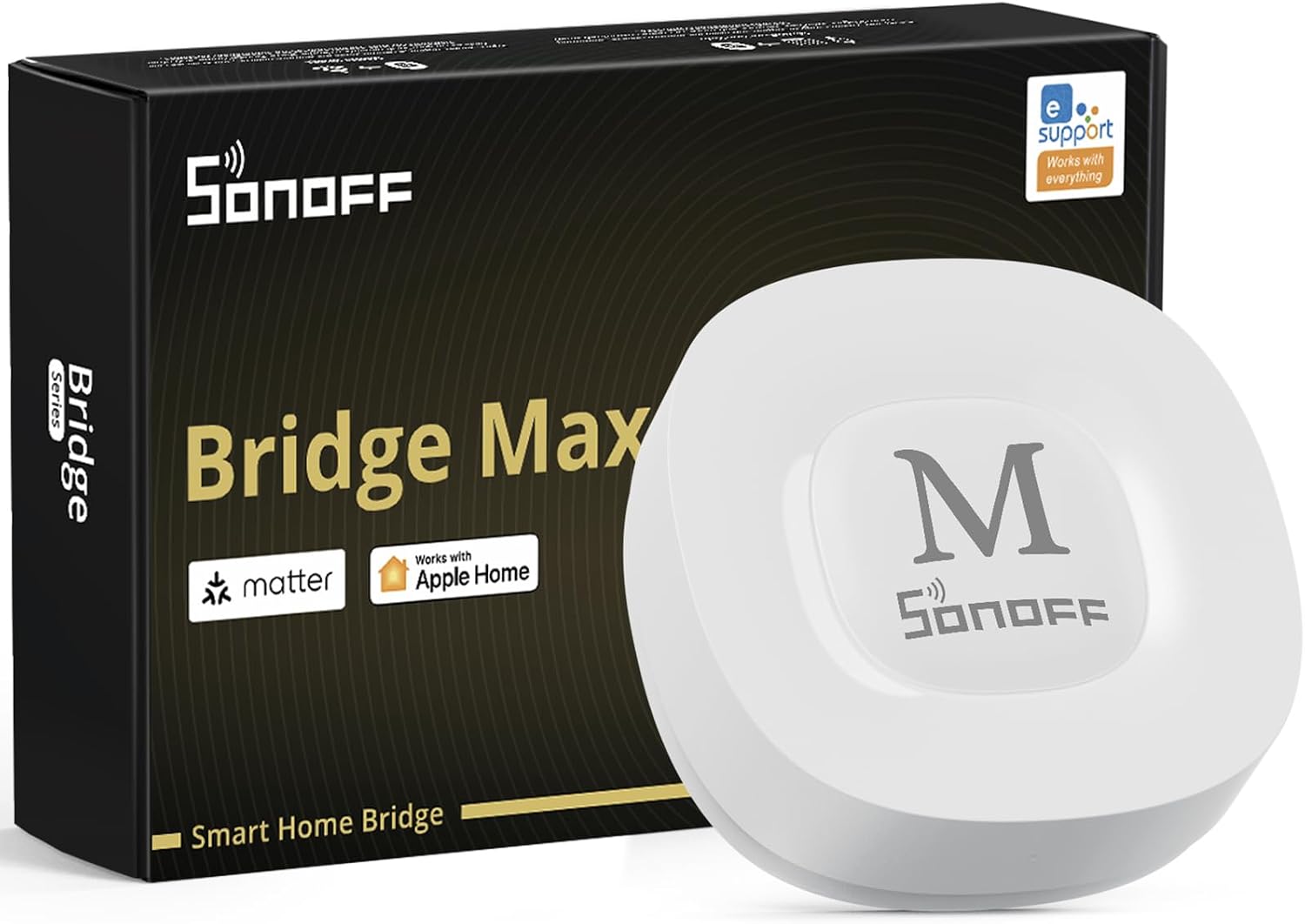
Buy on AmazonSONOFF Bridge Max Smart Home Hub (Bridge-M)
Privacy-focused users who want local Zigbee and Matter bridging without any cloud dependency, and who may also want a built-in security alarm.
Operates entirely via a local web console on your LAN with no app or cloud account required, and includes a 90 dB built-in alarm for Zigbee-based security setups.
Bridges Zigbee, BTHome, and eWeLink devices but does not support Thread natively, leaving a gap for Thread-only device users.
Budget
- Fully local web console, no cloud or app needed
- Built-in 90 dB alarm for local security
- Broad third-party Zigbee device compatibility
- No Thread protocol support
A strong choice for privacy-minded users who want local-first control and a built-in security alarm without relying on the cloud.
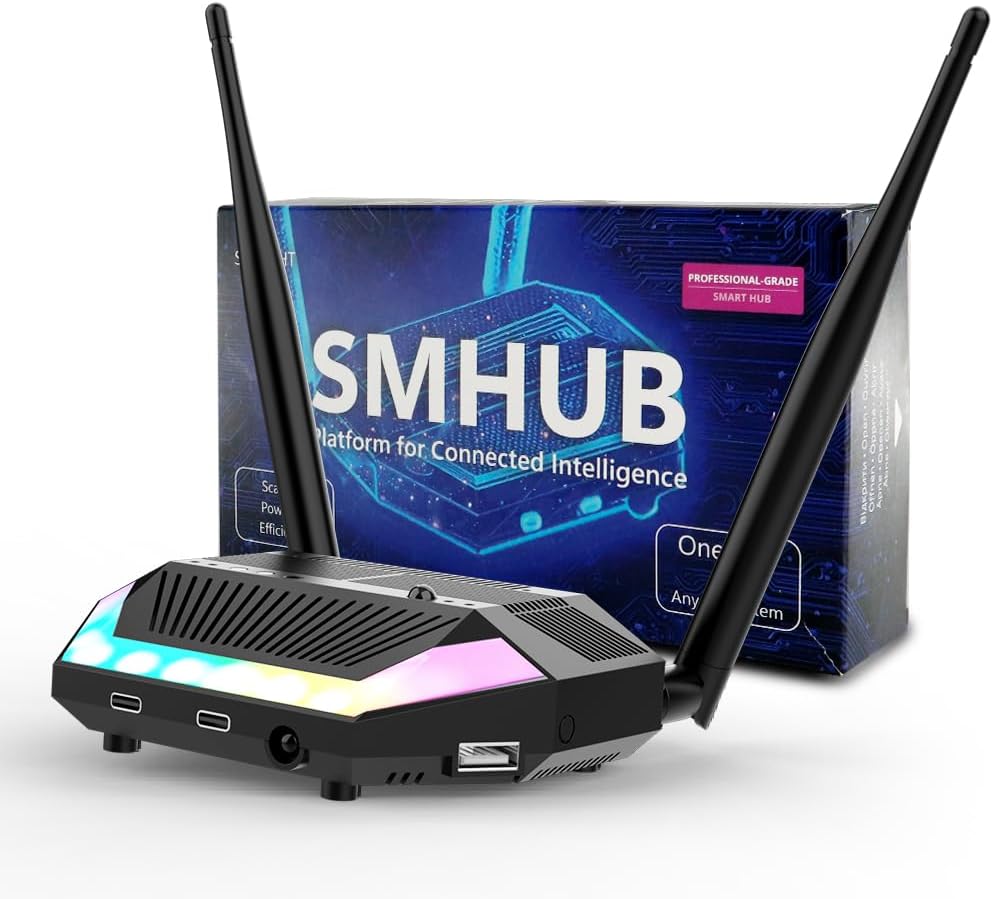
Buy on AmazonSMHUB Zigbee Smart Home Integrated Device Controller Coordinator Matter Bridge Triple in One with PoE,Universal Gateway for Home Assistant/Zigbee2MQTT/ZHA (SMHUB)
Home Assistant and Zigbee2MQTT power users who want a single device that can serve as a standalone hub, Matter bridge, or remote radio coordinator depending on their setup.
Operates in three distinct modes including standalone hub, Matter bridge, and remote Zigbee coordinator for Home Assistant or OpenHab, all supported over PoE for clean cabling.
The listing description is brief and does not specify maximum device counts, supported protocols beyond Zigbee and Matter, or detailed antenna specs, leaving some capability questions open.
Mid-range
- Three operating modes for flexible deployment
- PoE support for clean, cable-free power
- Compatible with Zigbee2MQTT and ZHA
- Limited spec detail makes full capability hard to assess
A flexible three-in-one coordinator with PoE that suits advanced users building around Home Assistant or similar open platforms.
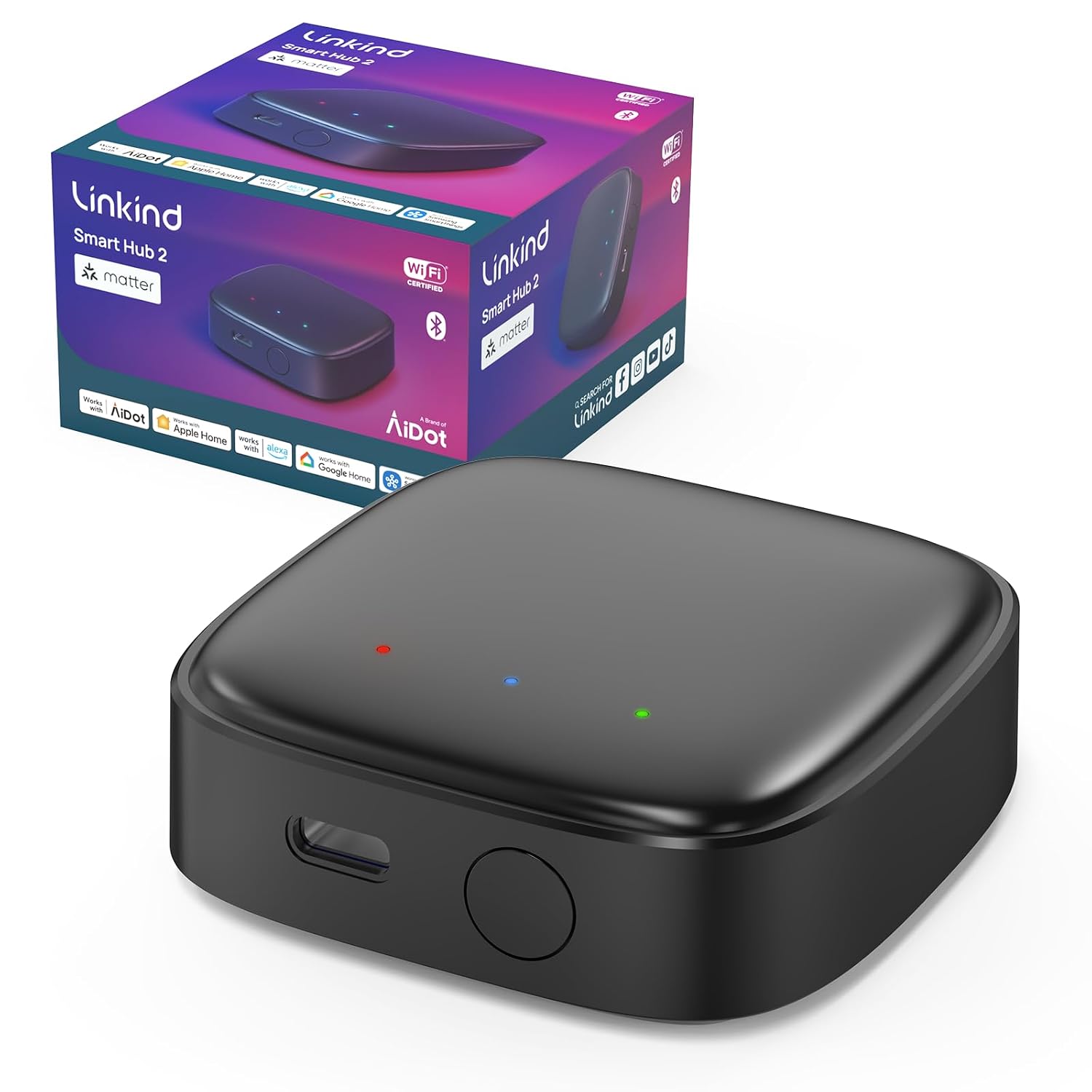
Buy on AmazonLinkind Matter Smart Hub 2, Real-Time Battery & Energy Tracking
Outdoor lighting enthusiasts using Linkind BLE Mesh fixtures who want to bring those lights under a unified Matter platform with energy and battery tracking.
Supports one-touch bulk pairing of up to 200 lighting units with a 131 foot range, and adds real-time battery level and energy consumption monitoring for each connected light.
Functions exclusively as a bridge for Linkind BLE Mesh lighting devices and does not support Zigbee, Thread, or general-purpose smart home sensors and switches.
Budget
- Bulk pairs up to 200 lights with one button
- Real-time battery and energy tracking per device
- 131-foot wireless range for large outdoor spaces
- Limited to Linkind BLE Mesh lighting devices only
A purpose-built outdoor lighting hub with impressive bulk pairing and monitoring features, but only useful inside the Linkind ecosystem.
Buy on AmazonSmart Home Hub Zigbee Thread Gateway for Matter Ready Automation
Home Assistant beginners who need a reliable USB Zigbee and Thread coordinator with strong antenna performance and a simple plug-and-play form factor.
The 4.16 dBi high-gain antenna is the most detailed antenna spec in this set, designed to maintain stable communication across rooms and floors in a range of living spaces.
This is a USB radio coordinator rather than a full standalone hub, meaning it requires a separate Home Assistant host to function and cannot operate independently.
Mid-range
- High-gain 4.16 dBi antenna for strong range
- Dual Zigbee and Thread protocol support
- Plug-in USB-C form factor for easy placement
- Requires a separate Home Assistant host to operate
A focused Zigbee and Thread coordinator built around Home Assistant ZBT-2 hardware, ideal for users who already have or plan to run a Home Assistant server.
Buy on AmazonFinding the right smart home hub can feel overwhelming, but hopefully this list made the decision a little easier. Whether you are just starting out or looking to upgrade an existing setup, there is genuinely something here for every type of home and budget. Take your time browsing the options, and if one of them caught your eye, it might be worth a closer look. A reliable hub can really tie your whole setup together in a way that just makes daily life feel a bit smoother. Thanks for reading, and happy automating!
Frequently asked questions
Which of these hubs actually works without an internet connection for day-to-day automations?
Several hubs on this list prioritize local control, but the specifics vary. The SONOFF Bridge Max is explicitly designed to operate without cloud services, offering a local web console accessible directly from your home network without needing an app. The Aqara M3 also shifts automations to local operation once set up, though the seller notes that some cloud-based notifications still require internet. The Yeelight E1 likewise runs key automations locally so routines can continue even if your connection drops. Before buying, confirm with the manufacturer exactly which automation features remain available offline, since some hubs still rely on cloud services for push notifications or remote access.
How many devices can these hubs handle before performance becomes an issue?
Capacity varies meaningfully across these products. The Aqara M3 supports up to 127 Aqara Zigbee devices and up to 127 Thread devices, though it explicitly notes it does not support third-party Zigbee devices and that Thread may require repeaters at scale. The Yeelight E1 is listed as supporting up to 150 sub-devices total. The Linkind Matter Smart Hub 2 supports up to 200 lighting units, but it is purpose-built for Linkind BLE Mesh lighting rather than a broad mix of device types. If you have a large mixed-brand setup, check that the hub you choose handles third-party Zigbee devices before committing.
Which hub fits best if you already use Home Assistant as your main platform?
The SONOFF Bridge Max, the SMHUB, and the Raxmolo ZBT-2 all list Home Assistant compatibility explicitly in their descriptions. The SMHUB is specifically positioned as a coordinator for platforms like Home Assistant, Zigbee2MQTT, and ZHA, and can operate as a standalone hub, a Matter bridge, or a remote radio coordinator depending on your preference. The Raxmolo ZBT-2 describes itself as the ideal core coordinator for a Home Assistant setup and connects via USB Type-C. The Aqara M3 also mentions Home Assistant integration via its Matter bridge functionality. If Home Assistant is your priority, the SMHUB or ZBT-2 are the most purpose-built options, while the others treat it as a secondary integration.
Do any of these hubs work across Apple Home, Google Home, and Alexa at the same time, or do you have to pick one ecosystem?
Matter support is the key feature that enables cross-platform control, and several hubs here include it. The Homey Pro mini lists compatibility with Apple Siri, Amazon Alexa, and Google Home. The Yeelight E1 explicitly supports Apple Home, Alexa, Google Home, and SmartThings from a single hub, though the seller notes that for non-Yeelight brands, support is currently limited to color and adjustable white light devices. The SONOFF Bridge Max bridges devices to Alexa, Google Home, and Apple Home via Matter. If broad ecosystem compatibility is your main requirement, confirm which specific device types each hub exposes to each platform, since Matter bridge implementations can have per-platform limitations.
How hard is initial setup for someone who does not have a technical background?
Setup complexity ranges from plug-and-play to genuinely technical across these products. The Linkind hub advertises one-touch bulk pairing with a single button press, which is about as simple as it gets, though it is designed primarily for Linkind lighting. The Yeelight E1 mentions one-click data migration for upgrades, suggesting a consumer-friendly approach. At the other end, the SMHUB and Raxmolo ZBT-2 are aimed at Home Assistant users who are comfortable configuring platforms like Zigbee2MQTT, which has a steeper learning curve. The Homey Pro mini and Aqara M3 position themselves as capable hubs with app-based management, which tends to be more approachable than command-line tools. If simplicity matters most, look for hubs with a dedicated mobile app and explicit mention of local setup without requiring a PC or terminal access.