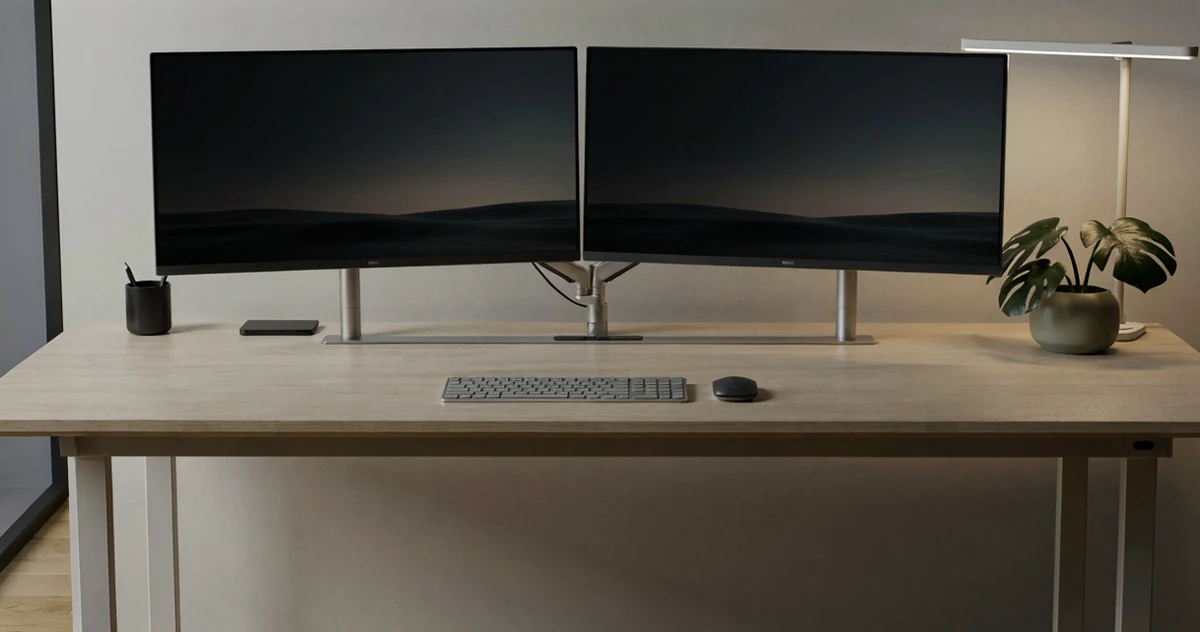
Best Dual Monitor Mounts and Arms for Any Desk Setup
Disclosure: This post contains affiliate links. We may earn a commission at no extra cost to you.
If you’ve been staring at a cluttered desk with cables everywhere and a monitor that just won’t sit at the right height, you’re definitely not alone. A dual monitor setup can seriously level up your productivity and gaming experience, but only if the gear around it actually works for you. The good news is that the right combination of mounts, arms, lighting, and cable management tools can transform your workspace from chaotic to genuinely comfortable and clean. In this guide, we’re covering some of the most practical, well-designed, and honestly surprising products that make a real difference in how your desk looks and feels. Whether you’re building your first dual monitor setup or finally getting around to fixing the one you have, there’s something here for every budget and desk size. From sturdy monitor arms that free up valuable surface space to smart lighting solutions that reduce eye strain, we’ve pulled together the essentials worth knowing about. Let’s get into it.
Disclosure: As an Amazon Associate we earn from qualifying purchases. Prices and availability shown are accurate as of the date of publication and may change.
Quick comparison
How to choose
Mounting Style and Desk Fit
These products attach to desks via C-clamp, grommet hole, or freestanding base, and the right choice depends entirely on your desk. C-clamps grip the edge and suit most thick desktops, grommet mounts anchor through a pre-drilled hole for a cleaner look, and freestanding bases work when clamping is not an option but consume more surface area.
Screen Size and Weight Capacity
Check both the maximum screen diagonal and the per-arm weight limit against your actual monitors before buying. The products in this lineup range from roughly 17.6 lbs to 22 lbs per arm and support screens from 27 to 32 inches, so a mismatch with a heavier or larger panel can cause sag or instability over time.
VESA Compatibility
Every arm in this group uses the VESA mounting standard, but the specific hole pattern on your monitor must match what the arm supports, typically 75x75mm or 100x100mm. Check the back of your monitor before purchasing, and note that some ultra-wide or curved panels use non-standard patterns that may require an adapter.
Adjustability Range
Full motion arms that tilt, swivel, rotate, and adjust height let you dial in an ergonomic position for your eye line and seating posture, which matters if multiple people share the desk or if you switch between sitting and standing. Simpler fixed or limited-pivot mounts cost less but lock you into a narrower range of positions, so weigh how often you will actually reposition the screens.
Cable Management Integration
A dual monitor arm doubles the number of cables running across your desk, so look for arms with built-in routing channels or clips along the pole and arm segments. Integrated cable management keeps power and video cables hidden behind the arm rather than draped loosely, which affects both the visual cleanliness of the setup and how easy it is to swap or add peripherals later.
The picks
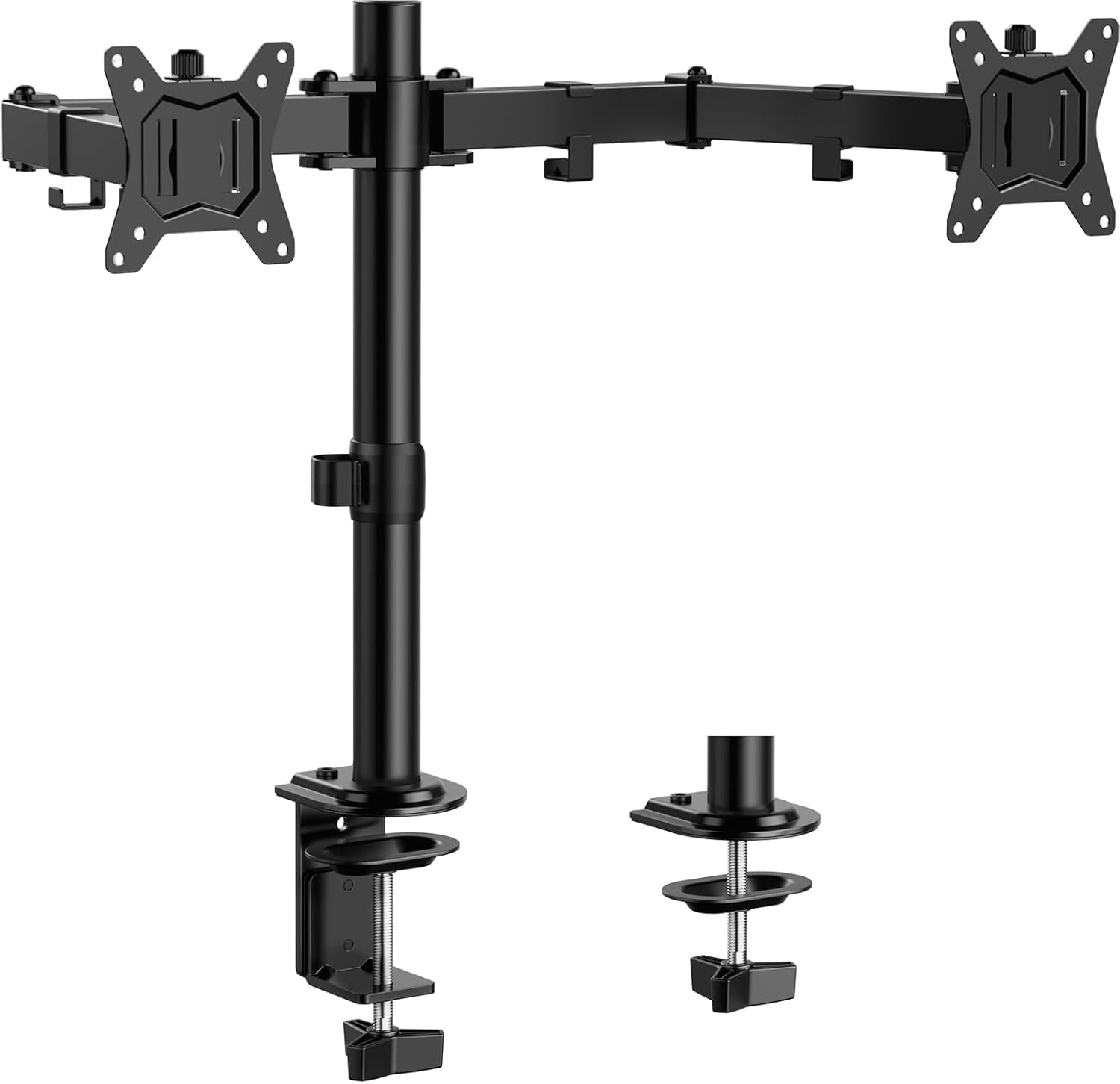
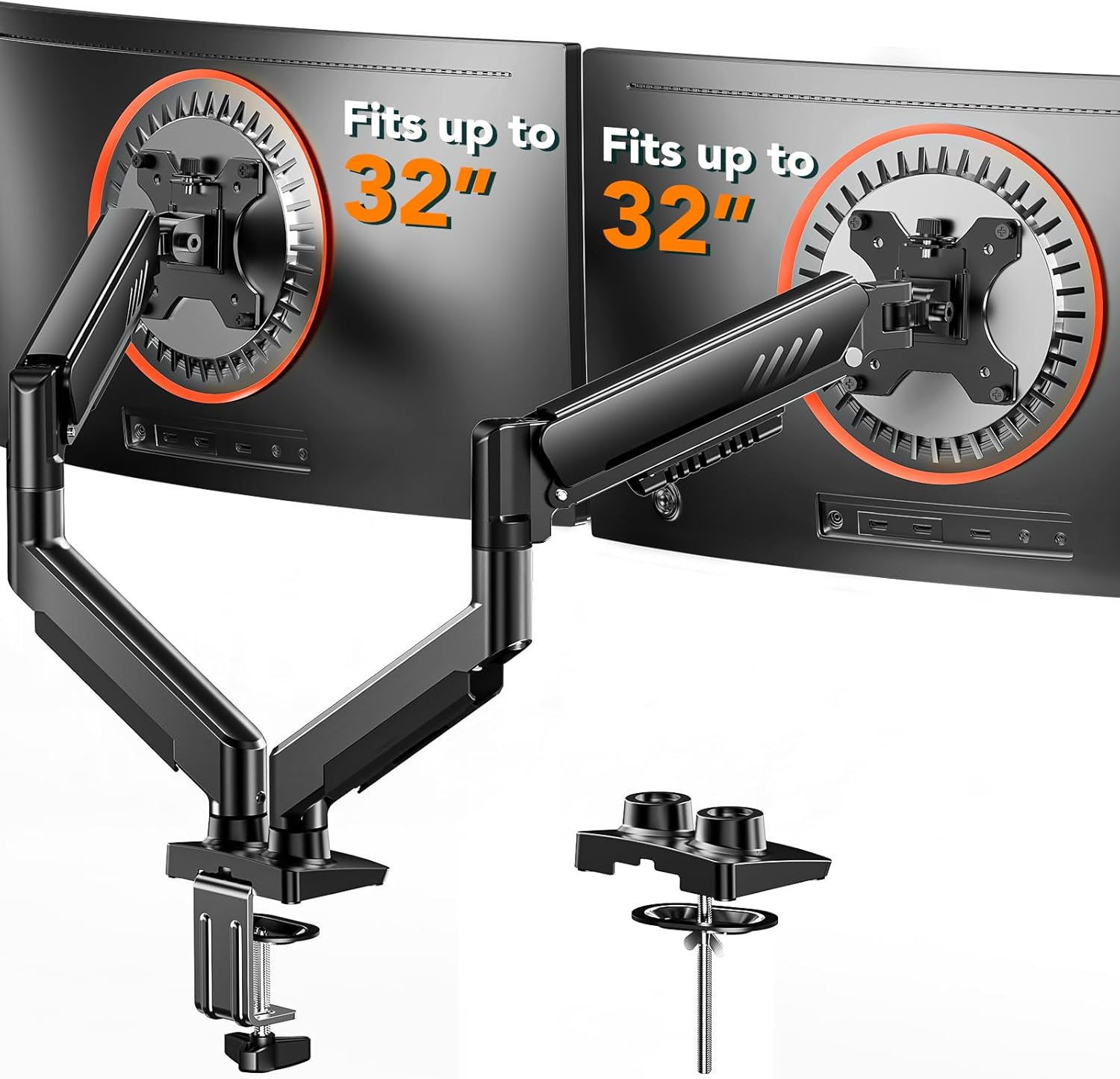
ErGear Dual Monitor Stand, Heavy Duty Adjustable Monitor Desk Mount for 2 Screens up to 32 Inches, Fully Adjustable Height, Tilt, Swivel, Rotate, Supports 17.6 lbs per Monitor Arm, Easy Installation
Budget conscious shoppers who need to fit larger screens up to 32 inches without spending much.
Supports screens up to 32 inches with a 31.22 inch wide arm span, giving generous horizontal reach at the most affordable price point in this set.
Per arm weight limit of 17.6 lbs is the lowest in the group, restricting use with heavier monitors.
Budget
- Fits screens up to 32 inches
- Generous 31 inch arm span
- Full tilt, swivel, and rotate adjustment
- Lowest weight capacity in this set
- 17.6 lb limit excludes heavier panels
The most affordable pick here and it stretches to 32 inch screens, though lighter monitors only.
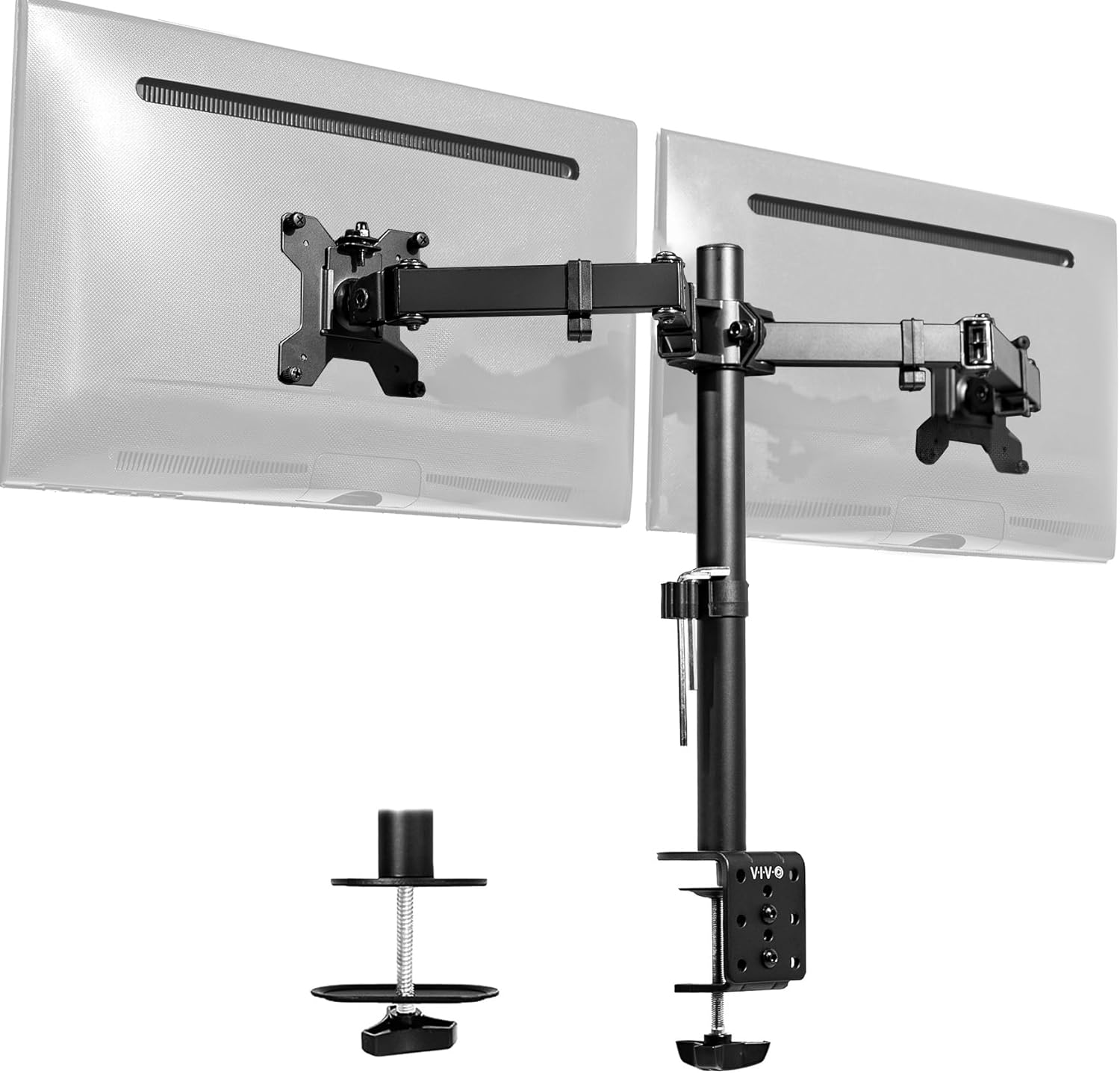
Buy on AmazonVIVO Dual Monitor Desk Mount, Holds 2 Computer Screens up to 30 inches and 22lbs Each, Heavy Duty Fully Adjustable Steel Stand with C-Clamp and Grommet, Black, STAND-V002
Desk setup builders who want broad screen compatibility and flexible articulation on a modest budget.
Offers full motion articulation with plus or minus 90 degree tilt, 180 degree swivel, and 360 degree rotation, plus built in cable management clips along the arms and center pole for clean routing.
Weight capacity tops out at 22 lbs per screen, which may not accommodate heavier ultrawide panels that some dual monitor builders use.
Budget
- Full motion articulation on both arms
- Built in cable management clips
- C clamp and grommet mounting options
- 30 inch screen size ceiling limits ultrawide users
- 22 lb per arm weight cap excludes heavier monitors
A capable, fully articulating dual mount with solid cable management built right in.
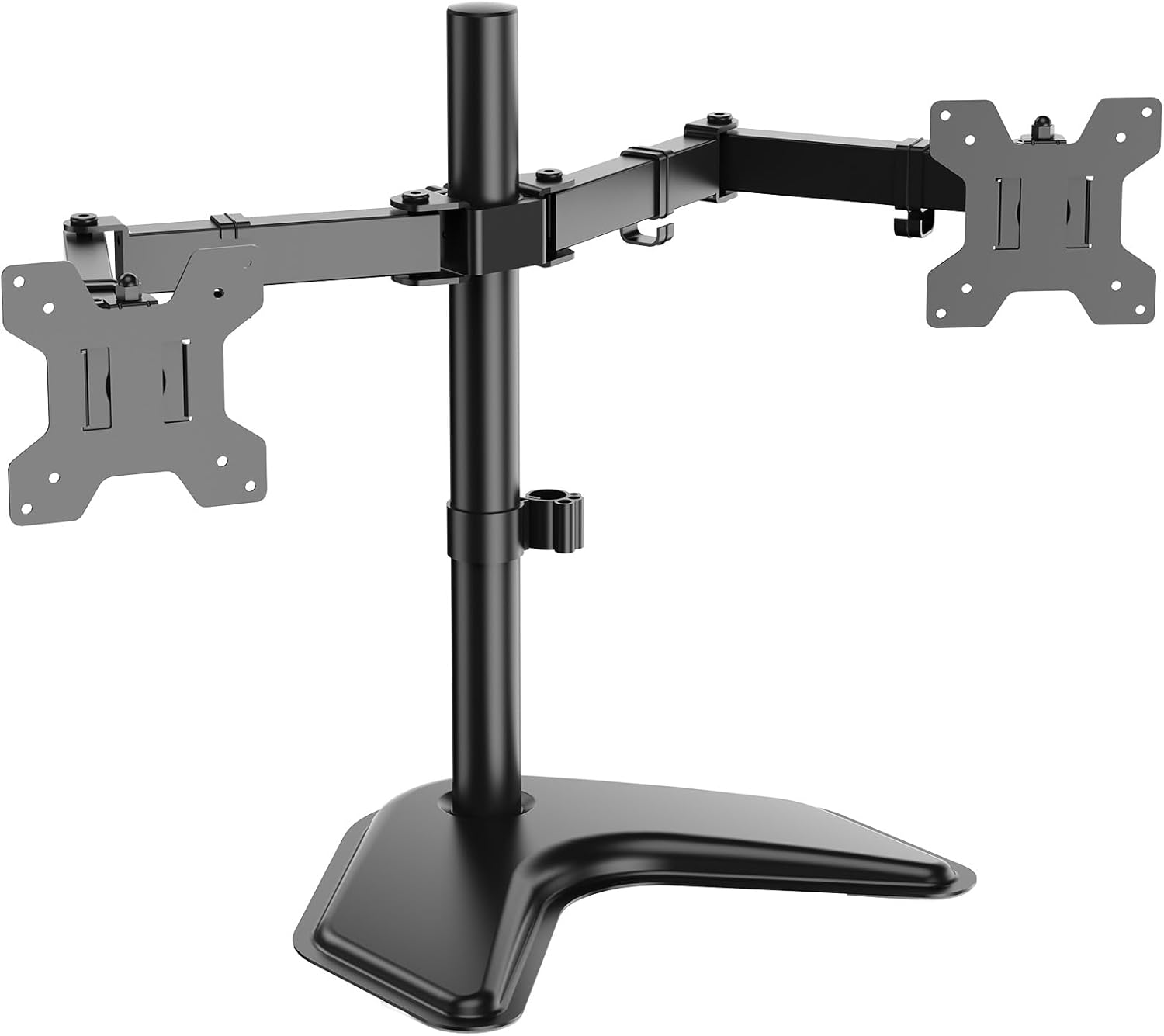
Buy on AmazonWALI Dual Monitor Stand for Desk, Monitor Stands for 2 Monitors up to 27 inch, Dual Monitors Mount Fits up to 22lbs, Free Standing Full Motion Dual Monitors Arm for Desk (MF002), Black
Users who cannot clamp or drill their desk and need a truly freestanding solution with no desk attachment.
Uses a freestanding V base that sits directly on any desk surface, removing the need for clamps or grommet holes entirely.
Tops out at 27 inch screen support, the smallest maximum screen size in the set, limiting future display upgrades.
Budget
- Freestanding V base, no clamp needed
- Full motion height adjustable arms
- Detachable and adjustable mounting plates
- 27 inch maximum screen size is smallest in this set
The go to pick when desk clamping is not an option, though screen size support is limited.
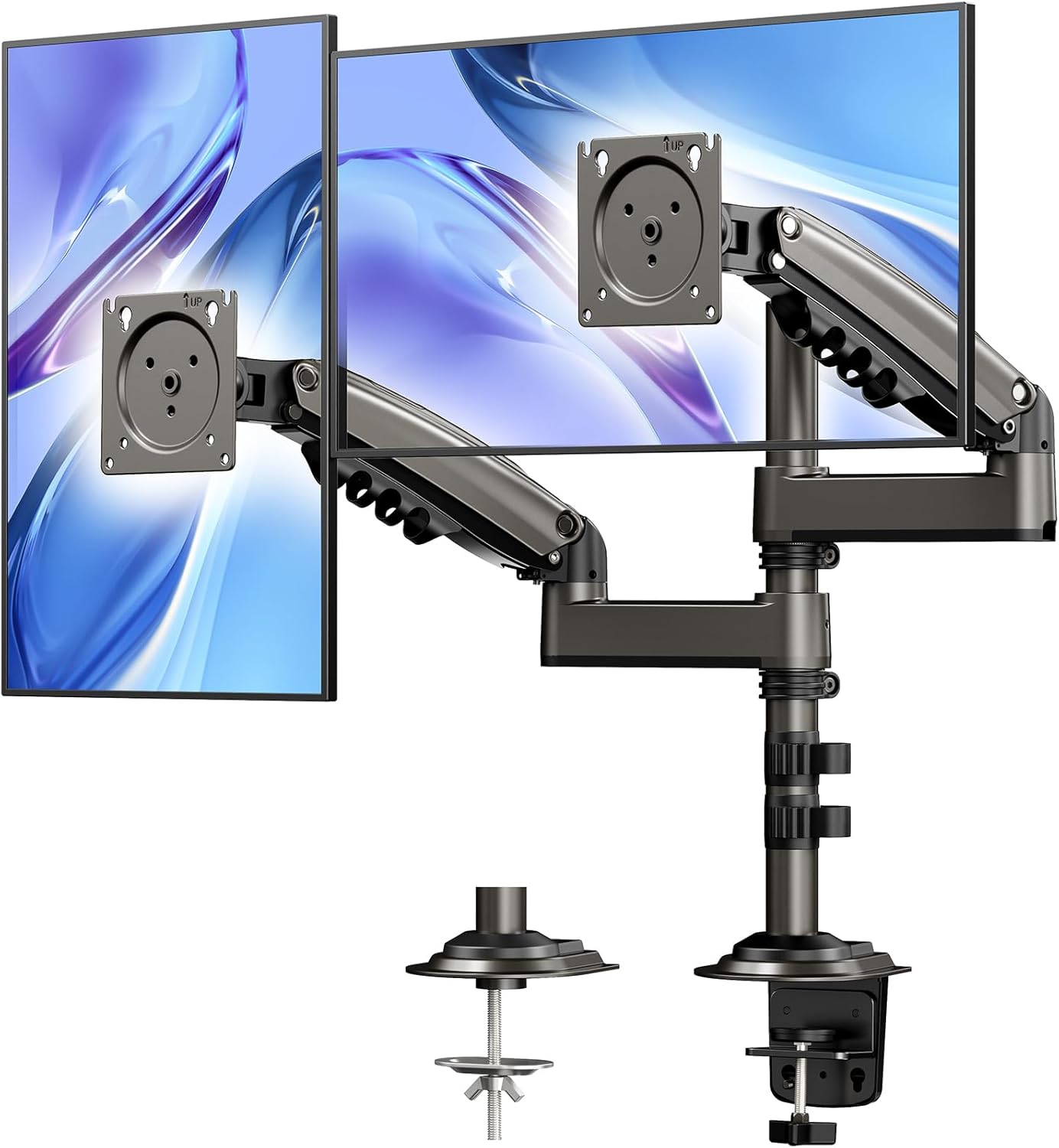
Buy on AmazonHUANUO 17-32 Inch Dual Monitor Stand, Vertical Dual Monitor Mount, Monitor Stand 2 Monitors, Ergonomic Adjustable Tilt/Swivel/Rotate, Weight Max 19.8 lbs, VESA 75/100mm
Ergonomics focused users who want stacked vertical monitor positioning with premium build quality.
Designed specifically for vertical dual monitor stacking, a unique configuration that saves horizontal desk width and suits coding or research workflows.
The priciest option on this list, sitting noticeably above all other picks in the set.
Premium
- Vertical stacking configuration saves desk width
- Supports screens up to 32 inches
- Full tilt, swivel, and rotation adjustment
- Most expensive pick in this set
- Minimum weight of 4.4 lbs means very lightweight monitors may not be compatible
The only vertical stacking mount in this set and worth the premium for users who want that specific layout.
Buy on AmazonErGear Dual Monitor Arm, Full Adjustable Monitor Mount for 13–32″ Screens, Fast Install Computer Monitor Stand with Tool-Free VESA Mount, Max Load 19.8 lbs, Max VESA 100x100mm
Setup builders who prioritize quick, tool free assembly and want to get both monitors mounted fast.
Features a tool free VESA plate that snaps on in three steps, making monitor swaps and initial installation significantly faster than traditional bolt on systems.
Maximum VESA pattern is capped at 100x100mm, so monitors requiring larger VESA patterns are not supported.
Mid-range
- Tool free VESA mounting in three steps
- Fits flat and curved monitors up to 32 inches
- Heavy duty build supporting up to 19.8 lbs
- Only supports up to 100x100mm VESA patterns
- No mention of built in cable management features
The fastest mount to install in the set thanks to its tool free VESA plate system.
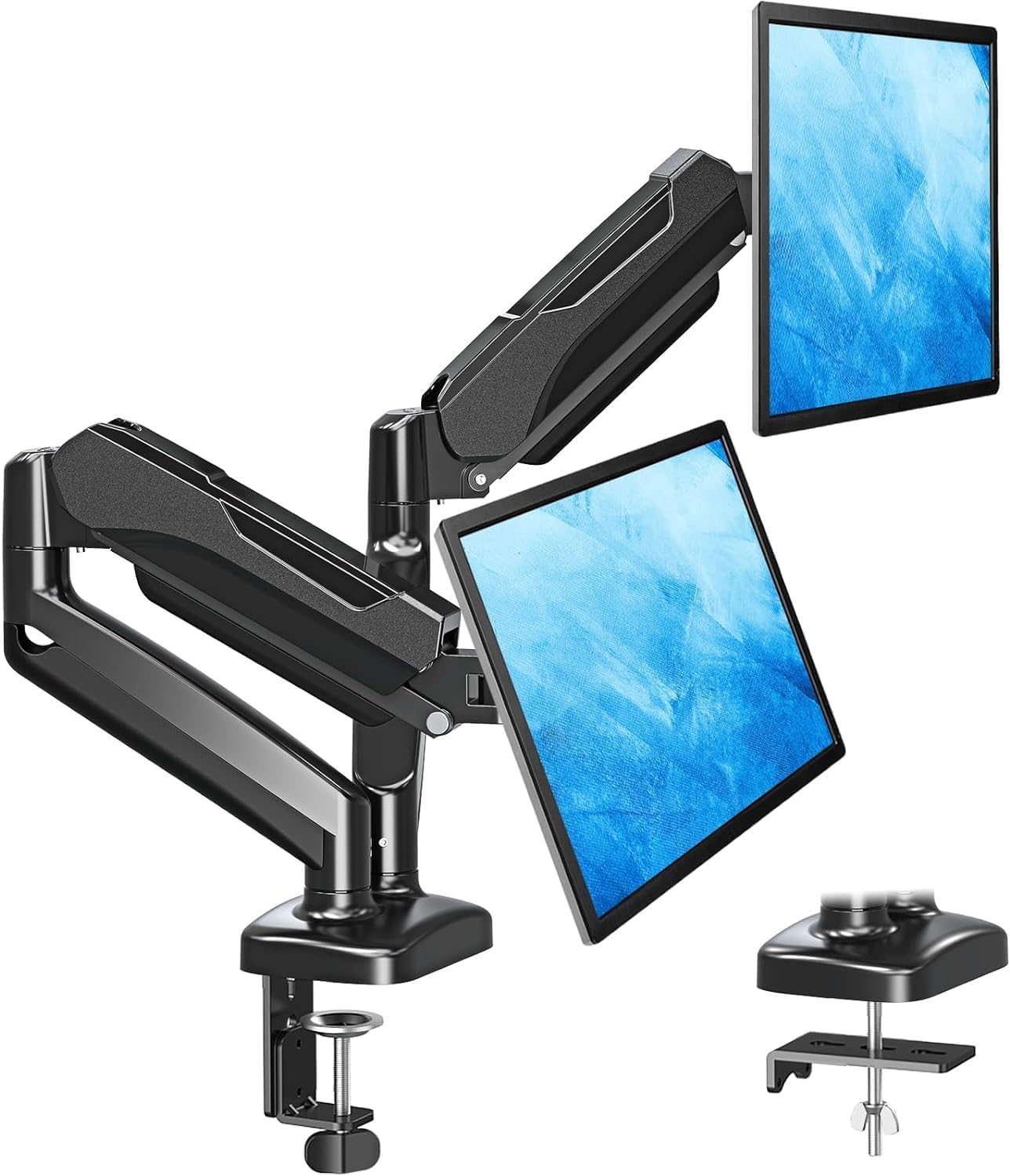
Buy on AmazonMOUNTUP Dual Monitor Stand for Desk, Monitor Arms for 2 Monitors 32 27 24 22 Inches, Height Adjustable Double Monitor Mount, VESA Mount with C-Clamp & Grommet Base, Holds 4.4-17.6lbs
Users pairing two large curved or flat monitors up to 32 inches who want both C clamp and grommet mounting flexibility.
Explicitly confirmed for both flat and curved monitors from 17 to 32 inches, making it reliable for the growing number of curved panel users in dual monitor setups.
Per arm weight capacity of 17.6 lbs is on the lower end, shared only with the ErGear freestanding model, and may not suit heavier displays.
Mid-range
- Explicitly compatible with curved monitors
- C clamp and grommet base options included
- Covers 17 to 32 inch screen range
- 17.6 lb per arm weight limit excludes heavier monitors
A solid choice for curved monitor pairings with flexible desk attachment and broad size coverage.
Buy on AmazonSetting up a dual monitor workspace does not have to be overwhelming. Whether you are starting fresh or just looking to tighten up your current setup, even one or two upgrades from this list can make a real difference in how your desk looks and feels. A solid monitor arm, some thoughtful cable routing, or the right bias lighting can completely transform your daily work experience. Take a look at the options that caught your eye and see what fits your space and budget best. We hope this made your search a little easier. Thanks for reading!
Frequently asked questions
How do I know if my monitors are compatible with a dual monitor arm before buying?
Check the back of each monitor for a VESA mounting pattern, which is a grid of four screw holes measured in millimeters. The most common patterns are 75x75mm and 100x100mm, and most arms in this roundup, including the HUANUO and both ErGear models, support both of those sizes. You also need to confirm each monitor falls within the arm’s weight and size limits: for example, the VIVO STAND-V002 handles screens up to 30 inches and 22 lbs each, while the MOUNTUP tops out at 17.6 lbs per side. If your monitor has an integrated stand that cannot be removed, it almost certainly cannot be mounted on an arm.
What type of desk clamp attachment works best for a dual monitor setup?
The right attachment depends on your desk construction. A C-clamp grips the desk edge and works on most standard desks without any drilling, making it the faster and more reversible choice. A grommet mount threads through an existing hole in the desk surface and tends to feel more secure on thicker or glass-top desks where a C-clamp may not get enough bite. Several arms here, including the VIVO STAND-V002 and the MOUNTUP, include both hardware options so you can choose based on your desk. If your desk has no grommet hole and you prefer not to drill, a C-clamp is the practical default.
Is a free-standing dual monitor mount or a clamp-based arm better for a home office desk?
Free-standing bases like the WALI MF002 sit on the desk surface and require no attachment to the desk at all, which makes them ideal for rental setups, glass desks, or anyone who rearranges frequently. The tradeoff is that they take up footprint on the desk surface and can shift if bumped. Clamp-based arms anchor to the desk and free up more surface area underneath, which is a real advantage in tighter workspaces. If desk real estate and cable routing are priorities, a clamped arm is usually the more efficient long-term choice.
How adjustable do these monitor arms actually need to be for an ergonomic dual screen setup?
For an ergonomic setup, you need at minimum independent height adjustment, tilt, and swivel on each arm so you can position both screens at eye level and angle them inward toward your line of sight. Rotation (portrait mode) is a bonus if you work with documents or code where a vertical layout helps. Arms like the ErGear Dual Monitor Stand and the HUANUO offer tilt, swivel, and rotation on each head independently, which matters more with two screens than one because the ideal angle for each side differs. A fixed or limited-range arm can force awkward neck positioning over a full workday, so prioritizing full-motion adjustment is worth it.
How difficult is it to set up a dual monitor arm, and what tools are typically needed?
Most dual monitor arms in this category are designed for a straightforward install that takes roughly 20 to 40 minutes without specialized tools. The typical process involves attaching the base clamp or grommet, threading cables through the arm channels if routing is supported, and securing each monitor using the included VESA hardware. The ErGear Dual Monitor Arm specifically advertises a tool-free VESA mounting head, which speeds up the monitor attachment step. The trickiest part for most people is tightening the arm joints to match the weight of their specific monitors so screens hold position without drooping over time.